SUPREMATouch
52
Operation of the System
MSA
US
Status [Status of this cell]
Field type: Display
This field displays the status of the cell used for data saving. This status shall always be “protect-
ed” so no data can be changed. The following fields are simply display fields.
Node
Field type: Number input [Locked]
Nodes are defined for each 5% increment along the X axis. A typical linearity curve is shown in
the diagram on the right.
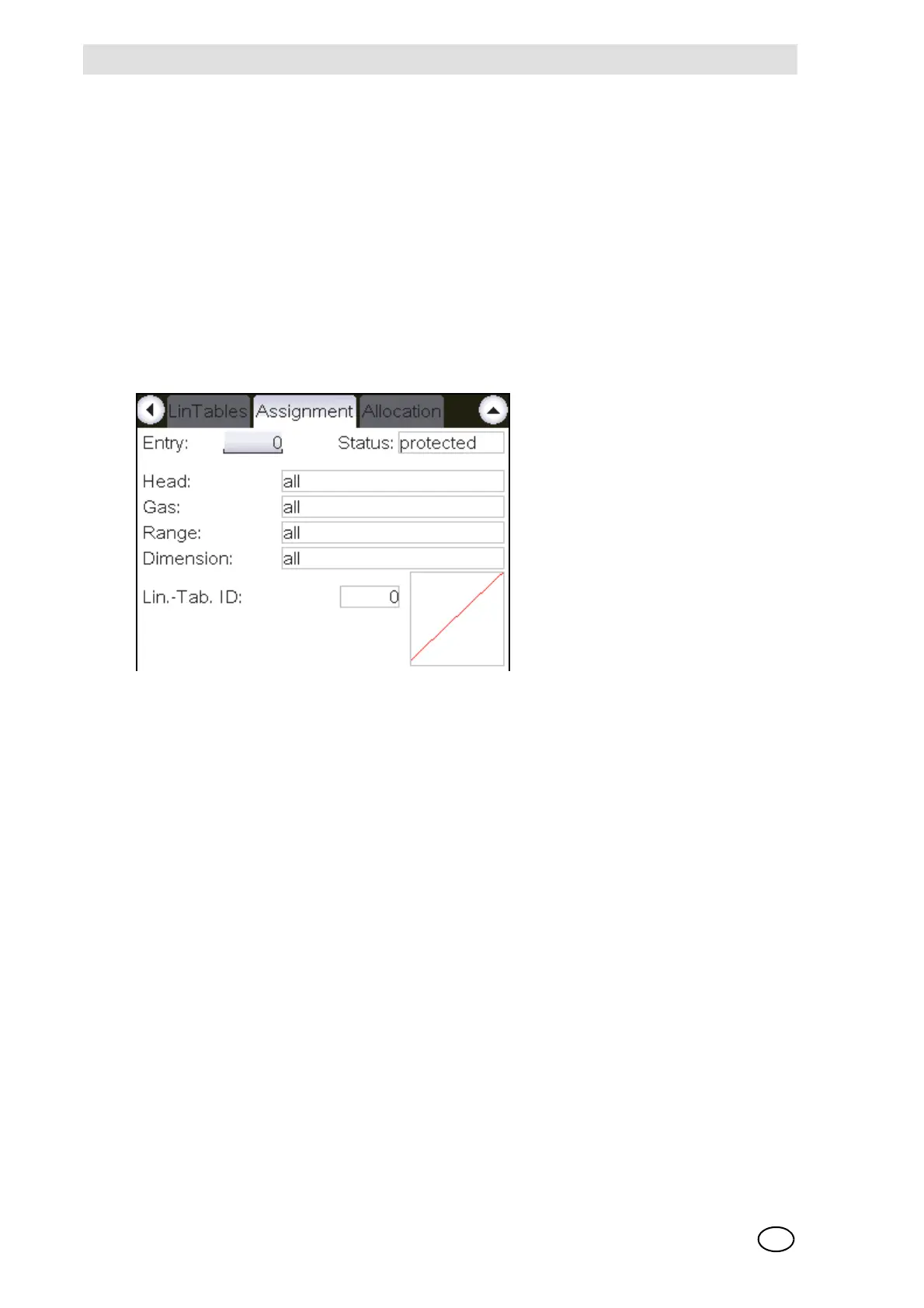
Assignment
Fig. 26 “Assignment” window
This window makes it possible to view assignments of the sensing heads, gases, ranges, dimen-
sions and linearisation tables.
In the assignment window, all used entries are sorted in a descending sequence of their cell
number. When the parameters for sensing head, gas, measuring range and dimension match the
values of the corresponding measuring point for the first time, the linearisation table to be used is
assigned for the measuring point.
The functions of the individual fields are described below:
Entry [Number of this cell]
Field type: Selection
An assignment entry can be selected by means of its cell through this field.
Status [Status of this cell]
Field type: Display
This field displays the status of the cell used for data saving. This status shall always be “protect-
ed” and so no data can be changed.



 To Next Page