Operation of the System
SUPREMATouch
61
US
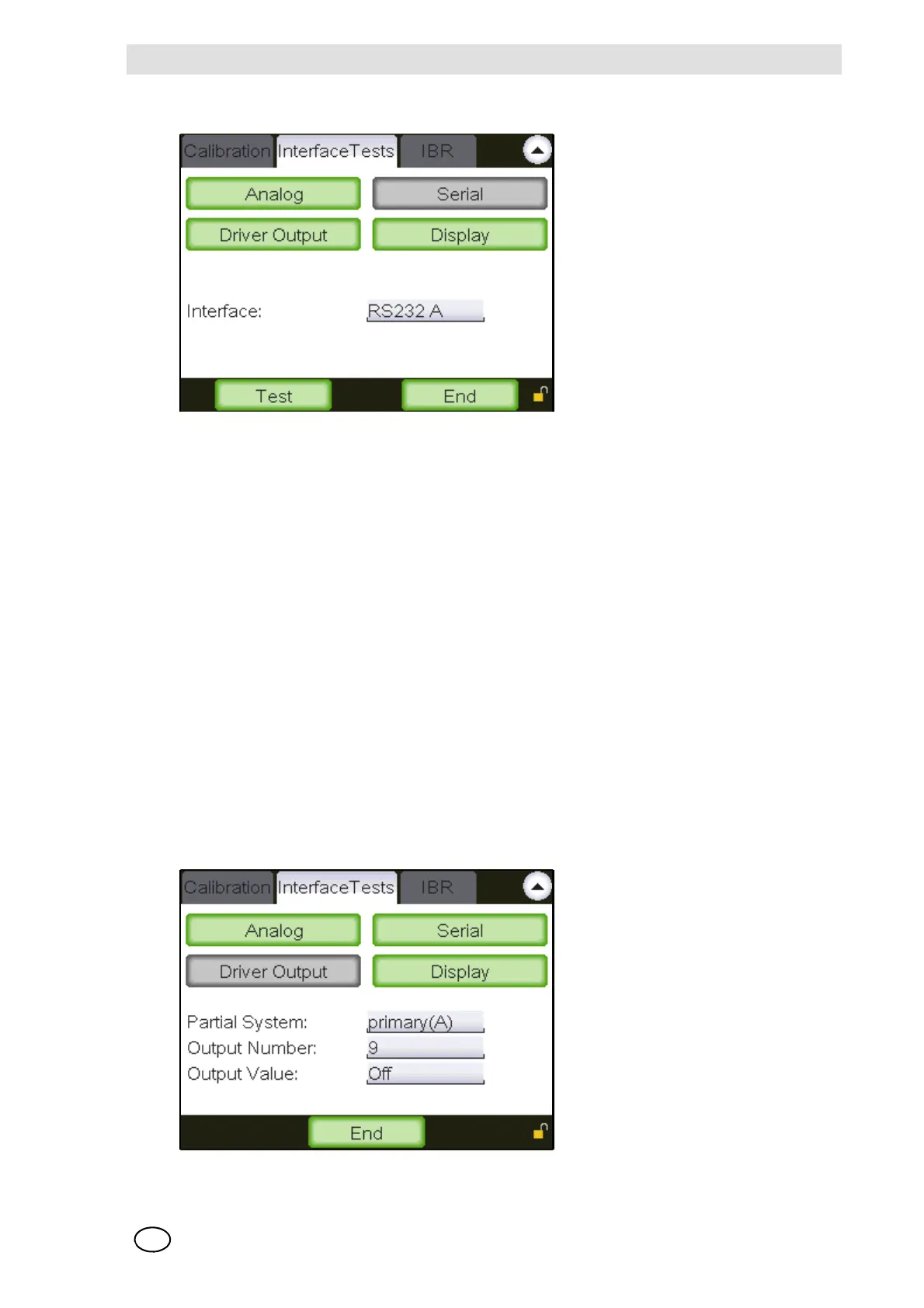
Test of the serial interfaces
Fig. 32 Test of the serial interfaces
From the list of interfaces in the SUPREMATouch, an interface can be selected. As soon as this
interface has been selected, its normal function is inhibited. Therefore, this test can not be carried
out via PC/laptop for all serial interfaces.
In this test [RS232 A and RS232 B], the system failure is activated after approximately 3 seconds.
NOTE: Every time the “Test” button is tapped, a test text consisting of all printable characters is
sent to the interface. The text is started by the “Carriage-Return” character and terminated by
“Line-Feed”.
By selecting another interface or by tapping the “End” button, the interface inhibit is removed.
Test of the digital driver outputs
After an output driver has been selected by its appropriate ‘Partial System’ and output number,
the normal output of this driver is inhibited. With the “Output value” field the output test value can
be changed. The value set is displayed directly at the output selected. After finishing the test tap
the “End” button, or start testing another driver output. The normal status of the previous driver
output is automatically restored.
NOTE: This test may trigger alarm devices connected to the system!
Fig. 33 Test of the digital driver interfaces



 To Next Page