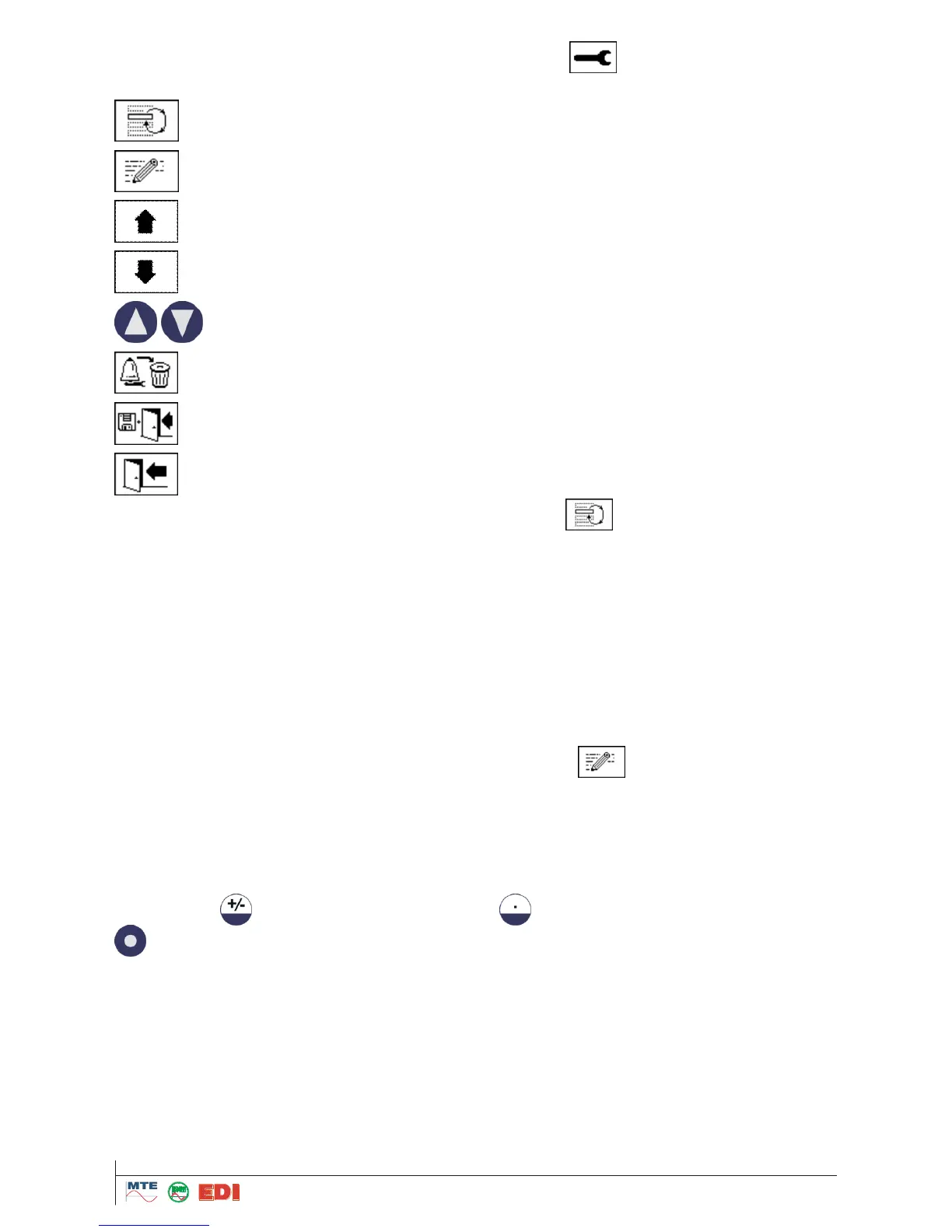
Following alarm settings can be chosen by pressing the button :
High: An alarm is triggered when Level 1 is exceeded.
High-High: An alarm in 2 steps is triggered. The first alarm is triggered when Level 1 is ex-
ceeded; the second alarm is triggered after exceeding Level 2.
Low: An alarm is triggered when a value falls below the limit defined in Level 1.
Low-Low: An alarm in 2 steps is triggered. Step 1 is alarm is triggered when the measured value
falls below the limit defined in Level 1, the second alarm is triggered below Level 2 when the
measured value falls below the limit defined in Level 2.
Low-high: An alarm in 2 steps is triggered. Step 1 is triggered when the measured value falls be-
low the limit defined in Level 1, the second alarm is triggered after exceeding Level 2.
Range: An alarm is triggered when the measured value is between the limits defined in Levels 1
and 2.
The alarm limits are edited by arrow keys and confirmed by the button and the alphanumeric
keyboard. The quantity is defined by the unit. This is “ppm” for gas concentration and „°C” for tem-
peratures and for external sensors the unit defined for the respective sensor (e.g. Volt, Ampere ...).
The alarm limits must be within the corresponding measuring ranges. This is 0...2000 ppm for gases,
0...+100°C for temperatures and for external sensors the limit is defined for the respective sensor.
Delays (Delay1...2) can be programmed to suppress alarms if the limits are exceeded only for a
short time. Input of delay time is made in seconds or by a button in days – hours – min - seconds.
For minus the button and for a double point the button are used. After confirmation by the
button, the value will be converted and displayed in days –hours – min - seconds.



 To Next Page