MP7505 Series User Manual
5. Panel Operation
Channel Setting
Select the channel for configuration
Before configuring waveform parameters, you must select the channel you want to
configure. Press CH1 or CH2 to select the corresponding channel, and the
corresponding channel area in the user interface will light up.
Turn on/off channel output
Press CH1 On/Off or CH2 On/Off button on the front panel to turn on/off output of
the corresponding channel. The backlight of the button will be lit when the
corresponding channel is tuned on.
Inter-channel
The instrument can copy the parameters of one channel to the other. If frequency or
amplitude of both channels are synchronized, when you change the parameter of
either channel, the parameter of the other channel is set to the same value.
(1) Press
on the front panel to display the inter-channel menu.
(2) Press CH2 To_CH1 to copy parameters of CH2 to CH1.
(3) Press CH1 To_CH2 to copy parameters of CH1 to CH2.
(4) Press FreqSync to toggle between On and Off. At on status, the frequency of the
two channels can be adjusted synchronously.
(5) Press AmpSync to toggle between On and Off. At on status, the amplitude of the
two channels can be adjusted synchronously.
(6) Press AlignPhase to align the phase of two channel signals.
Waveform Setting
Sine, square, ramp, pulse, noise, arbitrary or harmonic waves can be set and output.
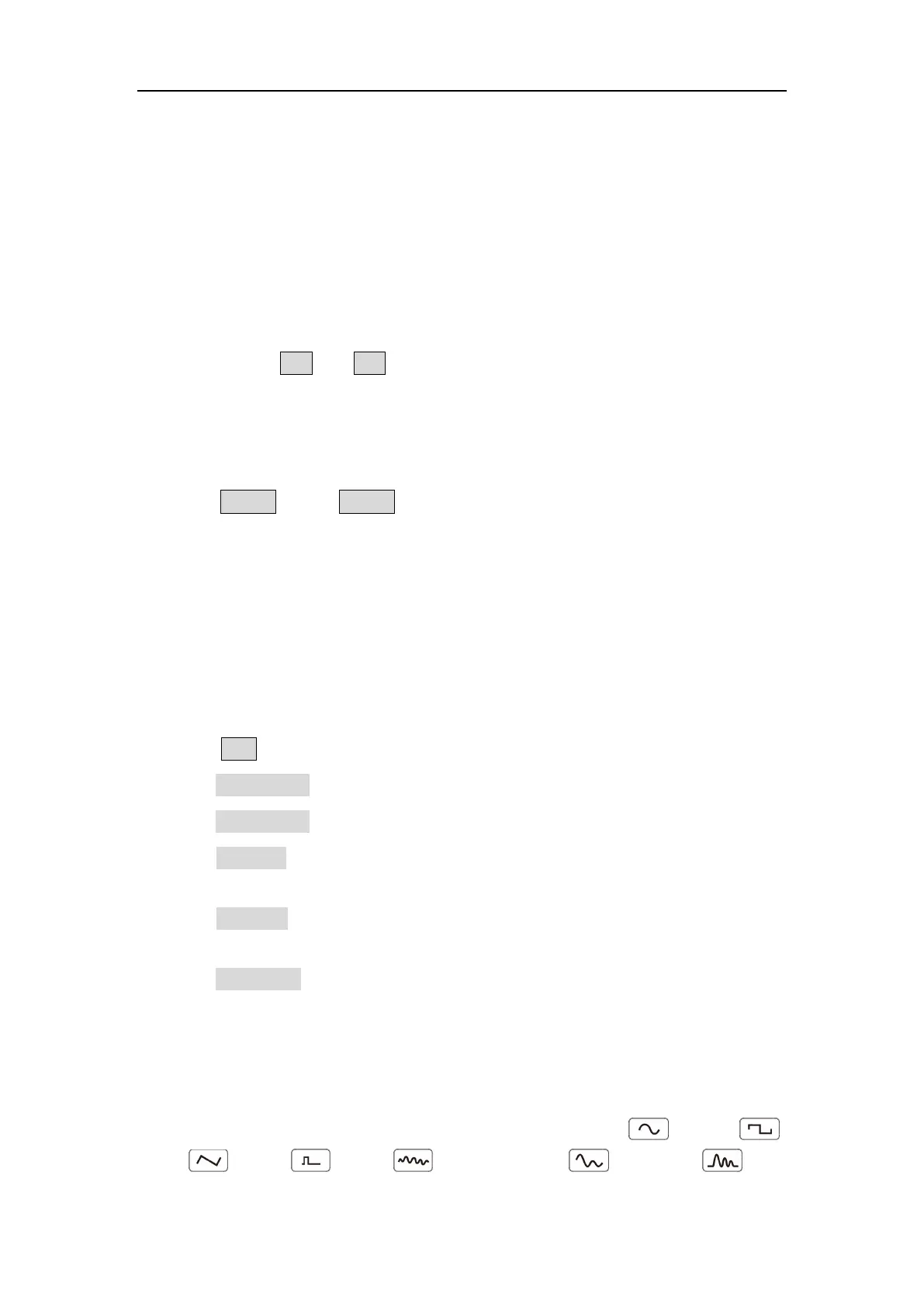
Press the waveform selection button on the front panel: sine , square ,
ramp , pulse , noise , arbitrary wave , harmonic , and
enter the corresponding waveform setting interface. The waveform is different and



 To Next Page