MP7505 Series User Manual
Restore to the factory setting
(1) Press the front panel Preset function key to enter the preset menu.
(2) Press the ResetSet softkey to select Factory.
(3) Press the Reset softkey, and then press the OK softkey to restore the generator
to the factory default settings.
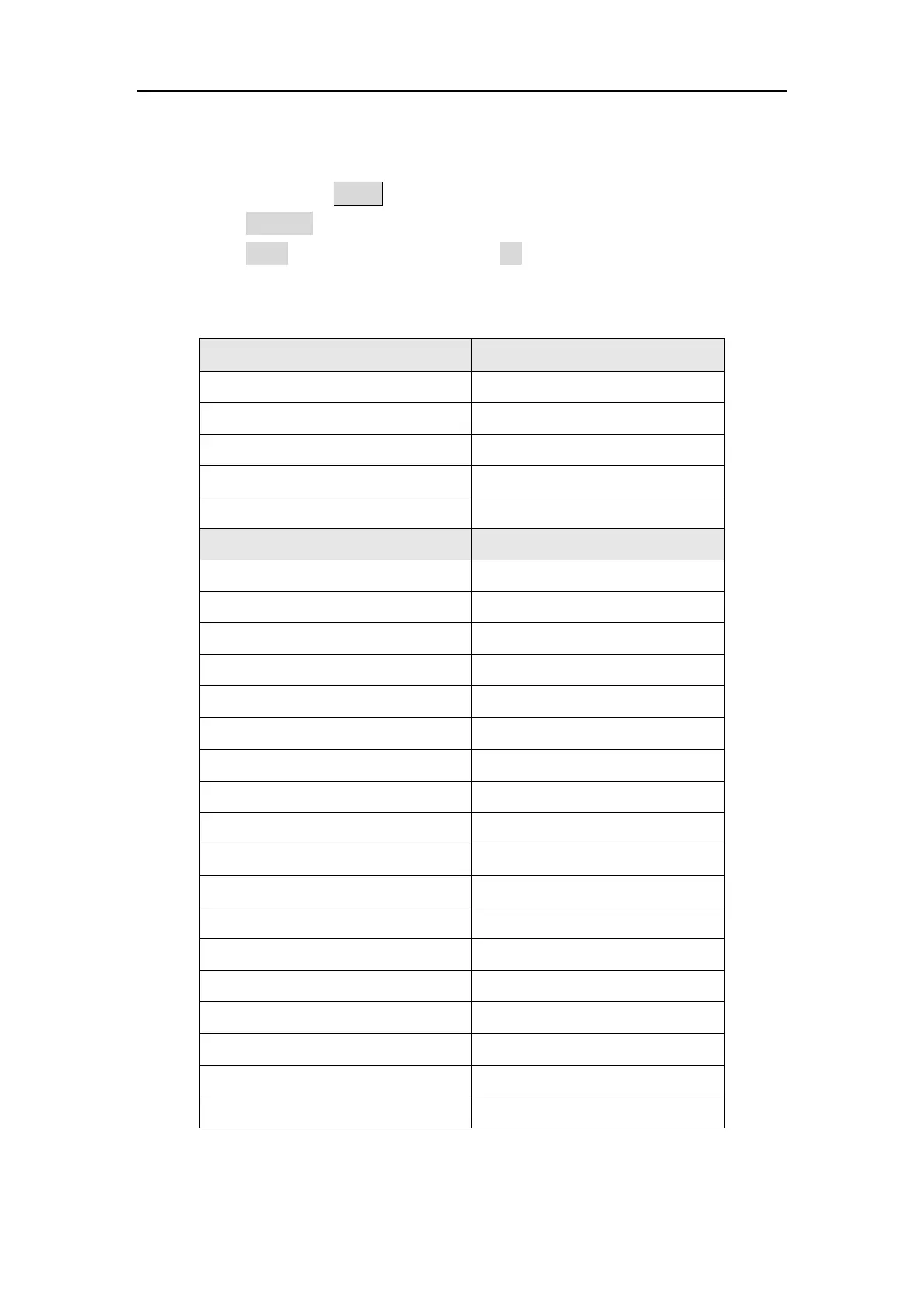
Table 5-1: The factory default settings
Output Configuration Factory Setting
CH1 signal output switch Off
CH2 signal output switch Off
Function Sine
Frequency 1 kHz
Amplitude/Offset 1 Vpp / 0 Vdc
Basic Waveform Factory Setting
Frequency 1 kHz
Period 1 ms
Amplitude 1 Vpp
Offset 0 V
High Level 500 mV
Low Level -500 mV
Start Phase 0°
Ramp Wave Symmetry 50%
Pulse Width 200 us
Pulse Duty Cycle 20%
Pulse Rising Time 1.953125 us
Pulse Falling Time 1.953125 us
Build-in Wave X^2
Harmonic Wave Type Even
Harmonic Wave Order 2
Harmonic Wave SN 2
Harmonic Wave Amplitude 1 Vpp
Harmonic Wave Phase 0°



 To Next Page