MP7505 Series User Manual
Set the pulse width/duty cycle
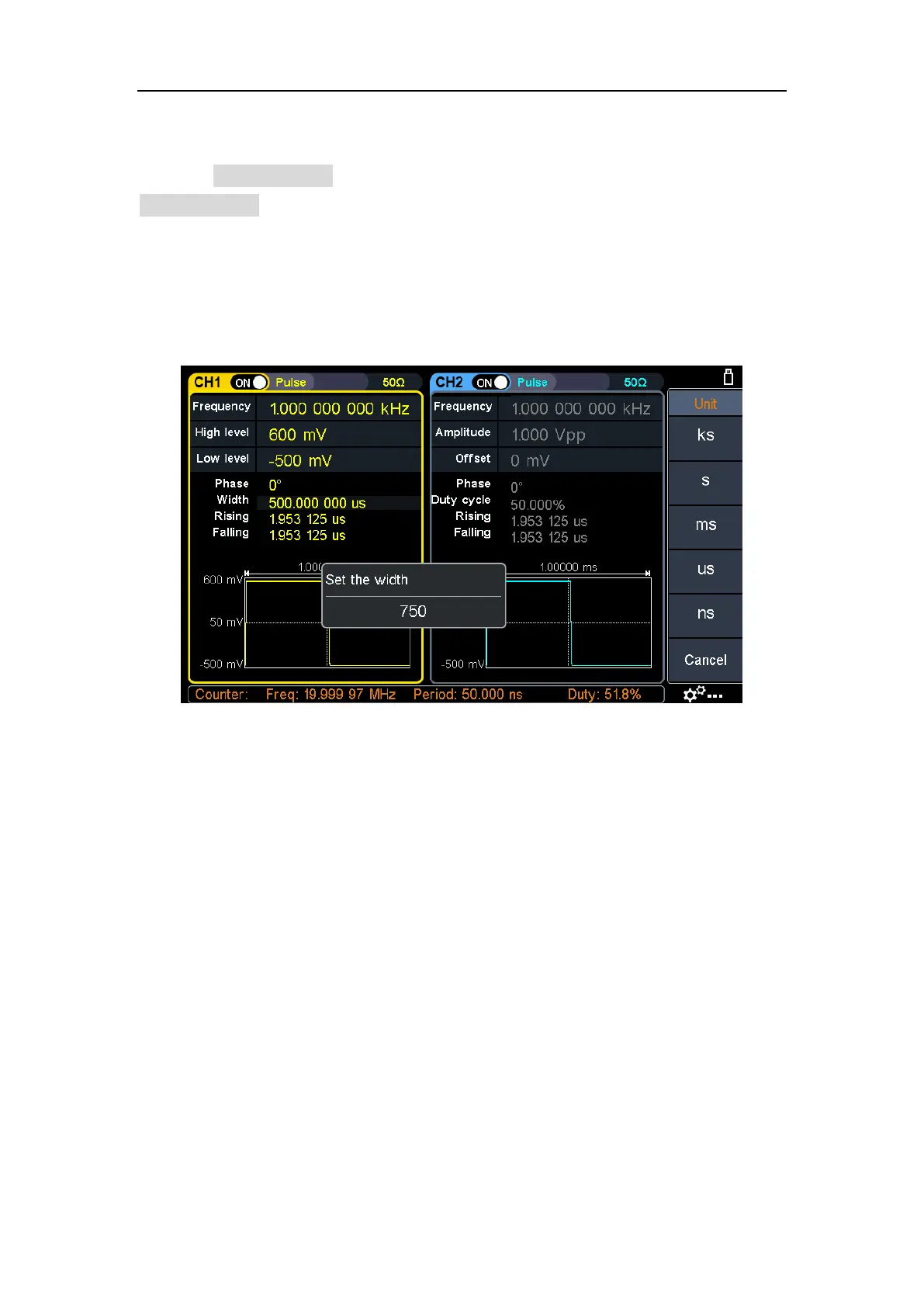
Press the Width/DutyCyc softkey, the chosen menu item is highlit. Press the
Width/DutyCyc softkey to switch between Pulse Width and Duty Cycle. In Parameter
5 of Figure 5-6, a blinking cursor appears in the parameter value. Turn the rotary
control to change the value directly, or use the numeric keypad to input the desired
value and choose the unit.
Figure 5-7: Set the pulse width



 To Next Page