MP7505 Series User Manual
Yellow Trigger button: CH1 manual trigger button. In sweep
or burst mode, when the trigger source i
s selected as
“Manual”, each press of this button will initiate a trigger.
On/Off button: Turns the output of the CH1 channel on or off.
When the output is turned on, the backlight of the button
lights up.
15 Waveform
Selection area
Includes: Sine , Square , Ramp , Pulse ,
Noise , Arb Wave , Harmonic Wave
. When a
waveform is selected, the corresponding backlight is lit.
16 USB interface
Connect with external USB devices, e.g. U disk.
17 Power button
Turn on/off the waveform generator.
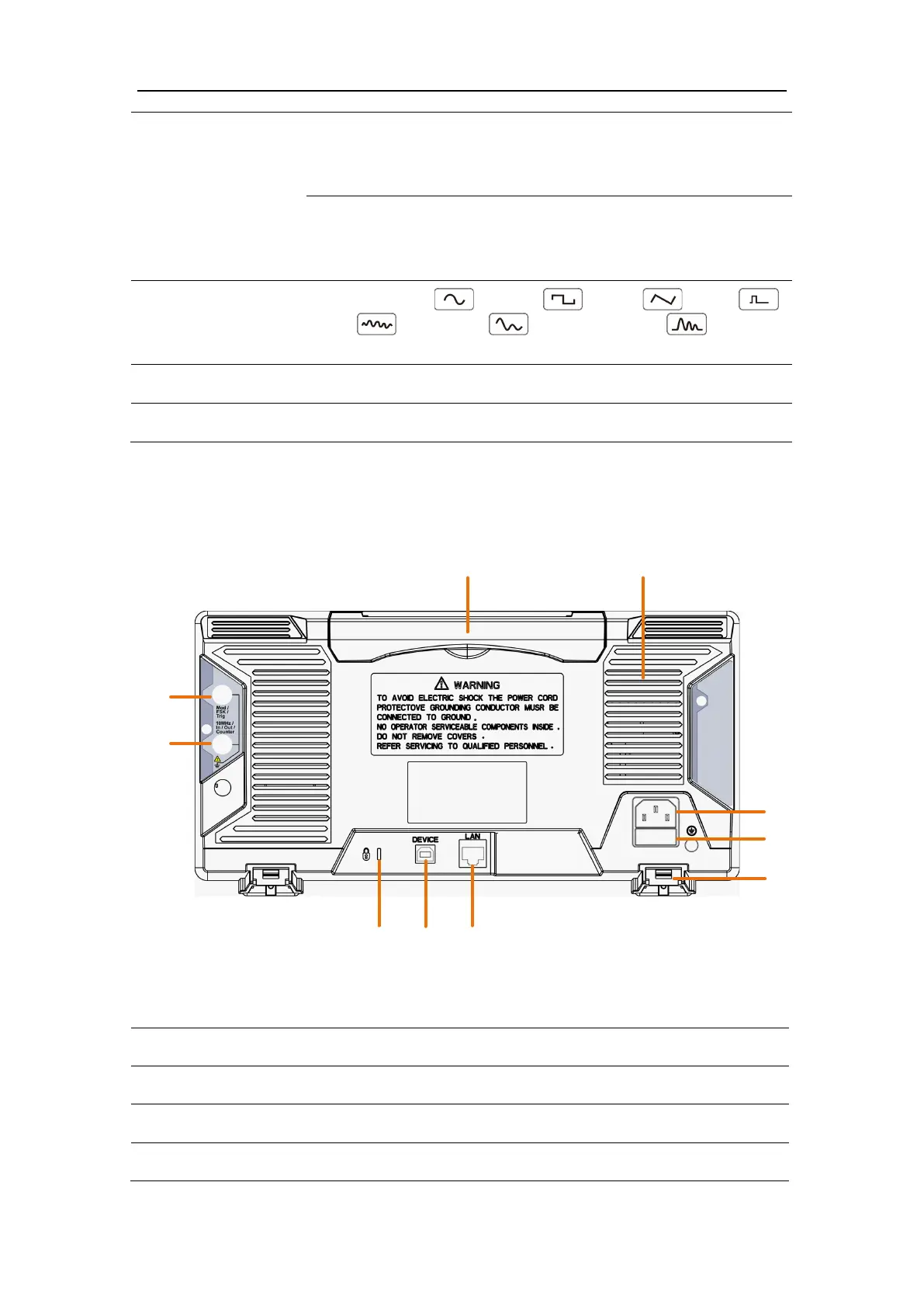
Rear Panel Overview
Figure 4-2: Rear Panel Overview
AC input connector
The place to install the fuse



 To Next Page