MP7505 Series User Manual
support gated burst are Sine, Square, Ramp, Pulse, Noise and Arbitrary waveforms
(except DC).
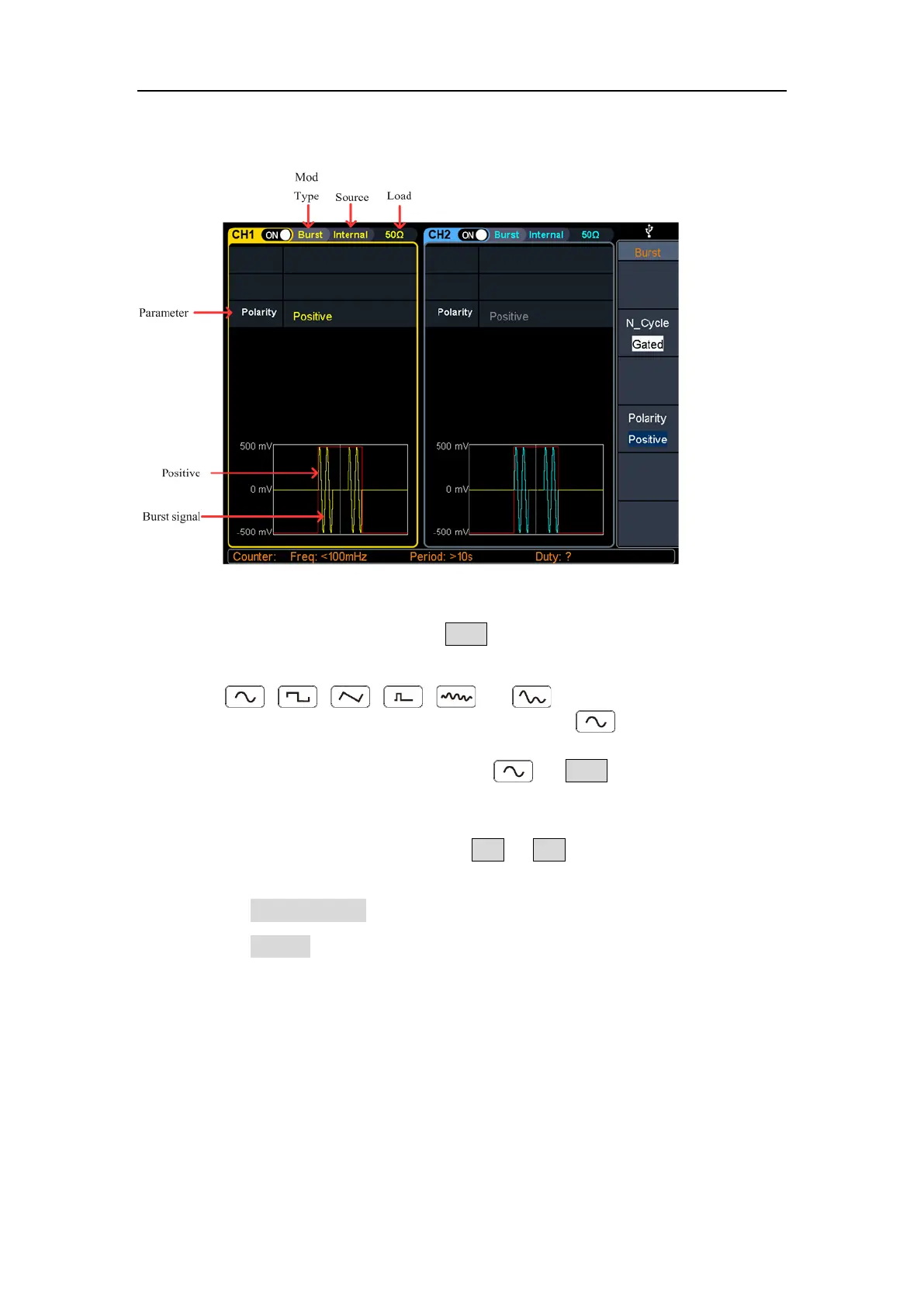
Figure 5-27: Gated burst user interface
(1) When the output signal is Sine, Square, Ramp, Pulse, Noise or Arbitrary wave
(except DC), press the front panel Burst function key to enter the burst mode
(the backlight of the key lights up).
(2) Press , , , , , or to select the bust waveform.
For example, when selecting a sine wave, press to display the burst
waveform and parameters, and change the parameters. For details, please refer
to Output Sine Wave on page 10. Press or Burst to return to the burst
mode interface.
Note: Before configuring the waveform parameters, you must first select the
channel you want to configure. Press CH1 or CH2 to select the corresponding
channel, and the corresponding channel area in the user interface will light up.
(3) Press the N_Cycle/Gated softkey to hightlight Gated.
(4) Press the Polarity softkey to set the gated polarity as Positive (or Negative). The
generator outputs burst waveform only when the gated signal is positive (or
negative). When the gated signal is true, the generator outputs a continuous
waveform; when the gated signal is false, the generator completes the current
period, and then stops and holds on the voltage level corresponding to the
initial burst phase of the selected waveform. For Noise waveform, the output
will stop immediately once the gated signal becomes false.



 To Next Page