Configuring the Printer8-166
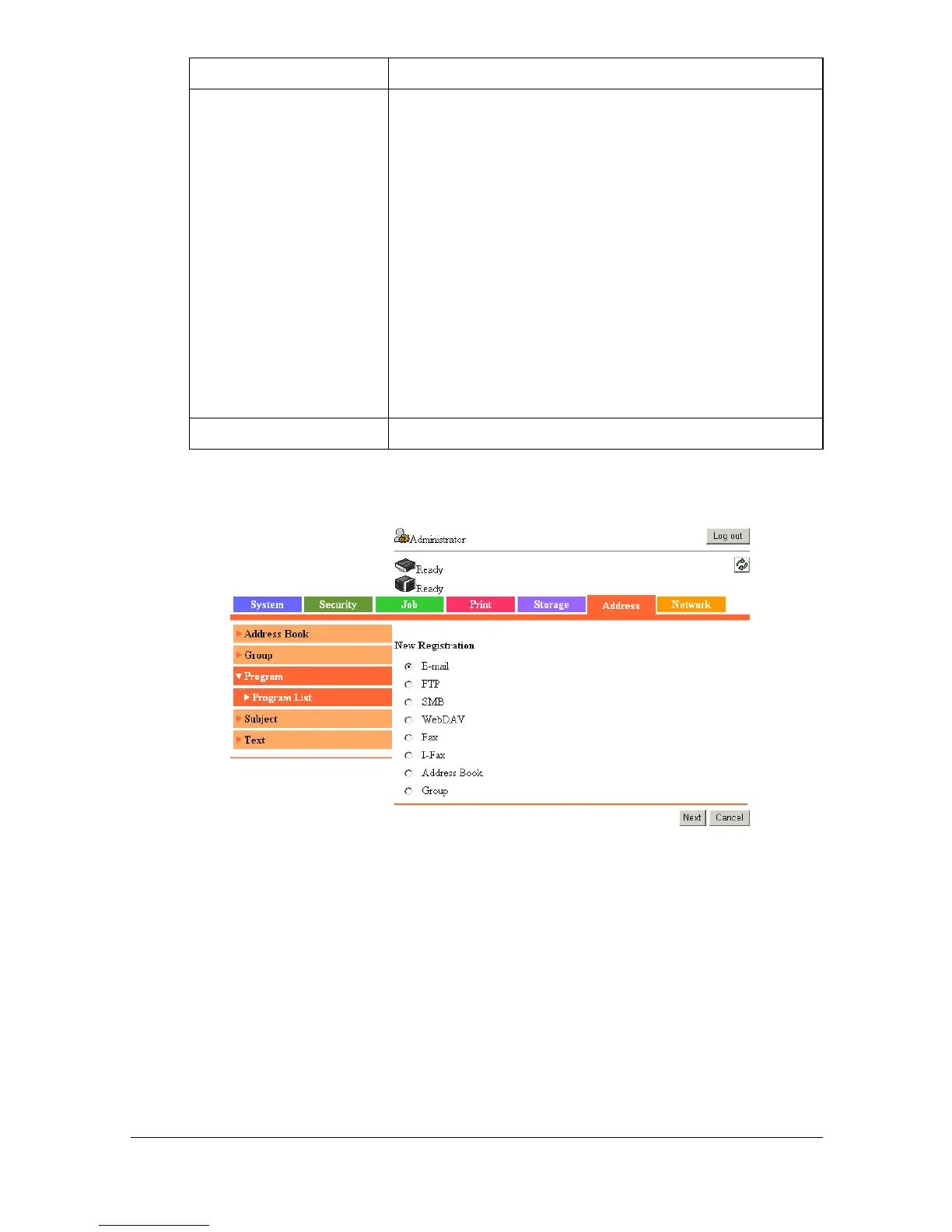
[Program List] ([New Registration])
The [Address] - [Program] - [Program List] - [New Registration] page allows
you to configure the following items.
[Edit] button Click to register a program destination or edit an
existing one.
If no program destinations have been registered
when this button is clicked, the [New Registration]
page appears. Select the communication method
for the program destination to be registered. For
details, refer to “[Program List] ([New Registration])”
on page 8-166.
If a program destination has already been regis-
tered when this button is clicked, the [Program Set-
tings] page appears. Change the settings for the
registered program destination. For details, refer to
“[Program Settings]” on page 8-171.
[Delete] button Click to delete the program destination.
Item Description


 To Next Page
 Loading...









