5.7.13 Solid Print Menu P.5-56
5.7 Adjustment Menu VJ1324E-M-02
5.7.13 Solid Print Menu
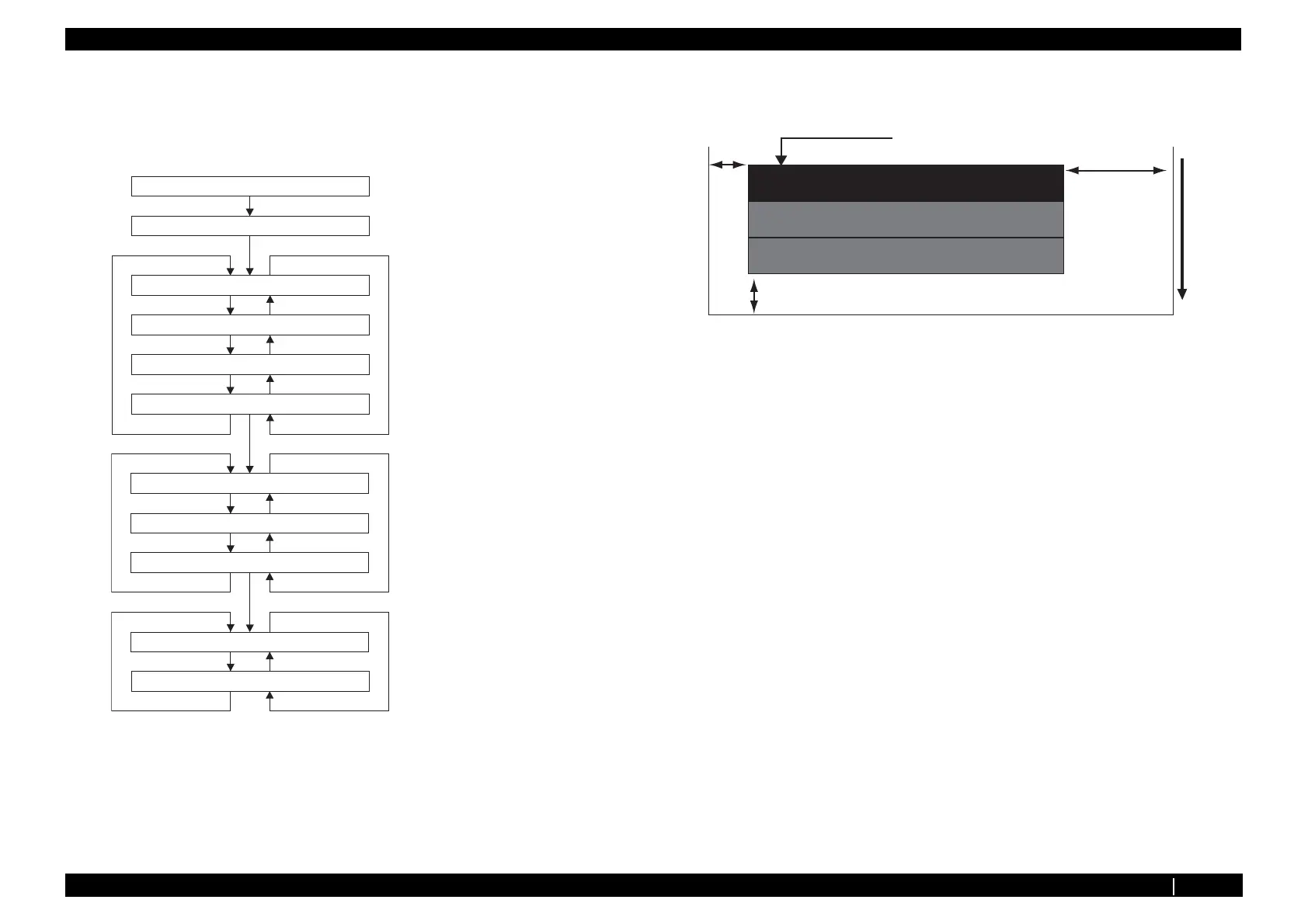
This menu is used to perform solid nozzle print check (color selection, nozzle selection and print
direction selection are available).
※ The pattern is printed in order of series A and series B, series B only, series A only
• A printed pattern is as follows.
(Settings 320cps、 VSD4、 Large dot)
=?-G[
=?-G[
㧰㨕㨞㧦㧯㨃
㧰㨕㨞㧦㧯㧯㨃
= ?-G[
= ?-G[
='PVGT?
=?-G[
=?-G[
=?-G[
㧺㨛㨦㨦㨘㨑㧦㧭㧸㧸
= ?-G[
= ?-G[
= ?-G[
㧺㨛㨦㨦㨘㨑㧦㧻㧰㧰
㧺㨛㨦㨦㨘㨑㧦㧱㨂㧱㧺
='PVGT?
=?MG[
=?MG[
=?MG[
=?MG[
㧯㨛㨘㨛㨞㧦㧷
㧭㨐㨖㧚㧝㧠㧦㧲㨕㨘㨘㧼㨍㨠㨠㨑㨞㨚
㧯㨔㨑㨏㨗ޓ㧠㧦㧭㨐㨖㨡㨟㨠㨙㨑㨚㨠
= ?MG[
= ?MG[
= ?MG[
= ?MG[
㧯㨛㨘㨛㨞㧦㧯
㧯㨛㨘㨛㨞㧦㨅
㧯㨛㨘㨛㨞㧦㧹
='PVGT?
='PVGT?
Press [>] or [<] key to select
color to check
Press [>] or [<] key to select
color to check
ALL: All nozzles
ODD: Odd numbered nozzles
EVEN: Even numbered nozzles
Press [>] or [<] key to select
color to check
CW: Eject ink when CW scanning
CCW: Eject ink when CCW scanning
Paper feed direction
5mm
5mm
20mm
100% Printing
Nozzles for series B only
Nozzles for series A only
Specified color nozzles of both series A and B















 To Next Page