2.3 Troubleshooting Without Error Messages VJ1324E-M-02
2.3.2 Media Feed Problems P.2-41
2.3.2 Media Feed Problems
Table 2-7 Symptoms, Check Items and Actions for Media Feed Problems
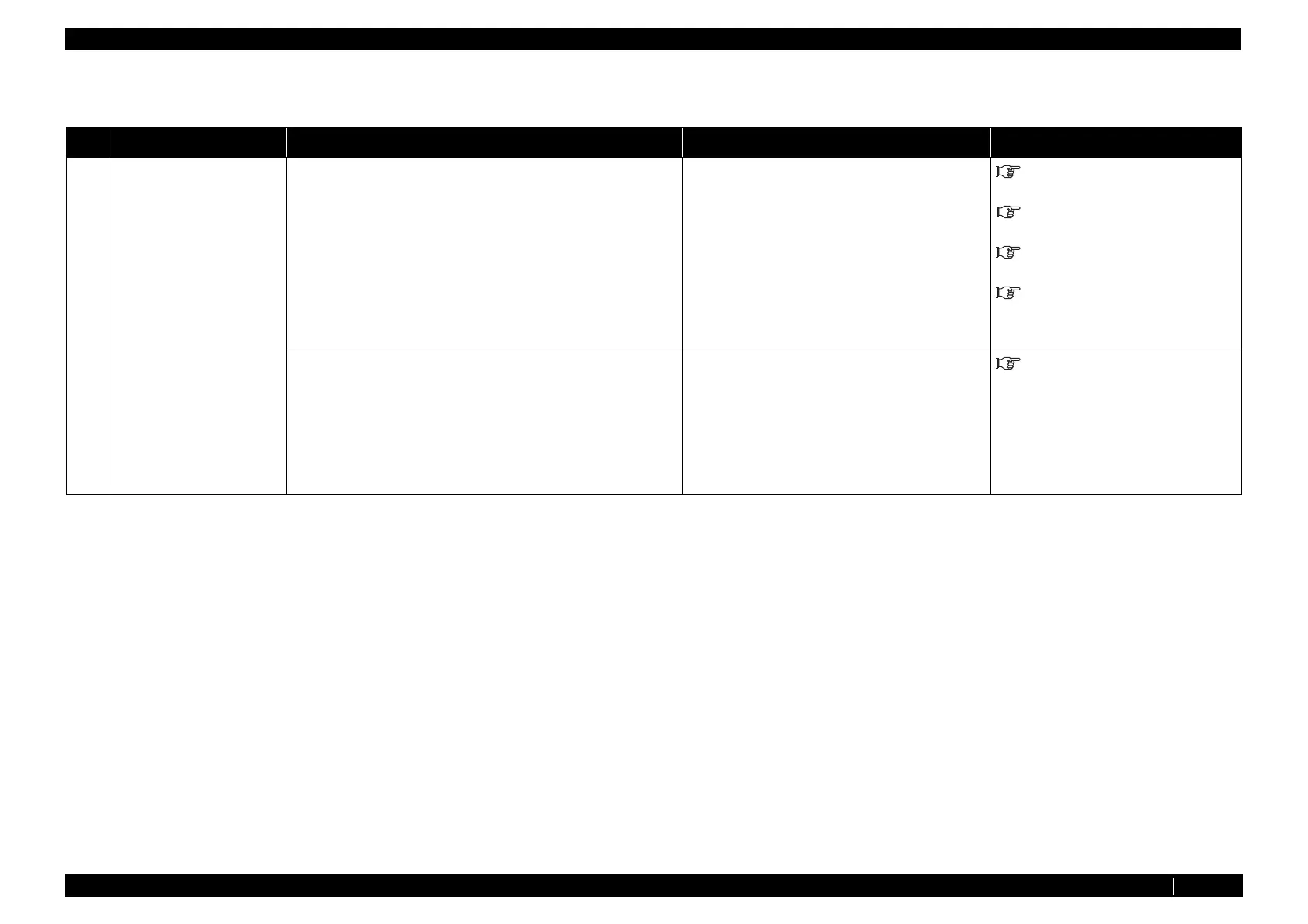
No. Symptoms Check Item Action Reference
1 Media comes off during
media set initialization or
printing.
1. Are P_Rear sensor Assy and P_EDGE sensor Assy detected as
normal when checked through "Test: Sensor" of self-diagnosis
function?
• Check following connectors.
• CR board Assy : J16
• Replace P_Rear sensor Assy and media
edge sensor Assy .
"3.4.4 Replacing MAIN Board
Assy" p.3-42
"3.7.4 Replacing CR Board Assy"
p.3-101
"3.10.2 Replacing P_REAR
Sensor" p.3-150
"3.7.15 Replacing Cutter Solenoid
Assy, Cutter Solenoid Spring Assy" p.3-
133
2 Media runs obliquely or
meanders during media set
initialization or printing.
2. Is suction fan run as normal when checked through "Test6: Fan"
of self-diagnosis function?
• Check the connection of following MAIN
board Assy connectors.
• Suction fan relay Assy : J27
• Replace suction fan Assy .
• Replace cable of suction fan that does not
operate normally.
"3.10.1 Replacing Adsorption FAN"
p.3-149














 To Next Page