6 Common Functions
112 IDA-3106 Narda
6.10.4 Displaying the marker data on the measurement
screen
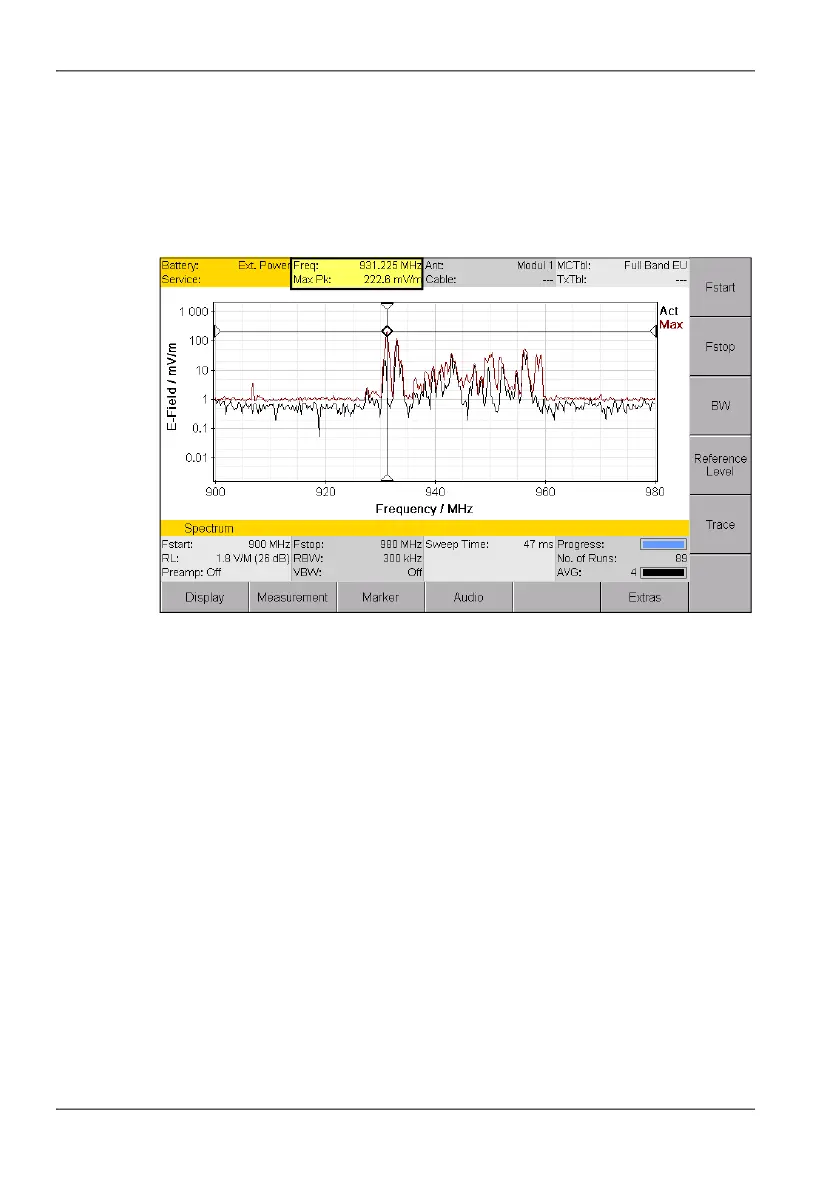
If you activate the Marker function, the frequency and measured value
corresponding to the active marker are displayed in the upper status bar
instead of the GPS data.
Figure 22: Display of marker data in the upper status bar.
To activate the display function:
The Marker sub-menu is active.
1. Press the Keep Marker softkey until Keep Marker: On is shown.
2. Press the ESC to return to the measurement screen.



 To Next Page