6 Common Functions
116 IDA-3106 Narda
Changing the Magnifier scale
The scale of magnification can be set in two steps with the Magnification
softkey.
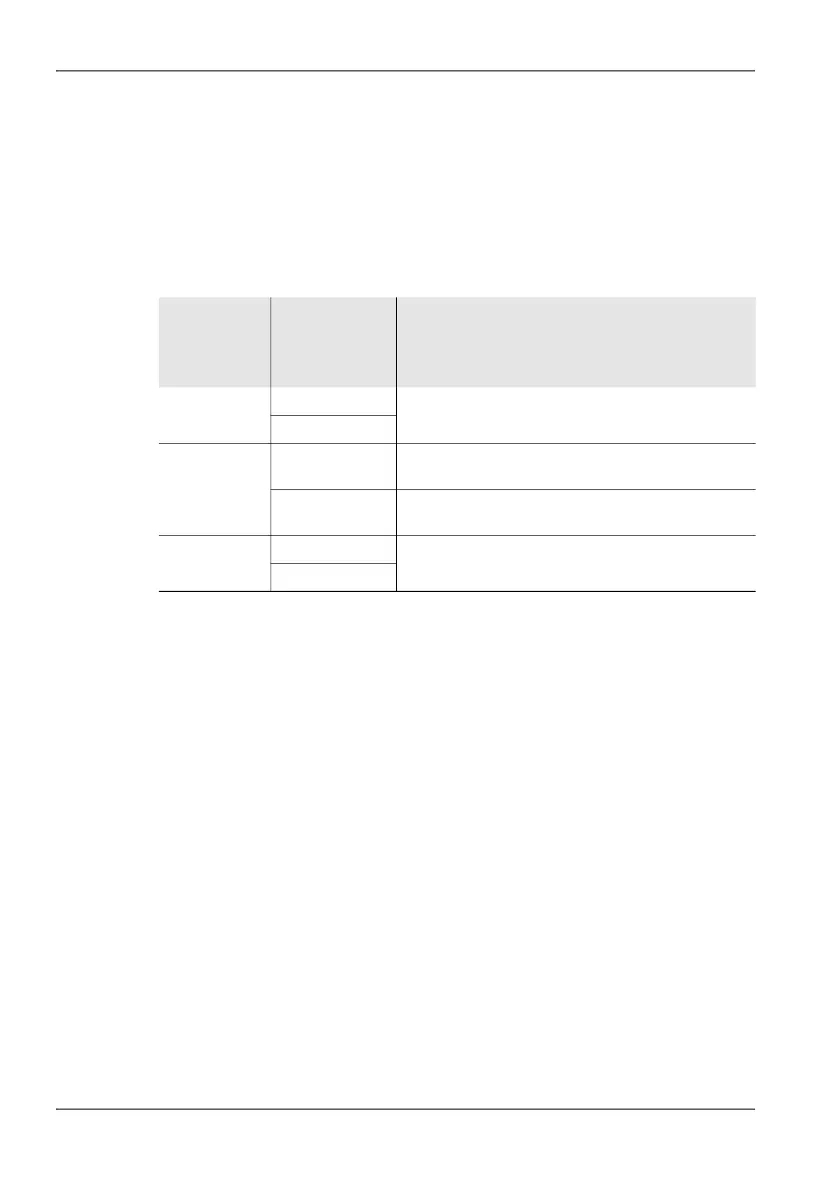
The following table shows the relationship between the operating mode,
measurement function and magnification factor.
Table 29: Relationship between operating mode, measurement function and
magnification factor.
Notes on using the Magnifier function:
• All the marker functions are retained in the Magnifier function.
• When you change the marker position (in the lower window), the X axis in
the Magnifier window is redrawn to correspond.
• When you use the Peak marker in Spectrum mode, the X axis is not
adjusted until the active Peak marker goes above or below a threshold of
±1/4 of the current Magnifier span. This avoids continuous jumping of the
display.
• The Keep Marker function also keeps the Magnifier settings in the main
view when you exit the Marker menu.
Mode Measurement
function
Magnification:
Low High
Spectrum Spectrum 10 times
(Fspan/10)
50 times
(Fspan/50)
Delta Spectrum
Time Domain
(Scope)
Long-Time
Scope
10 times
(Time Span/10)
50 times
(Time Span/50)
High Resolution
Scope
25 times
(Time Span/25)
500 times
(Time Span/500)
I⁄Q Analyzer I/Q 25 times
(Time Span/25)
500 times
(Time Span/500)
Magnitude



 To Next Page