7 Direction Finding Mode
144 IDA-3106 Narda
7.7.2 Displaying bearings while a localization is open
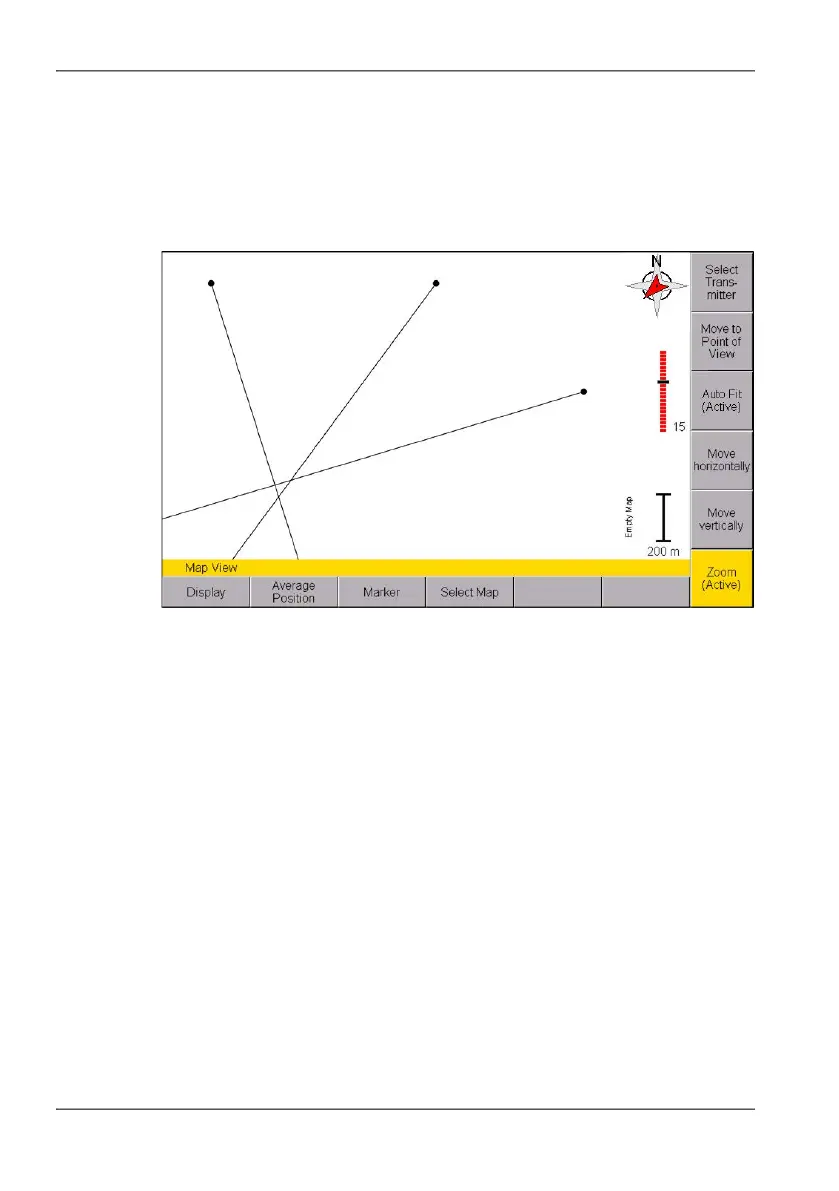
You can switch to the Map menu while a localization is in progress
(Localization softkey glows red) and check the bearings that have been
saved so far. You can also calculate the transmitter location on the basis of
the bearings taken so far.
Figure 26: Display of bearings in the Map menu during a localization
To display bearings during a localization in progress:
Take bearings as described in sections 7.3 on page 131 and 7.4 on
page 134, and press the Map softkey without closing the localization.
Press ESC to return to the measurement menu.



 To Next Page