7.7 The Map menu
Narda IDA-3106 147
7.7.4 Displaying maps
Direction Finding • Map
NOTE: The Direction Finding option must be activated for the Map option to work.
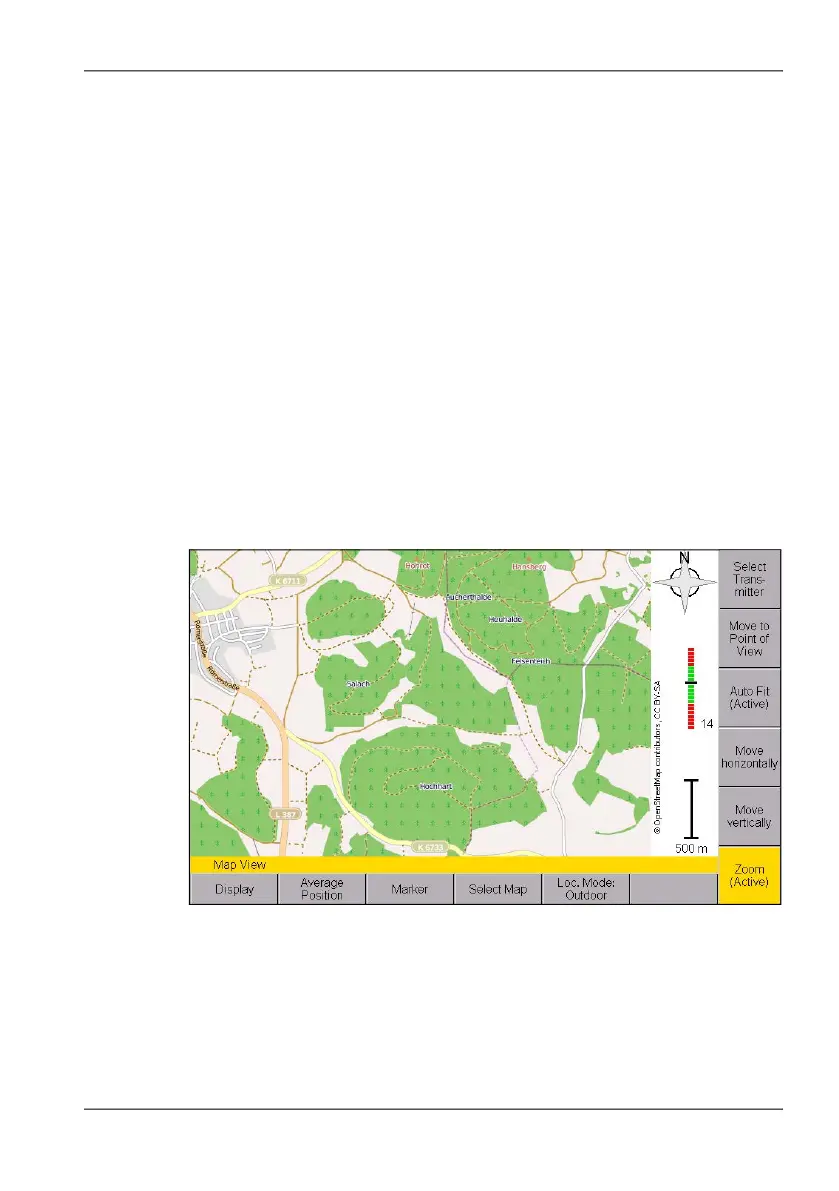
If the Map option is activated on your instrument, you can display an
electronic map on which you can immediately see the geographical
positions of the bearings in the Map menu.
You can only select maps that have been stored on the microSD card.
Suitable maps can be downloaded free from the Internet using the Narda
MapTools PC software, and then configured on the memory card (see
Loading maps using Narda MapTools on page 148). If a map for the
displayed area at the selected zoom level is not available, a plain color
background will be displayed.
To display a map:
1. Press the Select Map softkey.
2. Select a map using the rotary control knob and press OK to confirm.
The map is displayed.
Figure 28: Display of an electronic map in the Map menu.
You can find information on how to navigate and zoom in the next section.



 To Next Page