10 Time Domain (Scope) Mode
190 IDA-3106 Narda
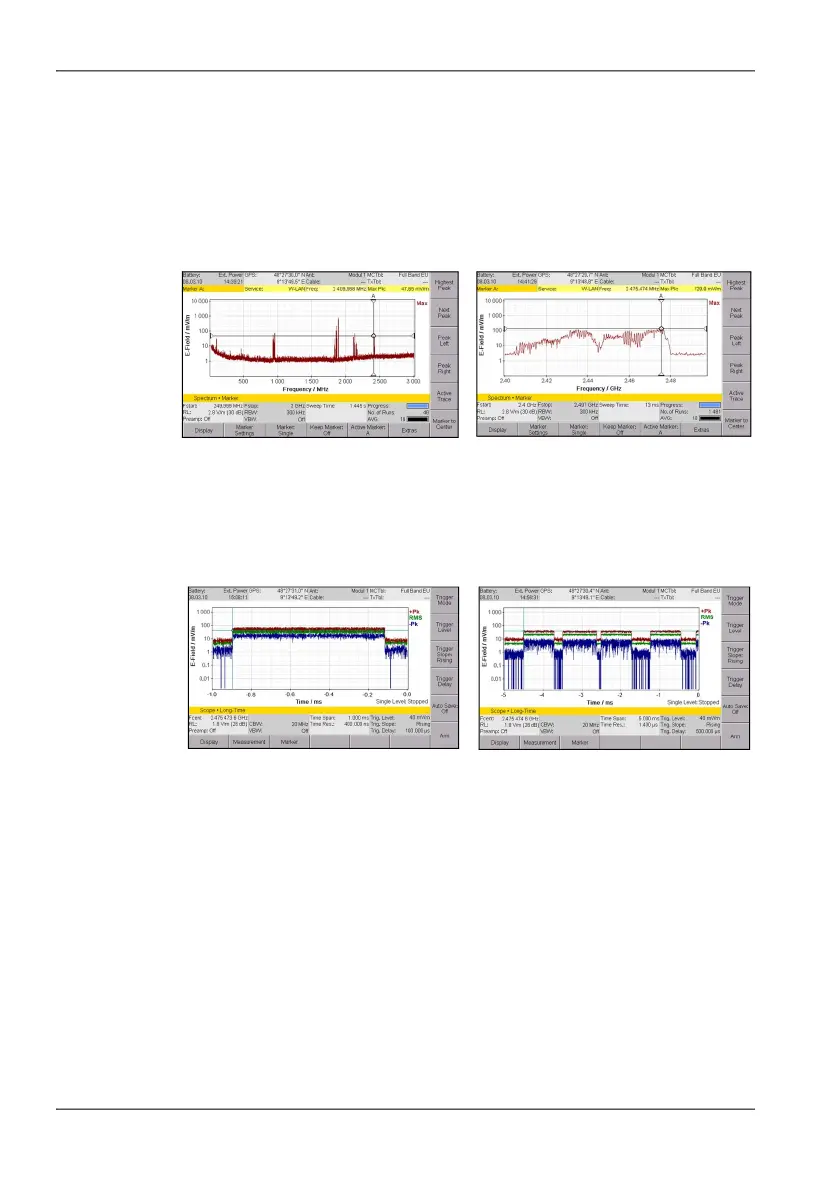
Procedure for example 3:
1. Switch to Spectrum mode, select a suitable frequency using the marker
function, and then switch to Time Domain (Scope) mode (parameters
are retained)
Frequency hopping can make this selection more difficult.
2. Examples of different settings, CBW = 20 MHz and Measurement =
Long-Time Scope:
Spectrum Analysis mode Frequency Hopping
• Time Span = 1 ms
• Time Resolution = 400 ns
• Time Span = 5 ms
• Time Resolution = 1400 ns



 To Next Page