11 I/Q Analyzer Mode
208 IDA-3106 Narda
11.3.5 Selecting the trace type / detector (Trace/
Detector)
The View softkey is used firstly to set the view mode. Depending on this
setting, only the associated trace types/detectors will be available under
Trace / Detector.
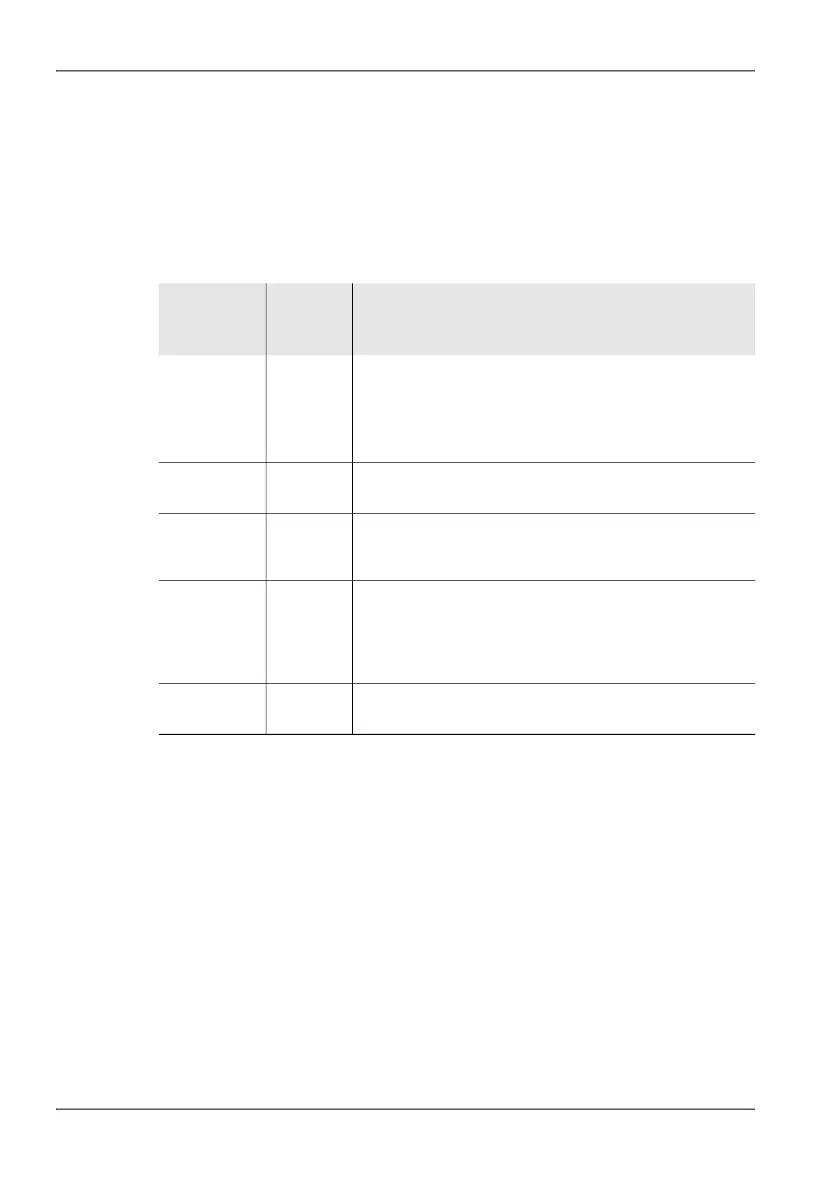
Table 37: Views and available detectors
View Trace
type/
detector
Function / Explanation
I/Q I, Q The RF signal is represented by the components I and
Q, resulting from the complex output signal of a base-
band demodulation (I/Q demodulation).
• I data: Real part (In-phase)
• Q data: Imaginary part (Quadrature-phase)
Magnitude (Act) Value measured at the moment
(The Trace softkey is hidden)
HiRes
Spectrogram
Full
+Peak,
RMS,
-Peak
Detector:
• Maximum, average, and minimum value within a
compressed time and frequency interval
HiRes
Spectrogram
Zoom
+Peak,
RMS,
-Peak
Detector:
• Maximum, average, and minimum value within a
compressed frequency interval. The display in the
time axis is always uncompressed and at maximum
resolution.
Persistence
Spectrum
– Value measured at the moment
(The Trace softkey is hidden)



 To Next Page