13 Measurement Data Memory
220 IDA-3106 Narda
13.1 About the Memory menu
Main Menu • Memory Menu
The Memory sub menu of the Main menu contains the following functions:
• Recall or delete stored data
• Display screenshots
• Activate comment mode
• Configure automatic storage
(Time Controlled)
To open the menu:
Switch to the Main menu and press the Memory softkey.
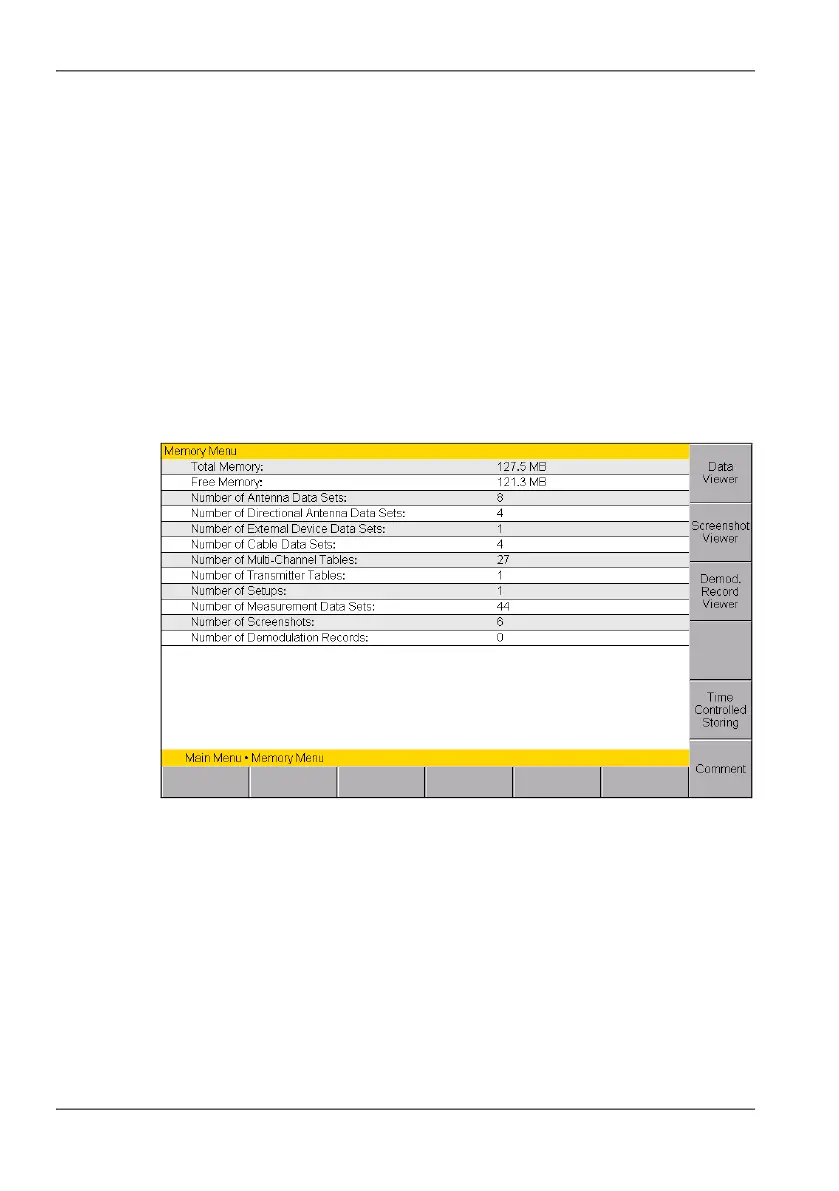
The Memory menu is displayed with the stored data.
Figure 53: Memory menu



 To Next Page