3 Connecting Up and Starting to Use the Device
26 IDA-3106 Narda
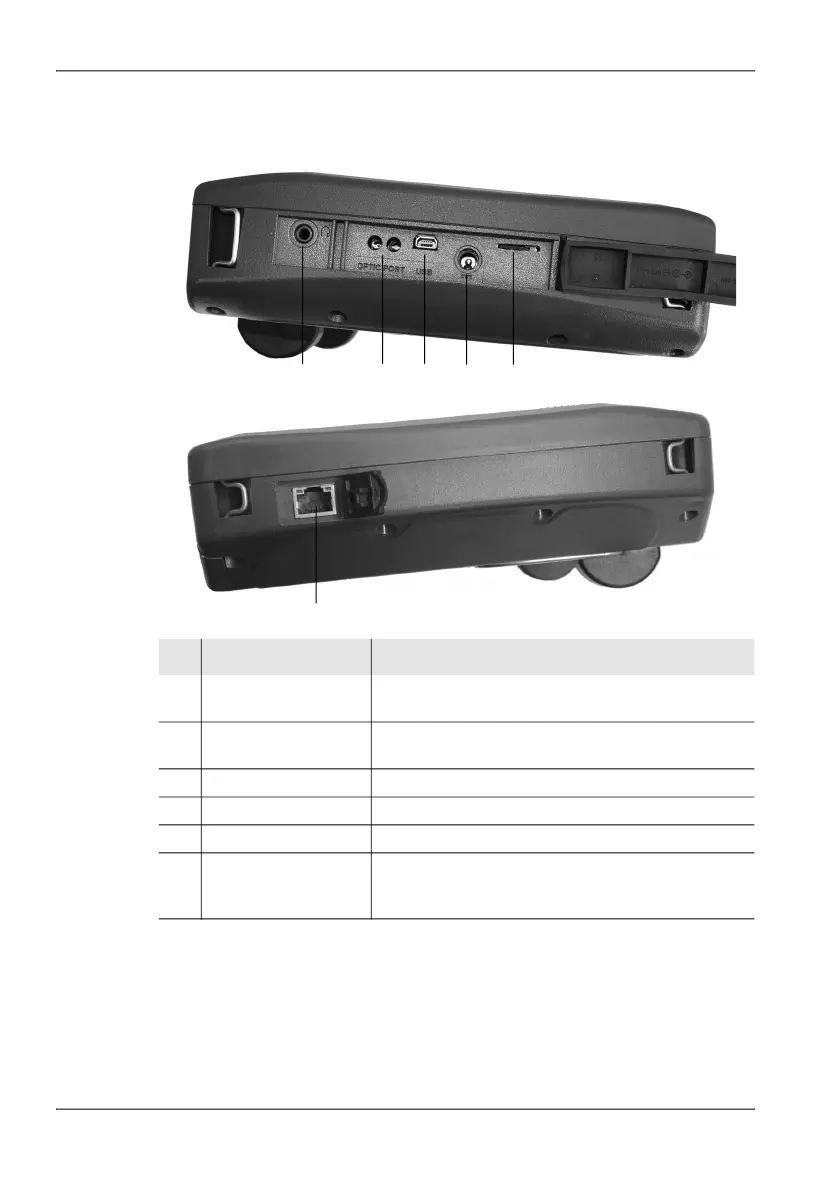
3.2.5 Device side panel with external connectors
No. Element Function / Explanation
1 Earphone socket For connecting an earphone for listening to saved
voice comments.
2 Optical connector For connecting optical cables for on-site device
communications
3 USB, Mini-B type For connection to a computer (PC).
4 Charging socket For connecting the AC adapter / charger supplied
5 Card slot Slot for microSD memory card
6 Ethernet For connecting to a local area network
(IDA 2, 3106/02 and later). Data transfer is not
indicated visually.
1 2 3 4 5
6



 To Next Page