4.5 Fundamental operating steps
Narda IDA-3106 53
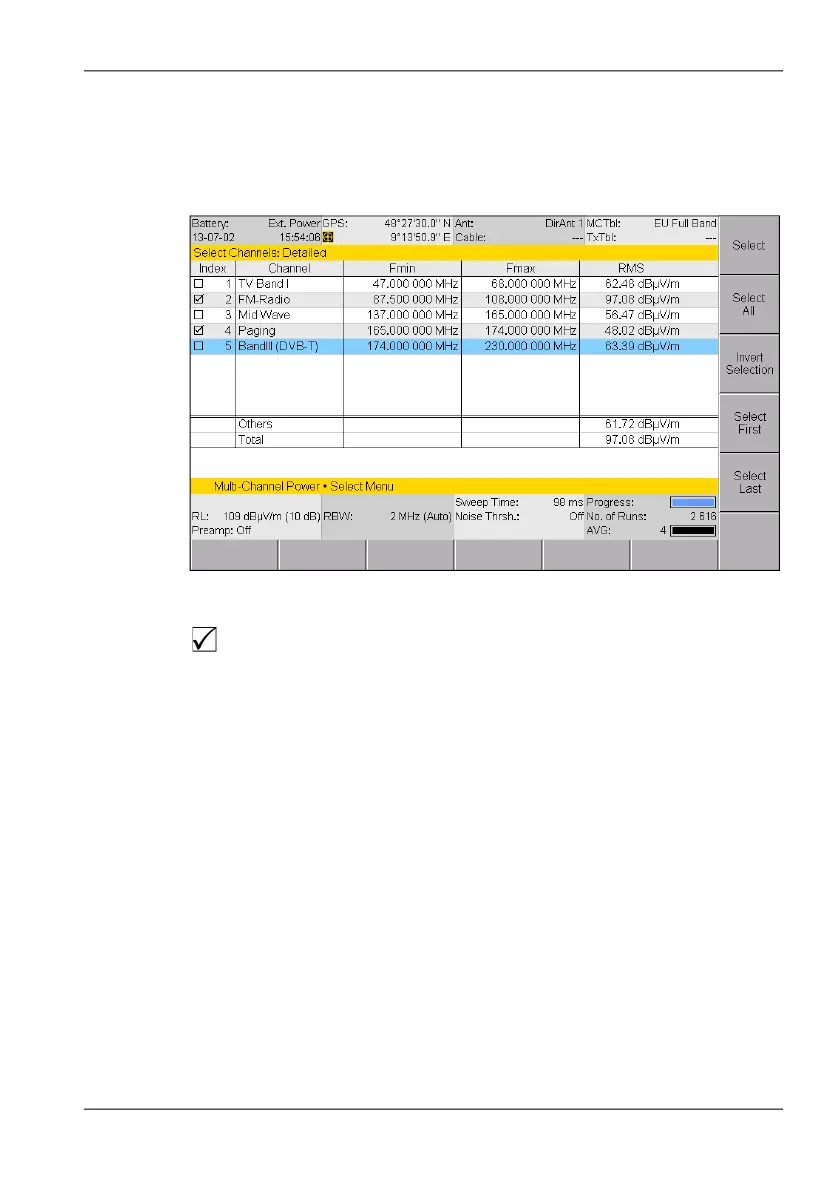
Extended list
You can select more than one entry or item from an extended list. You can
select one item at a time or use the softkeys to select all the items. This is
demonstrated by the selection of channels in the example below.
Figure 14: Example of an extended list: Select menu
To select or deselect items individually using the rotary control knob:
1. Use the rotary control knob to highlight the desired item.
2. Press the Select key to select or deselect the item.
The selection box shows the actual status.
3. Press the OK key to return to the measurement display.
To select or deselect several items at the same time:
Use the following softkeys to select or deselect all the items or a group of
items in a list.
NOTE: The softkeys that are actually available depend on the Select menu that is
opened.
When you have selected the items you want, press the OK key to revert
to the measurement display again.
A selection box indicates if the option has been selected or not in an
extended list.



 To Next Page