4 Operation and Basic Settings
52 IDA-3106 Narda
4.5.3 Selecting entries from a list
Settings are often made by selecting entries or items from a list.
Simple list
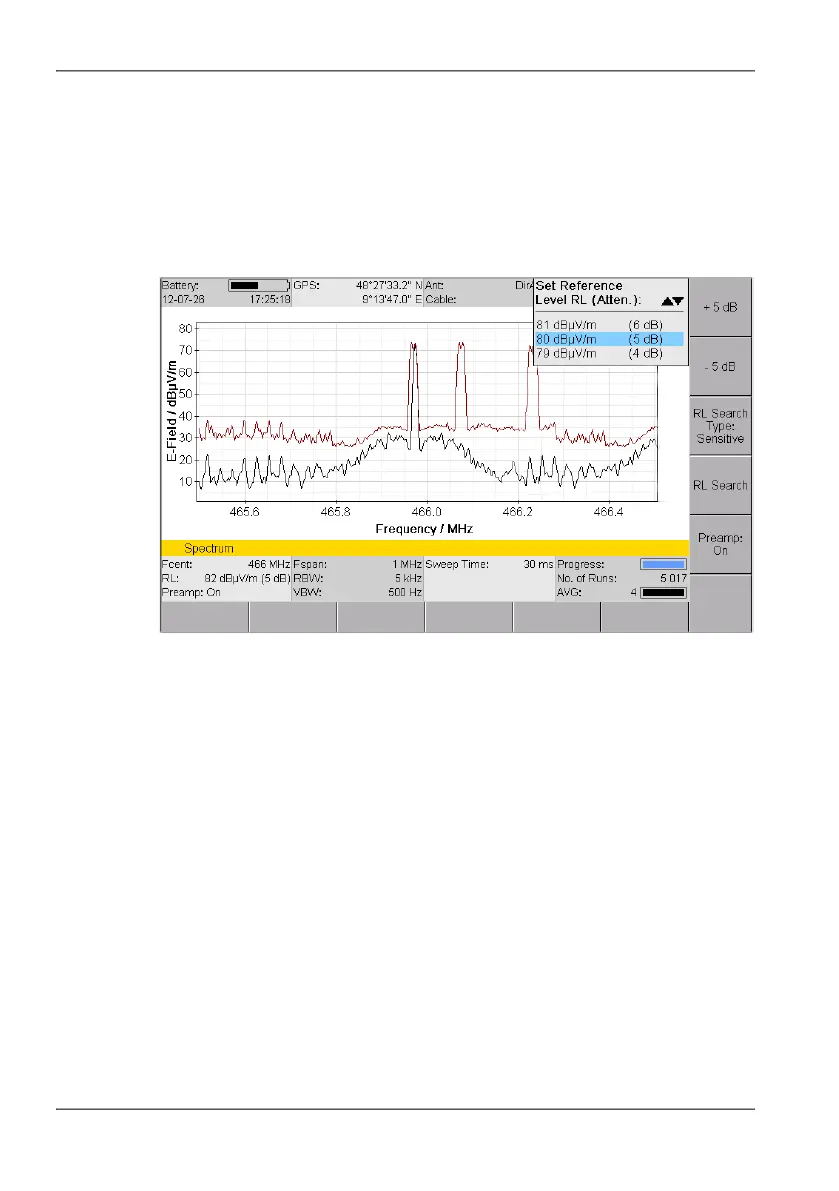
You can only select a single item from a simple list. This is demonstrated by
the selection of a reference level in the example below.
Figure 13: Example of a simple list: Set Reference Level
NOTE: Only three lines of the list are displayed so that the measurement screen is
not hidden. You can use the rotary control knob to page through the list.
To select an item:
1. Use the rotary control knob or arrow keys to highlight the desired item.
2. Press the OK key to confirm your selection.
The new value will be set.



 To Next Page