Narda IDA-3106 55
4.5.5 Entering text
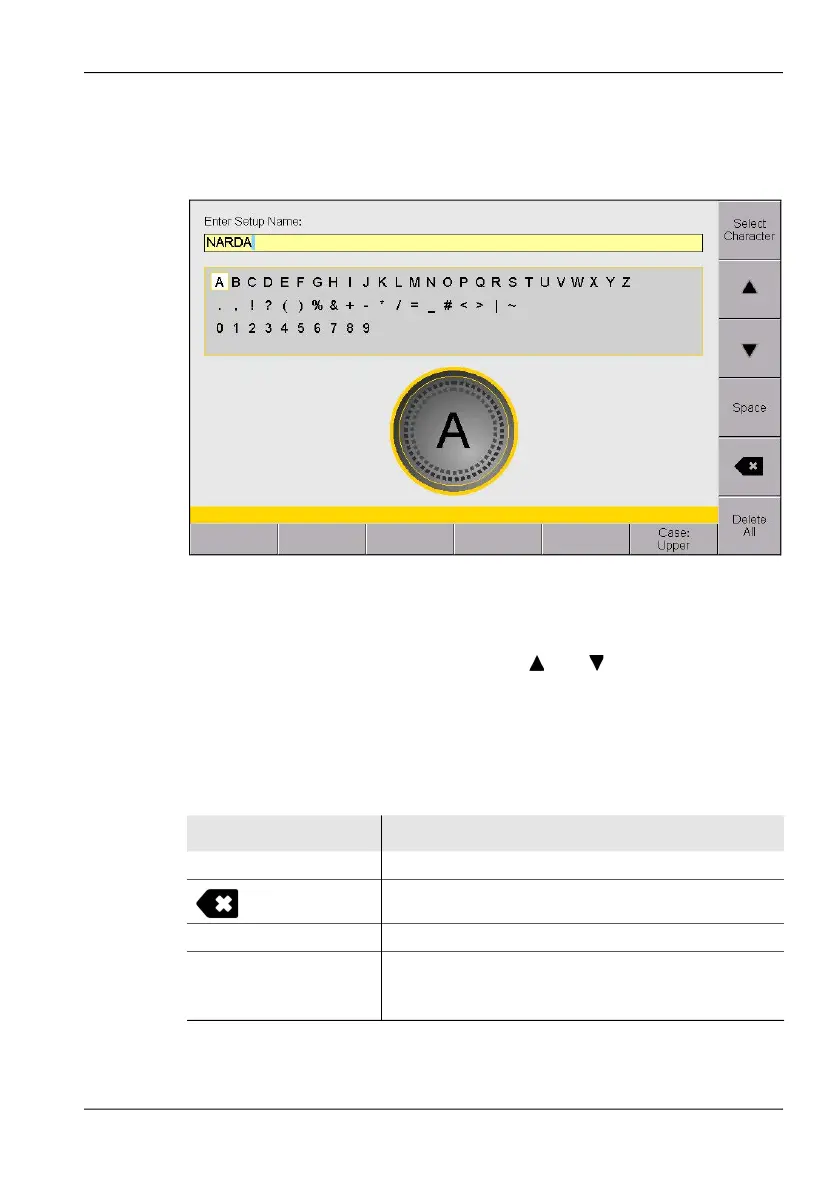
A simple text editor opens so that you can enter alphanumeric characters
(e.g. when saving setups):
Figure 15: Text editor for entering alphanumeric characters
To enter text:
1. Use the rotary control knob to select a character from the character field.
(You can select a line directly using the and softkeys.)
The selected character is marked by a circle.
2. Press the Select Character to enter the character.
3. Press the OK key when you have finished entering the characters you
want.
There are some further functions that you can use to enter text:
NOTE: You can also enter the digits 0 through 9 directly using the numerical keys.
Softkey Function
Space Enters a space.
Deletes the last item entered (backspace).
Delete All Deletes all characters entered.
Case Switches between upper and lower case characters:
• Lower: lower case characters
• Upper: upper case characters



 To Next Page