4 Operation and Basic Settings
56 IDA-3106 Narda
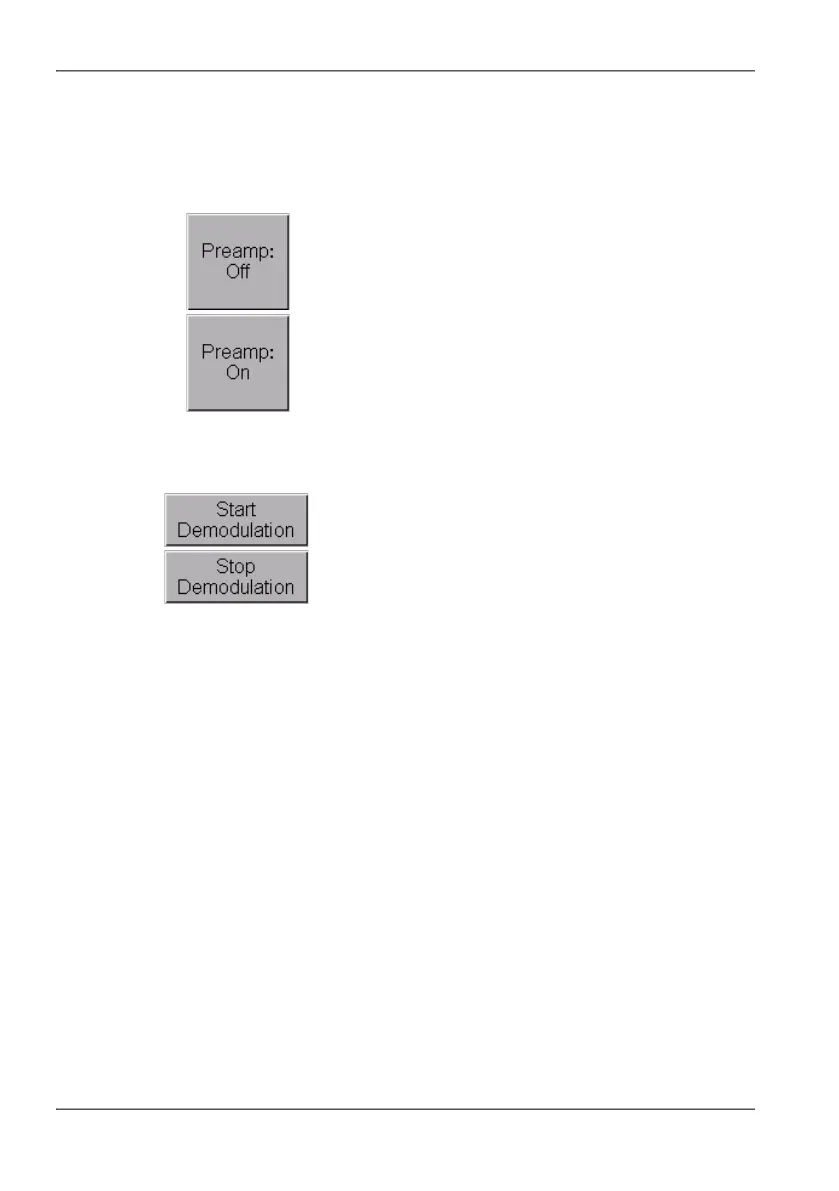
4.5.6 Softkeys with toggle function
Softkeys for changing settings
Softkeys for performing actions
4.5.7 Creating a screenshot
You can download the saved screenshots in PNG format from the device
using the PC software application IDA Tools.
To create a screenshot:
1. Press the Display softkey.
2. Press the Save Screenshot softkey.
Softkeys for changing settings indicate the function
and the current setting separated by a colon.
In this example:
• Preamp: Off – The preamplifier is deactivated.
Pressing the softkey activates the preamplifier and
the softkey will indicate Preamp: On.
• Preamp: On – The preamplifier is activated.
Pressing the softkey deactivates the preamplifier
and the softkey will indicate Preamp: Off.
Action softkeys indicate the function that is performed
when the softkey is pressed.
In this example:
• Start Demodulation: Demodulation starts when
you press the softkey. The softkey then indicates
Stop Demodulation.
• Stop Demodulation: Demodulation stops when
you press the softkey. The softkey then indicates
Start Demodulation.



 To Next Page