5 The Main Menu
78 IDA-3106 Narda
5.3.2 Using external devices
Main Menu • Settings
You can use the External Device function to select and control devices
connected in series to the RF input such as attenuators or filters. Both
switchable and non-switchable external components can be used.
Selecting a device:
1. Press the External Device softkey.
A list of the available devices is displayed.
2. Select the desired device and press the OK key.
Selecting the device activates it. ExtDev: On is shown in the lower
status bar.
Switchable devices can be switched on or off via the measuring instrument.
To switch external devices on or off:
You are using a switchable device.
1. Press the Reference Level softkey in the desired operating mode.
2. Press the External Device softkey (vertical bar at the bottom).
The softkey shows On or Off. ExtDev: On or Off is shown in the
lower status bar.
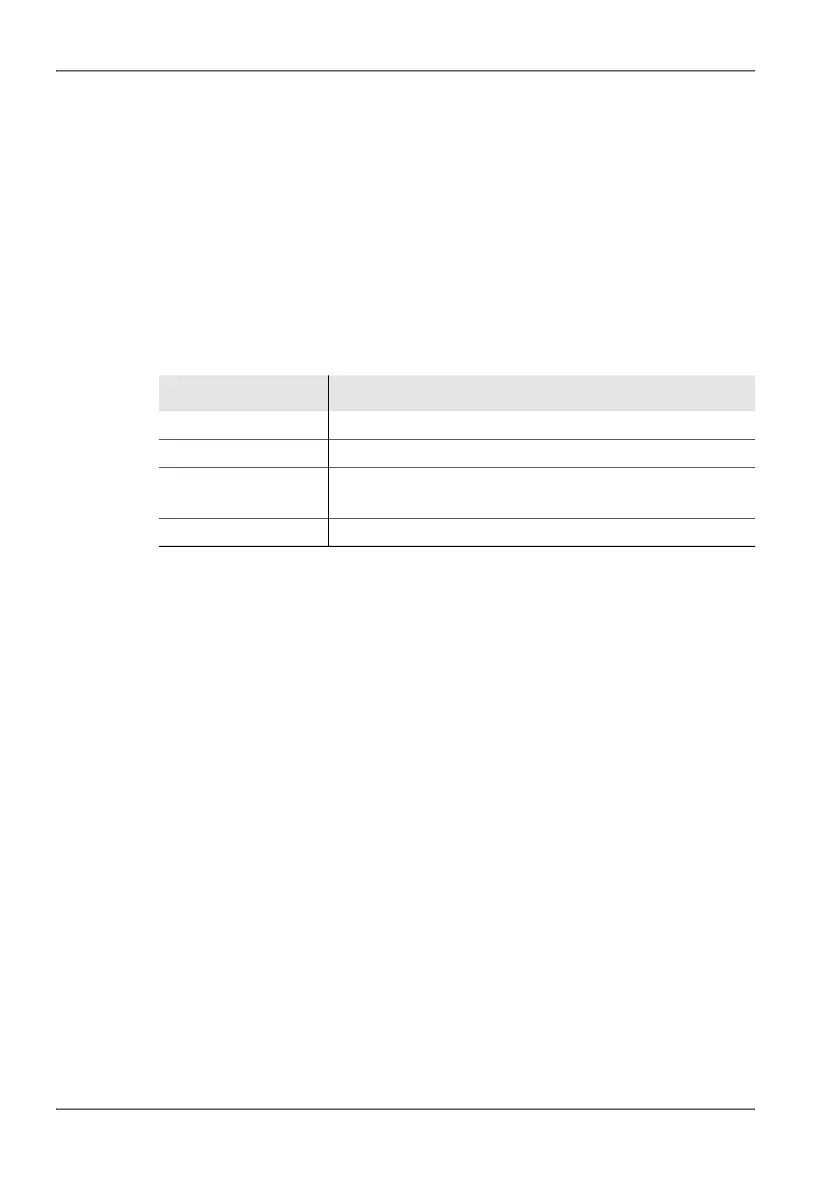
Table 17: Description of External Device list
Information Description
Short Name Short name for the external device
Fmin On, Fmax On
1)
1) The Fmin, Fmax parameters are entered using the IDA Tools PC software.
Lower / upper limit frequency in the on state.
Fmin Off, Fmax Off
1)
Lower / upper limit frequency in the off state.
These parameters are only shown for switchable devices.
Cal. Date External device calibration date



 To Next Page