5.3 Displaying and editing configuration data
Narda IDA-3106 79
5.3.3 Displaying and selecting cables
Main Menu • Settings
Press the Cable softkey.
The available cables are listed with their characteristic data.
The automatically detected cable type will be displayed when you use
a Narda cable.
To select a cable:
Use the rotary control knob to select an item and press OK to confirm.
5.3.4 Displaying and creating Multi-Channel Tables
Main Menu • Settings
Multi-channel tables are used to define a specific number of channels and
to recall these defined channels when needed using the table name.
NOTE: Multi-channel tables can be opened, displayed, and created using the
Extras softkey in any operating mode.
To display the available multi-channel tables:
Press the Multi-Ch. Table softkey.
A list of the available multi-channel tables is displayed.
To select a multi-channel table:
Select an item in the list using the rotary control knob and press OK to
confirm.
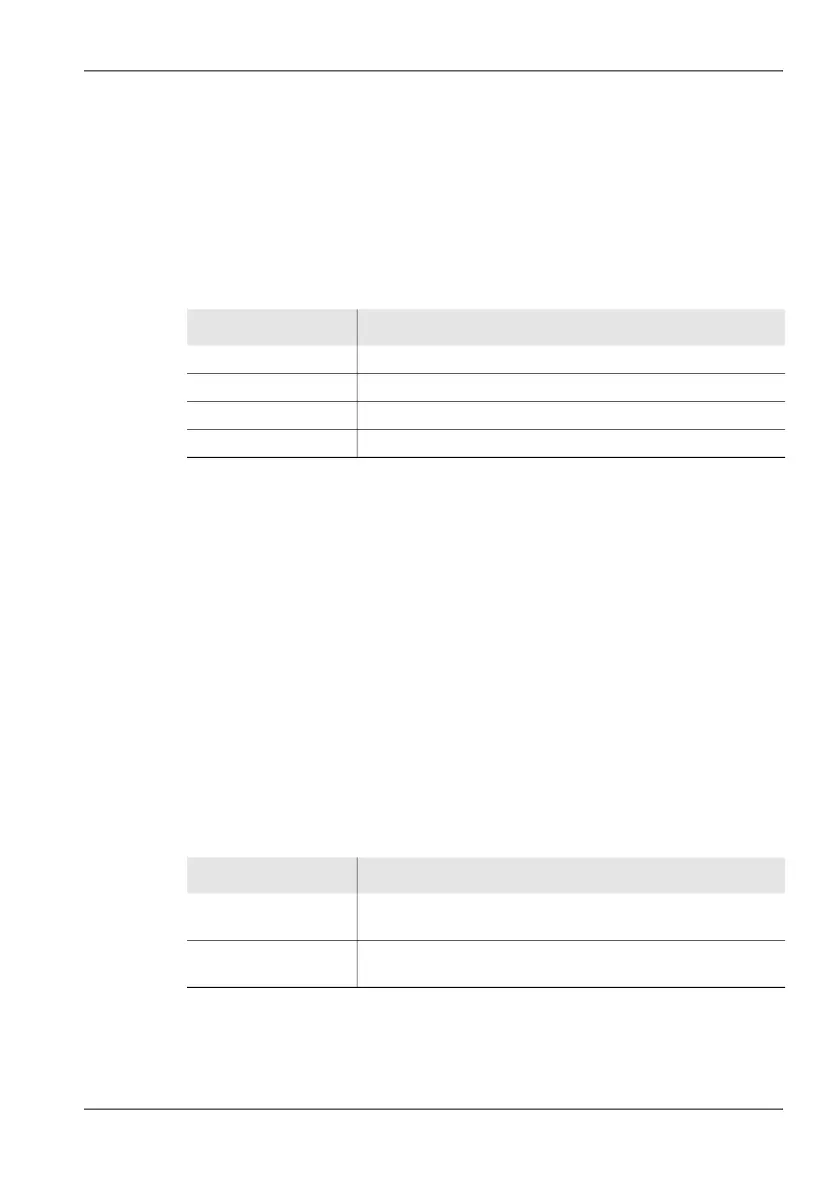
Table 18: Description of Cables list
Item Description
Short Name Short name (in the display)
Fmin Lower limit frequency
Fmax Upper limit frequency
Cal. Date Date of last calibration
Table 19: Description of Multi-Channel Tables list
Item Description
Short Name Short name of the multi-channel table (shown on the
screen)
Long Name Full name of the multi-channel table (shown in the Select
menu)



 To Next Page