5 The Main Menu
80 IDA-3106 Narda
Displaying channels of a multi-channel table
Main Menu • Settings • Multi-Channel Table
Press the View Multi-Ch. Table softkey.
The channels included in the table are listed.
Creating a new multi-channel table
Main Menu • Settings • Multi-Channel Table
You can create a new multi-channel table using this menu.
NOTE: The facilities for creating multi-channel tables in the IDA-3106 are limited.
You cannot manually enter individual channels or change the channel
names. Tables are much easier to create using the IDA-Tools PC software.
Tables created using it can be uploaded to the IDA-3106 afterwards.
To create a new multi-channel table:
1. Press the Create Multi-Ch. Table softkey and enter the desired values.
2. Press the Save Table softkey when you have entered all the values.
3. Enter a name for the multi-channel table and save it.
Tip: Enter the name "Default" to automatically load this table each time you
reset the device settings.
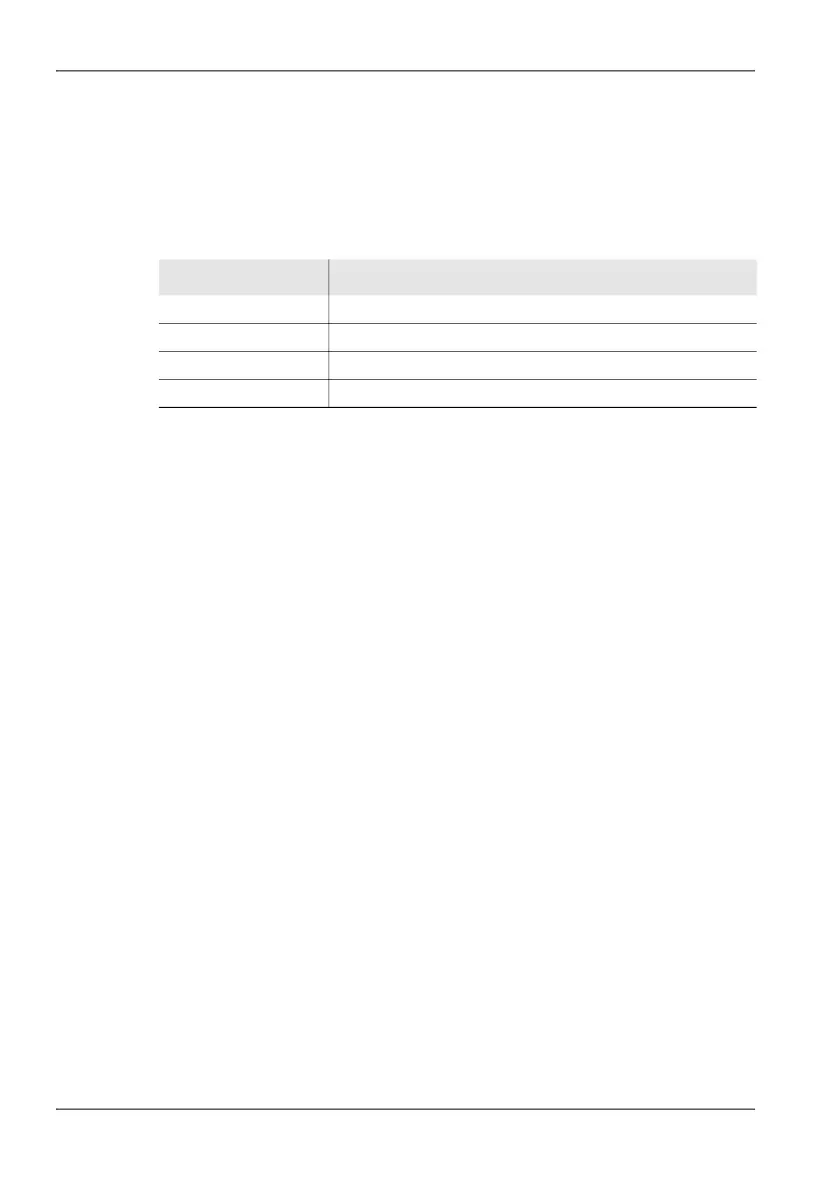
Table 20: Description of Multi-Channel Table... list
Information Description
Channel Channel name
Fmin Lower limit frequency
Fmax Upper limit frequency
RBW Resolution bandwidth



 To Next Page