5.3 Displaying and editing configuration data
Narda IDA-3106 81
The example below shows the parameters for the GSM-900 service. The
corresponding entries in the multi-channel table are found in column 3 of
Table 21 (the example values are shown in bold type).
Editing channels of a multi-channel table
Channels in an existing multi-channel table can only be edited using the PC
software.
Example: GSM-900
Downlink: 935.2 – 960 MHz
Channel number: 1 – 124
Channel width: 200 kHz
–> without gap
–> all channels have the same width
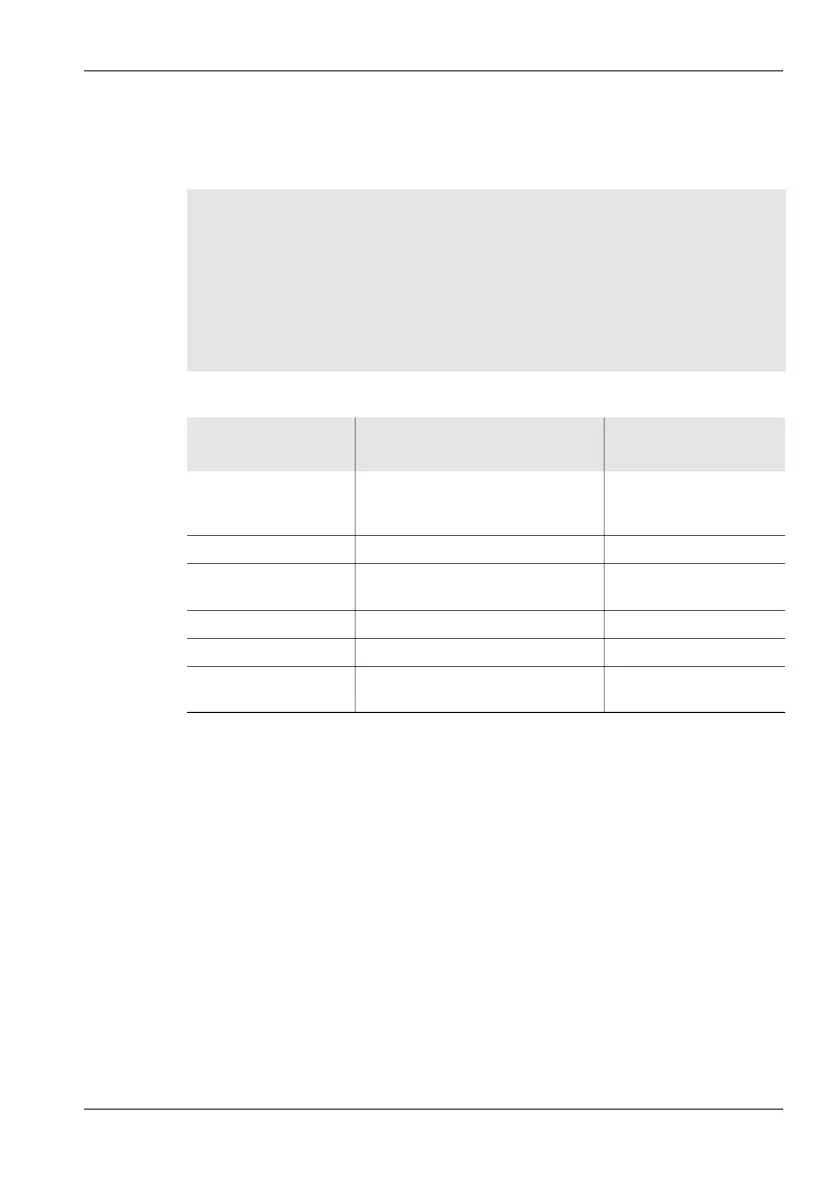
Table 21: Description of Create Multi-Channel Table list
Item Description Entries for the
example GSM-900P
First Channel
Center Frequency
Center frequency of first channel 935.3
(center frequency of
935.2 – 935.4 MHz
First Channel Number First channel number 1
Channel Step Width Channel spacing referred to the
center frequency
200 kHz
Channel Bandwidth Channel bandwidth 200 kHz
Number of channels Number of channels 124
Preferred RBW Preferred resolution bandwidth 50 kHz
(200 kHz/4)



 To Next Page