Page 3-28 V10/V7.5/V5/V3.5 Installation and Operation Manual
Issue 3.5 Section 3 Operating Instructions
(b) Press f or g to scroll through the
options and press Select to enter the
appropriate sub-menu (see paragraphs
3.6.12.1 through 3.6.12.9).
3.6.12.1 Calibrate HD PA and IPA Voltage
Adjust the PA and IPA voltage settings for HD
and FM+HD operation as follows
NOTE
Modifying factory settings (see Critical
Parameters sheet) may void the equipment’s
warranty. Contact Nautel prior to performing
these adjustments.
These adjustments must be made with the
RF turned off.
(a) Use f and g to highlight the PA/IPA V
Mode or one of the four high/low voltage
thresholds, noting thresholds can only be
edited in Override mode. Press Edit.
(b) Use f and g to toggle the PA/IPA V
Mode between Override and Auto or to
adjust the level of the IPA V High, IPA V
Low, PA V High or PA V Low threshold.
(c) When changes are complete, press Save
to store setting(s).
(d) Press Back to return to previous menu.
3.6.12.2 Calibrate Front Panel Meter
Calibrate the level of the parameter being
metered by the front panel analog meter as
follows:
(a) Press f or g to highlight the External
Meter power level or the Scaling factor.
Press Edit.
(b) Press f or g to calibrate the power level
or the scaling factor of the out-of-
tolerance parameter.
(c) When changes are complete, press Save
to store setting(s).
(d) Press Back to return to previous menu.
3.6.12.3 Calibrate Meters
Calibrate the level of a diagnostic display
metered parameter as follows:
NOTE
All meter readings displayed on the main
screen can be adjusted. Use reliable,
calibrated test equipment to verify the actual
value of the out-of-tolerance parameter.
Record and store original and changed scale
factors for future reference.
(a) Press f or g until the desired out-of-
tolerance parameter and its current
metered level is displayed. Press Edit.
(b) Press f or g to calibrate the scale factor
of the level of the out-of-tolerance
parameter.
(c) When changes are complete, press Save
to store setting(s).
(d) Continue calibration of other metered
parameters then return to the previous
menu by pressing Back.
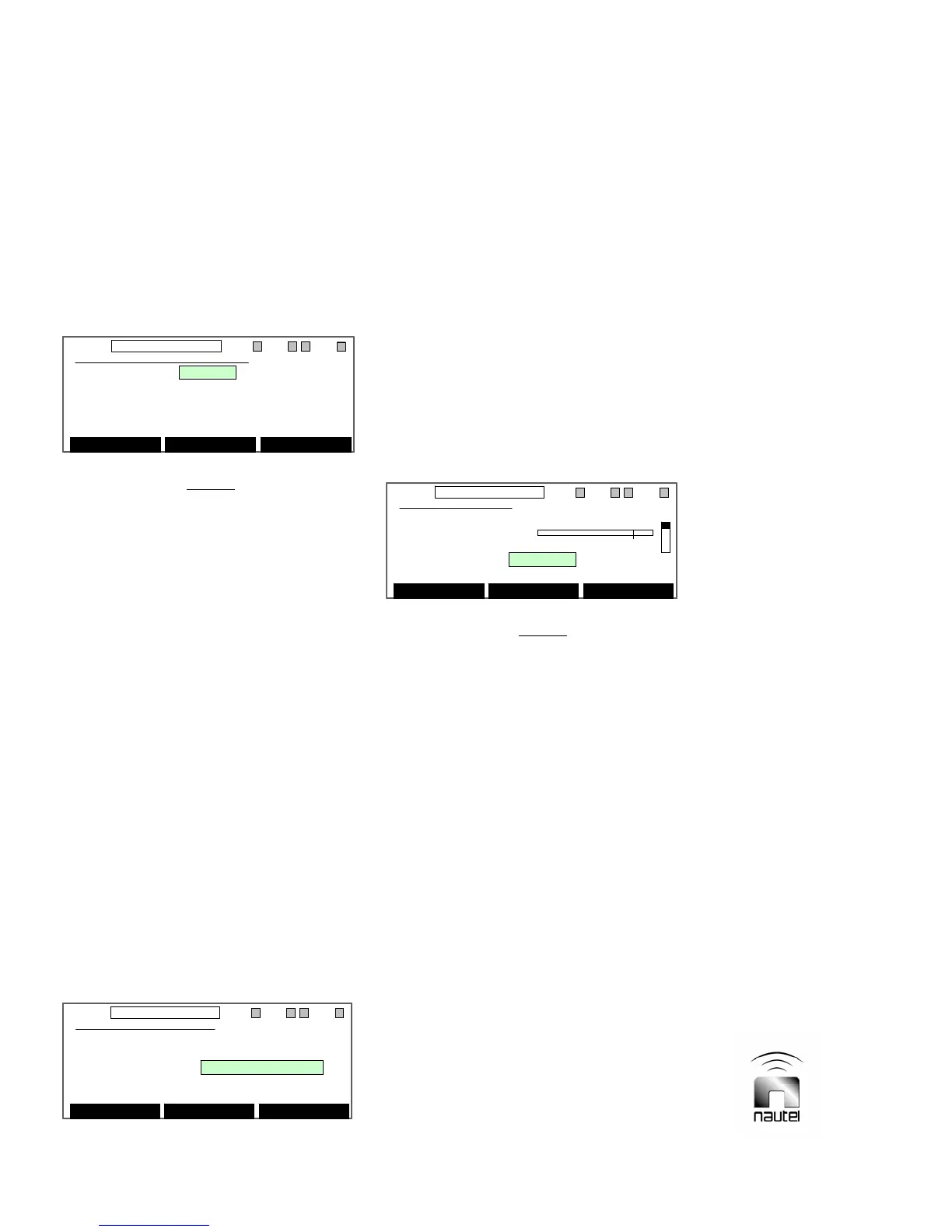
Calibrate HD PA/IPA Volts
PA/IPA V Mode: Override
IPA V High: +40.0 V
IPA V Low: +30.0 V
PA V High: +50.0 V
PA V Low: +40.0 V
Edit Back
11:26 98.10MHz 0.00kW 1 ExA IPAA/A FanA
Calibrate HD PA/IPA Volts
PA/IPA V Mode: Override
IPA V High: +40.0 V
IPA V Low: +30.0 V
PA V High: +50.0 V
PA V Low: +40.0 V
Edit Back
11:26 98.10MHz 0.00kW 1 ExA IPAA/A FanA
Ext Meter & Contrast
Contrast: 20
External Meter: Fwd Power 0 kW
Scaling: +2.15
Edit Back
11:26 98.10MHz 0.00kW 1 ExA IPAA/A FanA
Ext Meter & Contrast
Contrast: 20
External Meter: Fwd Power 0 kW
Scaling: +2.15
Edit Back
11:26 98.10MHz 0.00kW 1 ExA IPAA/A FanA
Calibrate Meters
+2.5V Ref. 2.50 V
0 3.00
Scaling: 4.011 E-1
Edit Back
11:26 98.10MHz 0.00kW 1 ExA IPAA/A FanA
Calibrate Meters
+2.5V Ref. 2.50 V
0 3.00
Scaling: 4.011 E-1
Edit Back
11:26 98.10MHz 0.00kW 1 ExA IPAA/A FanA



 To Next Page