V10/V7.5/V5/V3.5 Installation and Operation Manual Page 3-29
Section 3 Operating Instructions Issue 3.5
3.6.12.4 Enable/Disable Setup Mode
Setup mode is a troubleshooting tool that
should only be used by trained personnel
for system level troubleshooting. Enable or
disable this mode as follows:
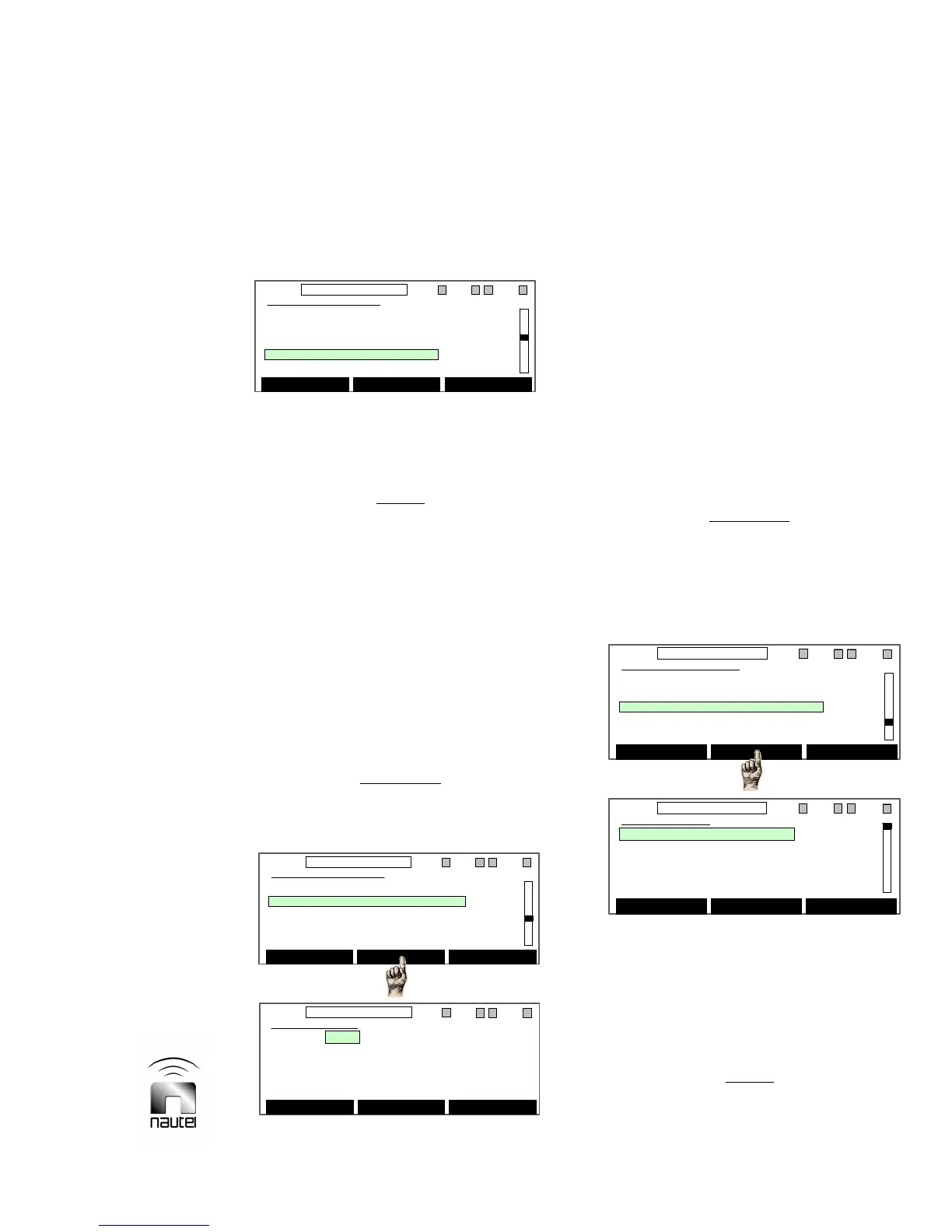
(a) Use f and g to highlight Setup
Mode. Press the centre soft-key to
toggle between Enable and Disable.
NOTE
If Enabled is displayed, setup mode is
disabled. If Disabled is displayed, setup
mode is enabled. The default mode is
Disabled. Cycling of the ac power will
reset to default mode.
3.6.12.5 Set PA Bias Levels
The following menu is for customers who
are setting PA bias values for replacement
PAs in digitally configured transmitters.
See Power Amplifier PWB Replacement
(3.5.1.4) in the Repair Manual and follow
steps (o) through (r).
CAUTION
Do not use this menu unless you are
biasing a replacement PA(s) on a
functional (pre-biased) RF power module.
(a) Use f or g to highlight the desired
field. Press Edit to enable a change to
the highlighted field.
(b) Use f or g to scroll through the
options for the Module, FET or Mode
field or to select the value for the Bias
field.
(c) Press Save to store the setting.
(d) Press Back to return to previous
menu.
3.6.12.6 Set Protection Threshold Levels
Adjust transmitter protection threshold
levels for critical parameters as follows:
CAUTION
Protection threshold levels are factory set
and do not normally require adjustment.
Contact Nautel prior to attempting to alter
these settings. Failure to comply could
result in damage to the equipment.
(a) Use f or g to highlight the desired
preset. Press Edit to view its
thresholds (see four screens below).
(b) Use f or g to highlight the preset
level to be edited. Press Edit.
NOTE
Each of the six presets has a complete set
of threshold settings.
Hardware Settings
Calibrate HD PA/IPA Volts
Calibrate External Meter
Calibrate Meters
Setup Mode
Setup PA Bias
Enable Back
11:26 98.10MHz 0.00kW 1 ExA IPAA/A FanA
Hardware Settings
Calibrate HD PA/IPA Volts
Calibrate External Meter
Calibrate Meters
Setup Mode
Setup PA Bias
Enable Back
11:26 98.10MHz 0.00kW 1 ExA IPAA/A FanA
Hardware Settings
Setup Mode
Setup PA Bias
Setup Thresholds
System Configuration
Save/Recall Factory Settings
Select Back
11:26 98.10MHz 0.00kW 1 ExA IPAA/A FanA
Hardware Settings
Setup Mode
Setup PA Bias
Setup Thresholds
System Configuration
Save/Recall Factory Settings
Select Back
11:26 98.10MHz 0.00kW 1 ExA IPAA/A FanA
Setup PA Bias
Module: PA A
FET: Q1
Mode: FM+HD
Bias: 3.03 V
Edit Back
11:26 98.10MHz 0.00kW 1 ExA IPAA/A FanA
Setup PA Bias
Module: PA A
FET: Q1
Mode: FM+HD
Bias: 3.03 V
Edit Back
11:26 98.10MHz 0.00kW 1 ExA IPAA/A FanA
Hardware Settings
Setup Mode
Setup PA Bias
Setup Thresholds
System Configuration
Save/Recall Factory Settings
Select Back
11:26 98.10MHz 0.00kW 1 EXA IPAA/A FanA
Hardware Settings
Setup Mode
Setup PA Bias
Setup Thresholds
System Configuration
Save/Recall Factory Settings
Select Back
11:26 98.10MHz 0.00kW 1 EXA IPAA/A FanA
Power Control
1 98.10 MHz FM 5.50 kW
2 98.10 MHz FM 1.50 kW
3 98.10 MHz FM 1.50 kW
4 98.10 MHz FM 1.50 kW
5 98.10 MHz FM 1.50 kW
Select Edit Back
11:26 98.10MHz 0.00kW 1 ExA IPAA/A FanA
Power Control
1 98.10 MHz FM 5.50 kW
2 98.10 MHz FM 1.50 kW
3 98.10 MHz FM 1.50 kW
4 98.10 MHz FM 1.50 kW
5 98.10 MHz FM 1.50 kW
Select Edit Back
11:26 98.10MHz 0.00kW 1 ExA IPAA/A FanA



 To Next Page