V10/V7.5/V5/V3.5 Installation and Operation Manual Page 3-31
Section 3 Operating Instructions Issue 3.5
NOTE
The options in the System Config field
may vary depending on a particular
customer’s system requirements.
The RF Modules field represents the
configuration of the transmitter,
particularly the RF power modules.
Changing from Analog to Digital mode,
the IPA Input Low threshold changes from
12 W to 6 W (V10/V7.5) or from 6 W to
3 W (V5/V3.5) to accommodate the
biasing on the IPA module(s).
(b) Press Save to store the setting. Press
Back to return to previous menu.
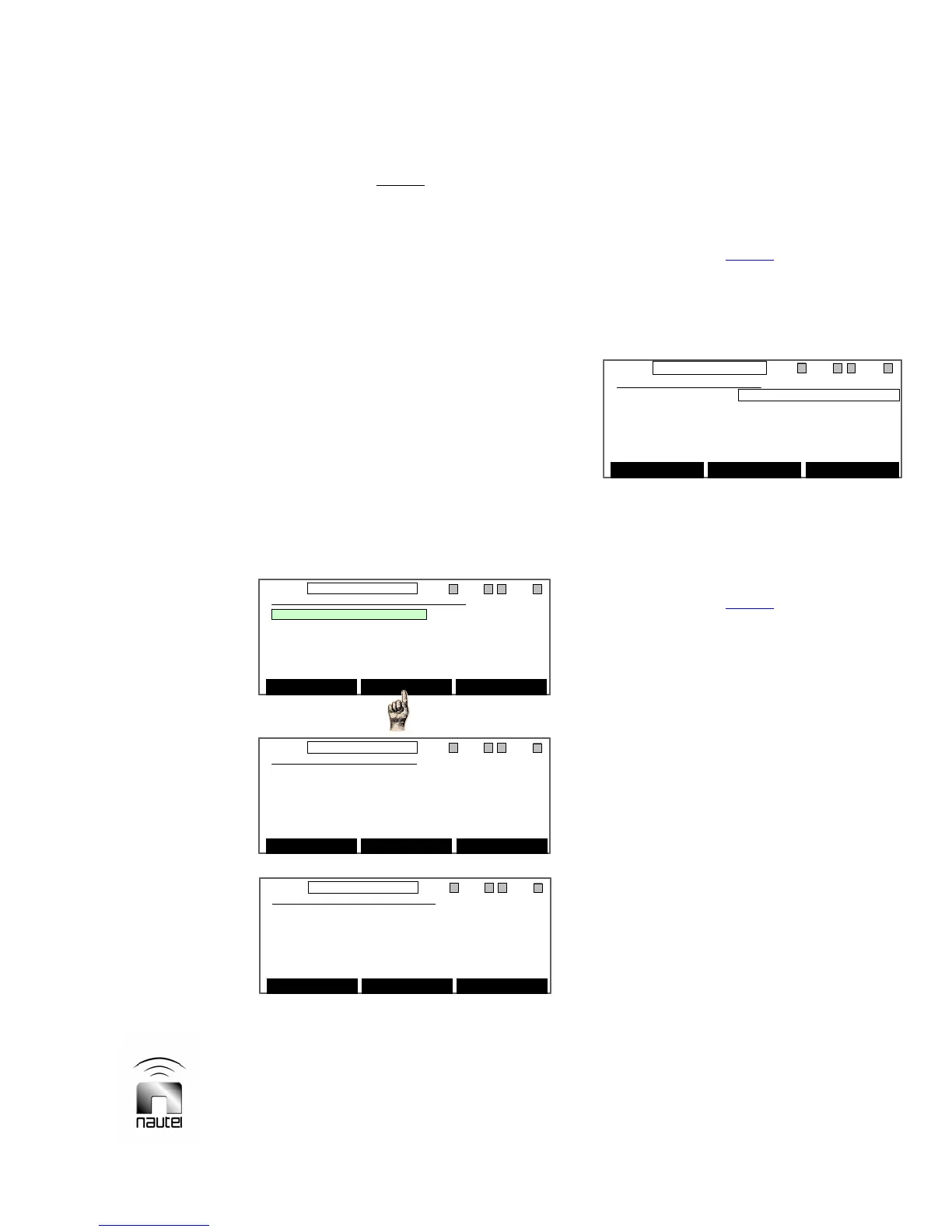
3.6.12.8 Save/Recall Factory Settings
The functions described in paragraphs
3.6.12.1 through 3.6.12.7 can be restored
to factory settings as follows:
(a) Use f or g to highlight Save Factory
Settings or Recall Factory Settings
and press Select. Carefully read the
appropriate WARNING message, then
press Yes to activate the change.
3.6.12.9 NxLink Configuration
Configure the NxLink, if installed, as
follows:
NOTE
The Hardware Settings screen only
displays NxLink Configuration if the
NxLink is installed and communicating
with the transmitter’s controller.
(a) Use f or g to highlight IP Address,
Netmask, Gateway or DNS Server.
Press Select on the address to be
edited.
NOTE
The DHCP’d Address is not a selectable
field. The address is automatically
assigned when the NxLink is connected to
a LAN (if DHCP is available on the
network) and the IP Address is set to
0.0.0.0 (as shown).
(b) Press Edit on the highlighted address
field to enable editing of the address.
Use f or g to move left to right
through the address sections.
(c) Press Save when complete.
(d) Press Back to return to the main
screen.
Save Factory Settings
WARNING: This will overwrite factory
default settings with the current
settings. Do you wish to proceed?
Yes No
11:26 98.10MHz 0.00kW 1 EXA IPAA/A FanA
Save Factory Settings
WARNING: This will overwrite factory
default settings with the current
settings. Do you wish to proceed?
Yes No
11:26 98.10MHz 0.00kW 1 EXA IPAA/A FanA
OR
Recall Factory Settings
WARNING: This will replace current
settings with the factory default
settings. Do you wish to proceed?
Yes No
11:26 98.10MHz 0.00kW 1 ExA IPAA/A FanA
Recall Factory Settings
WARNING: This will replace current
settings with the factory default
settings. Do you wish to proceed?
Yes No
11:26 98.10MHz 0.00kW 1 ExA IPAA/A FanA
Save/Recall Factory Settings
Save Factory Settings
Recall Factory Settings
Select Back
11:26 98.10MHz 0.00kW 1 EXA IPAA/A FanA
Save/Recall Factory Settings
Save Factory Settings
Recall Factory Settings
Select Back
11:26 98.10MHz 0.00kW 1 EXA IPAA/A FanA
11:26 98.10MHz 0.00kW 1 ExA IPAA/A FanA
NxLink Configuration
IP Address: 0 .0 .0 .0
Netmask: 0 .0 .0 .0
Gateway: 0 .0 .0 .0
DNS Server: 0 .0 .0 .0
DHCP’d Address: 192.168.1.60
Save Select Back
11:26 98.10MHz 0.00kW 1 ExA IPAA/A FanA
NxLink Configuration
IP Address: 0 .0 .0 .0
Netmask: 0 .0 .0 .0
Gateway: 0 .0 .0 .0
DNS Server: 0 .0 .0 .0
DHCP’d Address: 192.168.1.60
Save Select Back



 To Next Page