AVIOR-24S ™ Appendix C
BINR Tool kit User’s Guide
143
NAVIOR-24S ™ Revision V1.00 20.05.2008
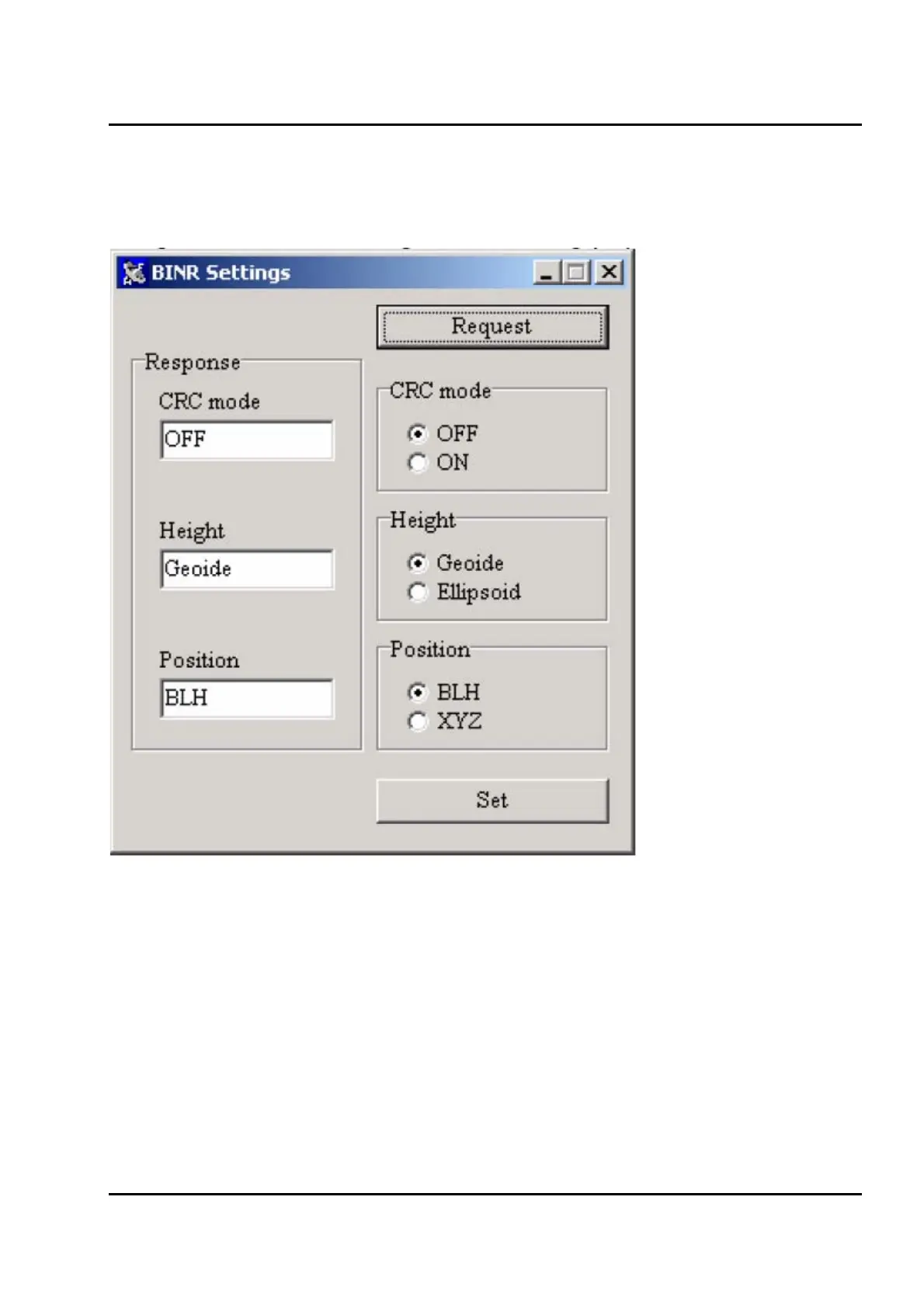
BINR Settings
A dialog window containing BINR setting pops up upon checking the checkbox.
Figure IV-9. BINR Settings window.
You may change settings in the right part of the window while their current status is shown
on the left (
Figure IV-9). Clicking "Request" button will cause a request packet for the settings to be
sent.


 To Next Page