AVIOR-24S ™ Appendix C
BINR Tool kit User’s Guide
153
NAVIOR-24S ™ Revision V1.00 20.05.2008
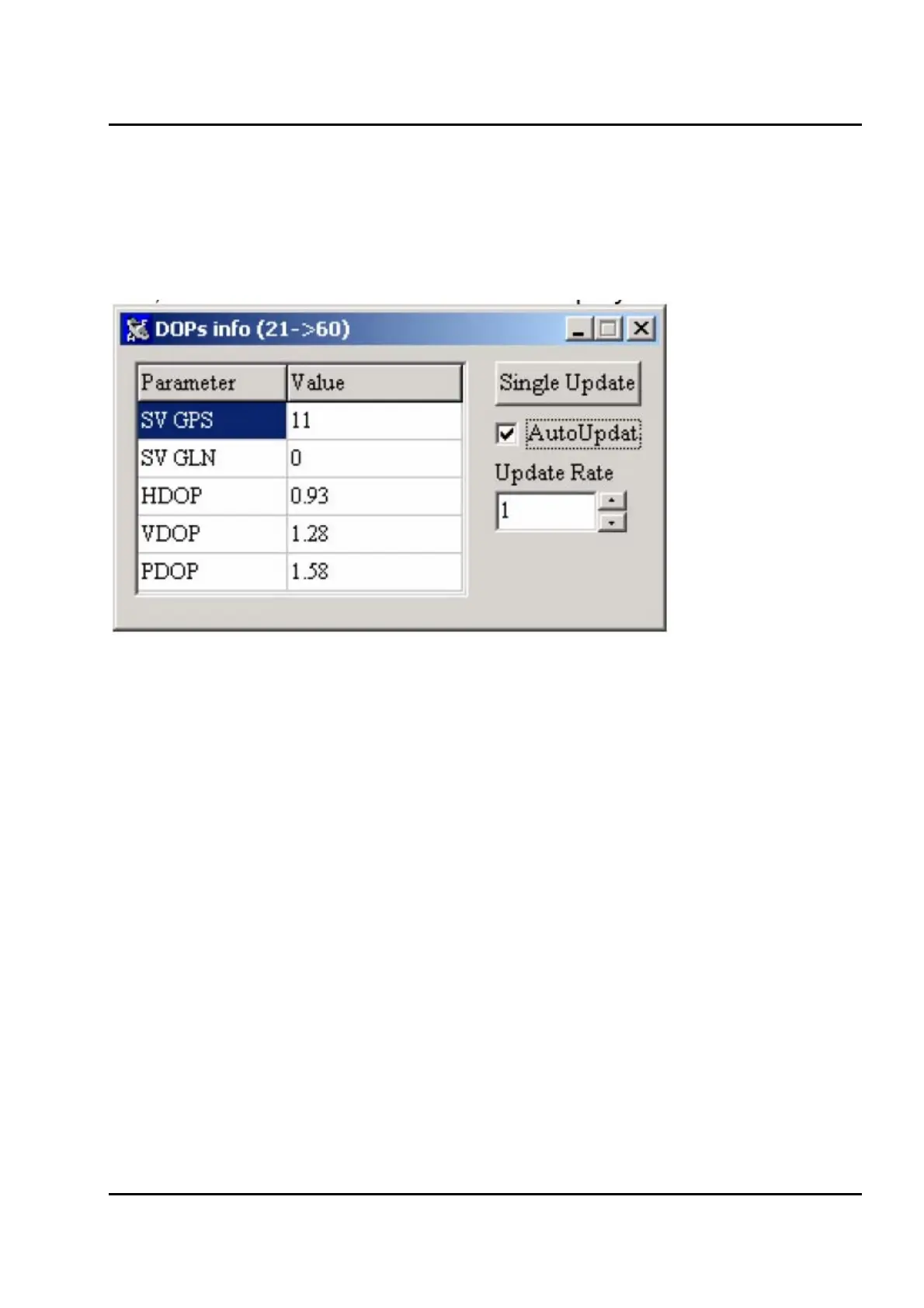
DOPs info
Figure IV-16 shows the DOPs info window window.
A number of GPS and GLONASS satellites used in calculation of position solution and
HDOP,VDOP and PDOP values are displayed.
Figure IV-16. DOPs info window
Automatic update of displayed data is set by default with update rate of 1 per second. Update rate
can be changed by entering an integer value into Update Rate field. Automatic update can be
switched off by unchecking AutoUpdate checkbox. When automatic update is switched off data can
updated by clicking the Single Update button.


 To Next Page