AVIOR-24S ™ Appendix C
BINR Tool kit User’s Guide
167
NAVIOR-24S ™ Revision V1.00 20.05.2008
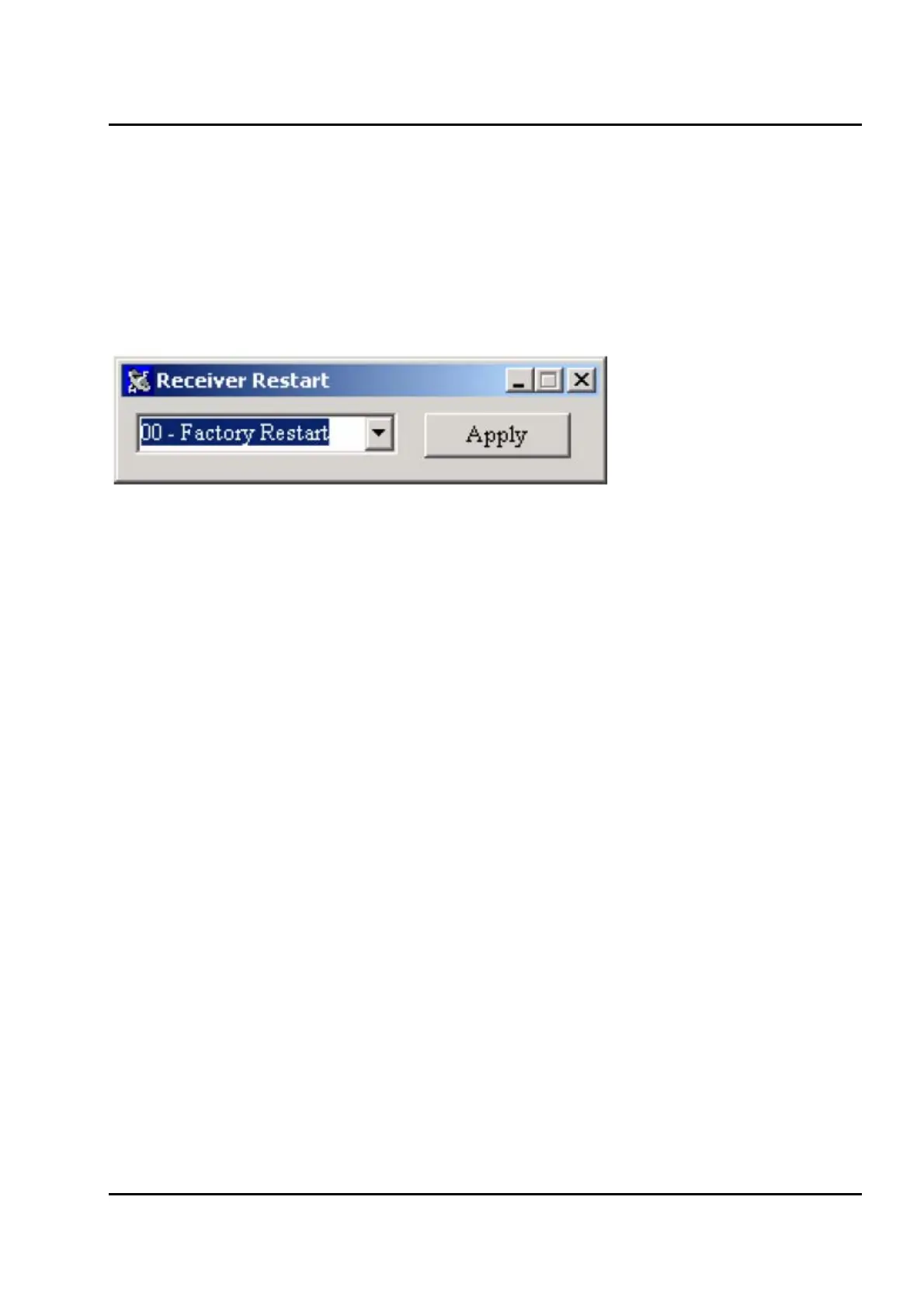
Receiver Restart
You will be asked for a restart type clicking the Cancel All Response Packet button in the Main
Window. Options are:
o Factory restart. This will erase any saved in the device’s EPROM data (almanac, ephemeris,
position fix etc) settings the receiver to factory defaults.
o Soft restart. The data in EPROM will saved. The device software is simply restarted.
Figure IV-27. Restart type


 To Next Page