AVIOR-24S ™ Appendix C
BINR Tool kit User’s Guide
145
NAVIOR-24S ™ Revision V1.00 20.05.2008
Serial Port Settings
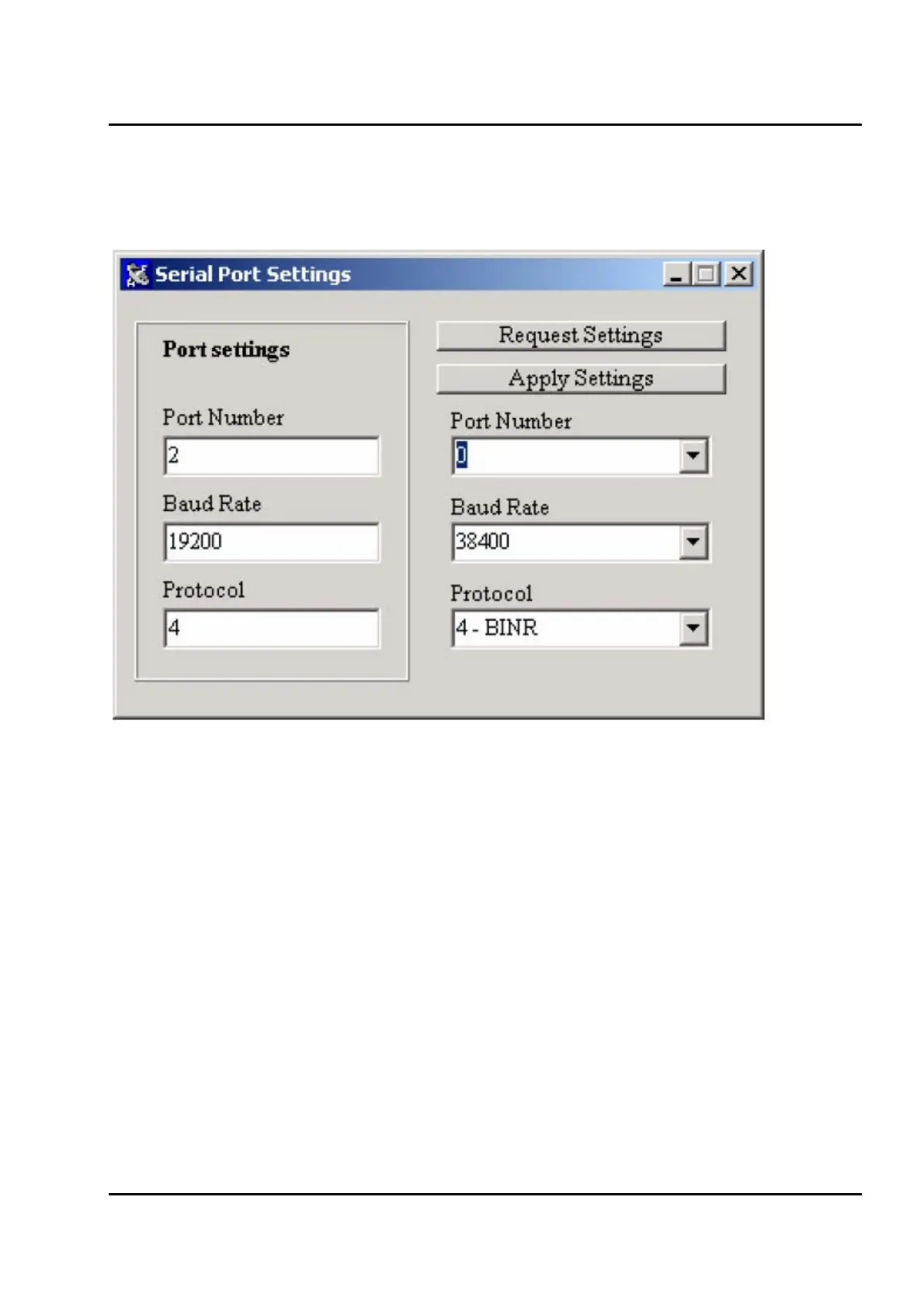
Figure IV-10 shows the Serial Port Settings window.
Figure IV-10. Serial Port Settings window
You may use Serial Port Settings window to request settings of one the receiver's COM ports and to
apply your own settings by clicking buttons Request Settings and Apply Settings respectively.
Specific COM port can be chosen by using Port Number drop-down list box.
Values for the list box are:
0 -- current COM port
1 -- receiver's COM1
2 -- receiver's COM2


 To Next Page