AVIOR-24S ™ Appendix C
BINR Tool kit User’s Guide
166
NAVIOR-24S ™ Revision V1.00 20.05.2008
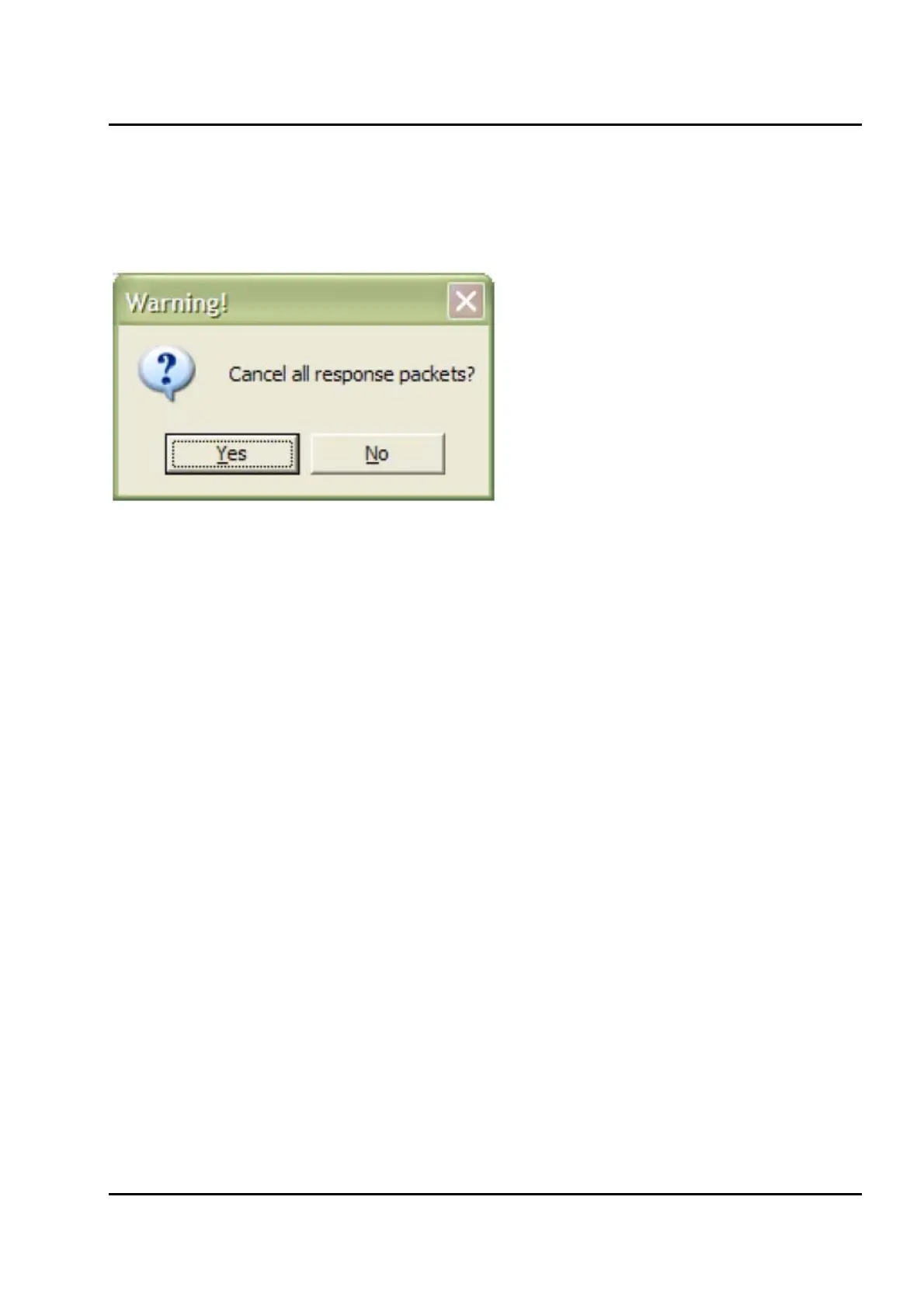
Cancel All Response Packets
You will be asked for a confirmation after clicking the Cancel All Response Packet button in the
Main Window.
Figure IV-26. A confirmation request
Clicking yes will stop transmission of all packet from the receiver until further requests.


 To Next Page