77
Neural Capture
Set your microphone position and tweak the device parameters to
your liking.
Capture process
Here you can modify the levels in order to get a better
performance during the Capture process.
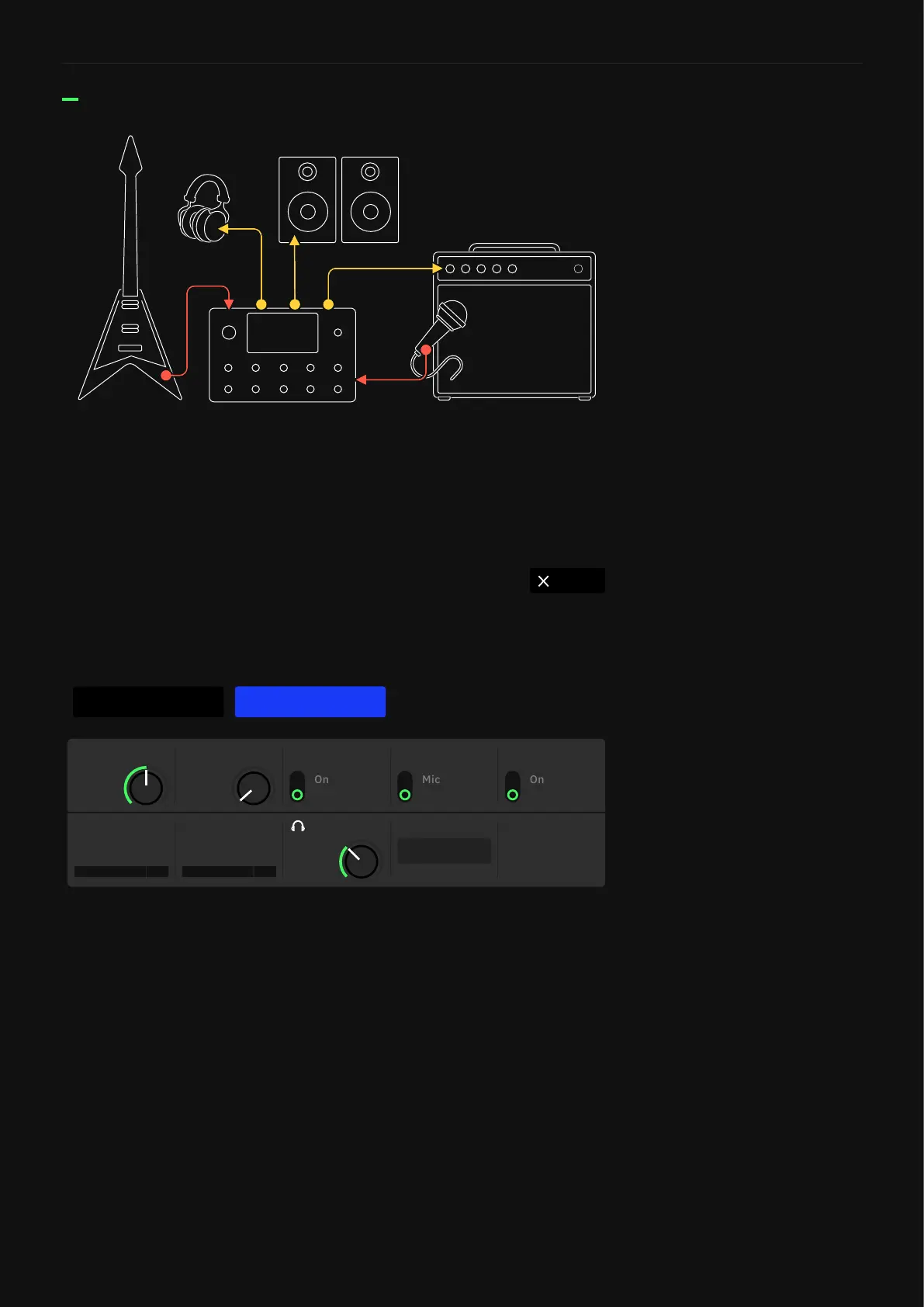
• INST LEVEL KNOB: Sets the input gain of the instrument signal
• IN 1 LEVEL KNOB: Sets the input gain of the microphone
signal.
• GROUND LIFT SWITCH: Enable them in order to reduce or
eliminate the ground-related noise arising from ground loops in
audio cables or other sources.
• TYPE SWITCH: Toggles between “Mic” and “Instrument”
inputs. Use “Instrument” if the device being captured is
connected to Quad Cortex with a TS cable. Use “Mic” if the
device being captured is connected to Quad Cortex with an XLR
cable.
• PHANTOM SWITCH: Enables the Phantom Power (48v).
CancelNeural Capture
● Please verify your Quad Cortex is properly connected to the target device.
● Reduce levels if any of the meters detect clipping.
● The IN 1 GROUND LIFT can mitigate noise caused by ground loops between Quad Cortex
and the target device.
START CAPTURE
Off
GROUND LIFT
0.00
IN 1 LEVEL
0.71
INST LEVEL
Instrument
TYPE
Off
PHANTOM
0 dB
0.71
LEVEL
0 dB
AUTO-SET
The INST LEVEL knob should be
set as loud as possible without
clipping (-10dB or higher if
possible).



 To Next Page