22Presets
1/2
Out
1
In
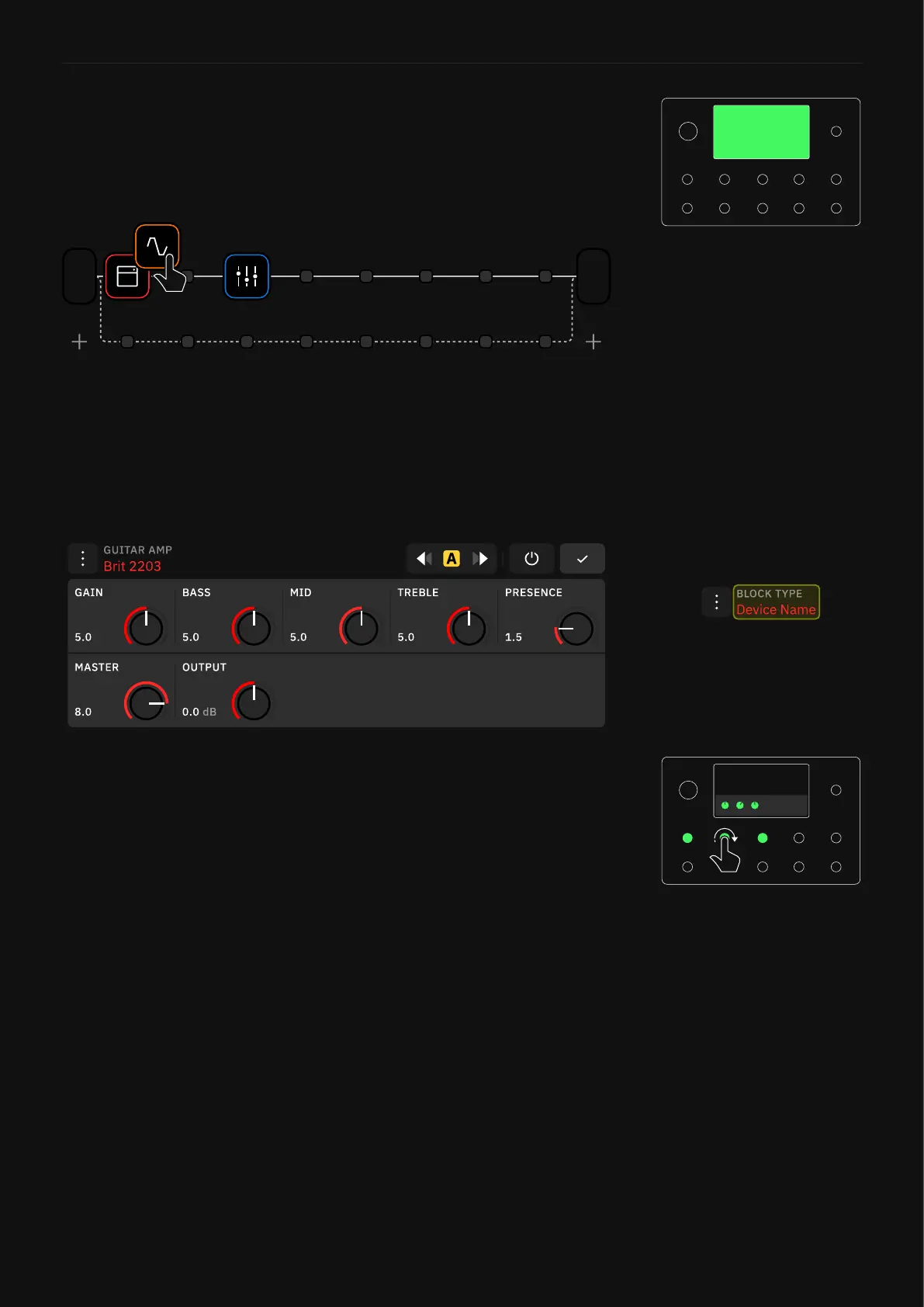
If you add an amp and cab rst but need to add an overdrive pedal
in front after, repositioning everything is as simple as dragging-
and-dropping the blocks into the order you require. Once you have
added a block to The Grid, tap it to open its menu.
Build a virtual rig from left to right. It’s important to remember how
you might approach building a signal chain with analog components,
dragging-and-dropping a block after you’ve added it to The Grid is
effortless.
From here, several controls are available to you. Footswitches will
light up and correspond to any knob on the block you’ve added.
Parameters such as gain can be controlled either by rotating the
footswitch or interacting with the screen.
Tap the Device’s Name to access
the Device List and audition
different devices.



 To Next Page