49Plugin Compatibility
Plugin Blocks
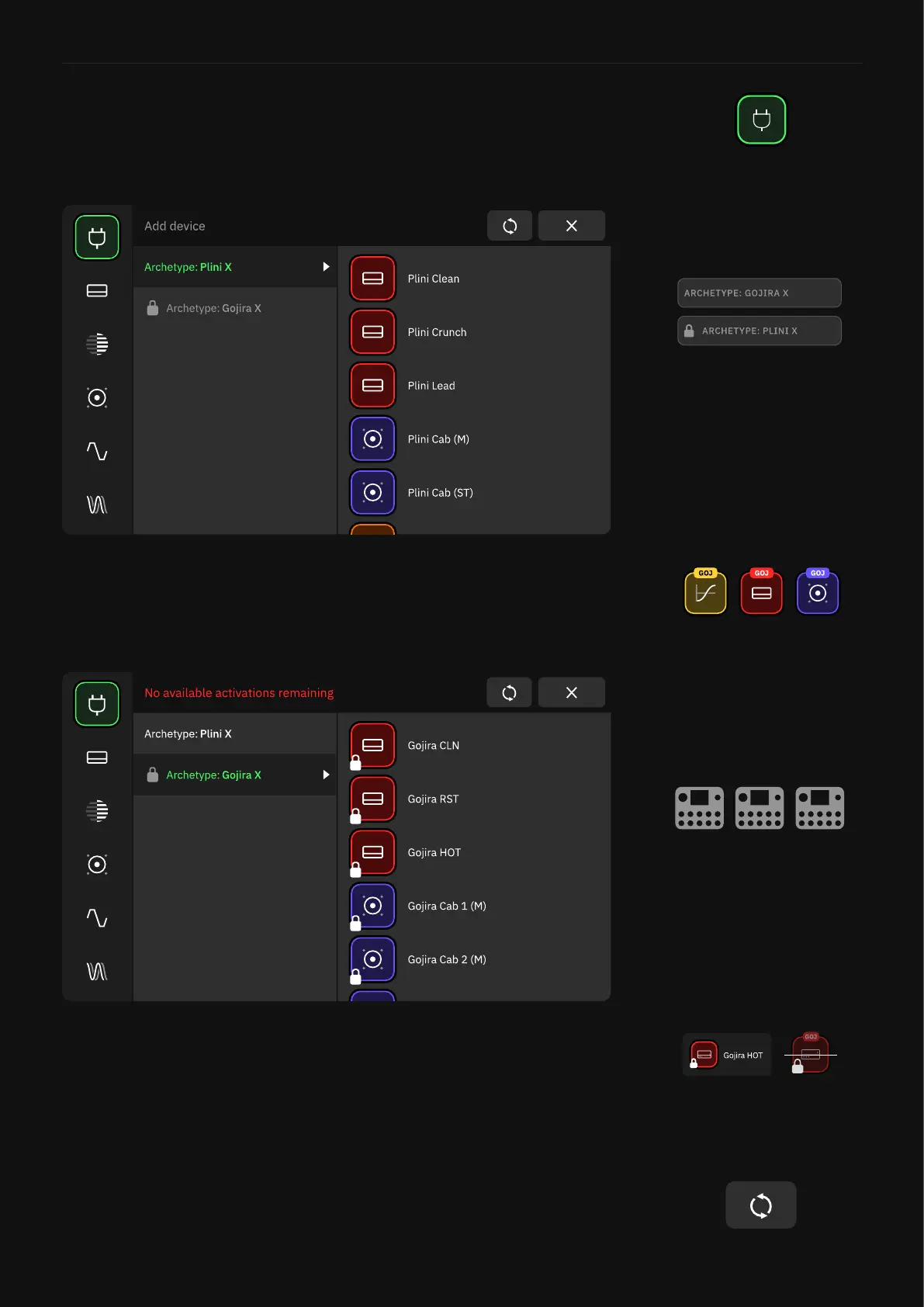
Plugin device blocks can be found in the PLUGINS category in the
Device List.
Blocks are organized in different plugin folders. Tap on them to ex-
pand their device blocks in place. Once you tap any device block in
the Device List, it is automatically loaded onto the selected slot in
The Grid.
A single plugin license can be used on up to 3 Quad Cortex units
simultaneously. Once the activation limit is reached, plugin device
blocks will appear locked in the Device List and bypassed in The
Grid on the fourth Quad Cortex linked to the same account.
• Refresh
Tap ‘Refresh’ to update the plugin availability status in the Device
List. Plugin blocks will be unlocked as soon as a valid plugin license
is detected in your account or a location becomes available again.
Not-owned plugins will appear
locked in the Device List. Locked
blocks cannot be loaded onto
The Grid.
You can use your plugins on up
to 3 Quad Cortex units.



 To Next Page