24Presets
Check the block parameters and adjust them to resolve any issues.
1
Send
1
In
1
Send
2
In
PRESET
A
A1 Clipping
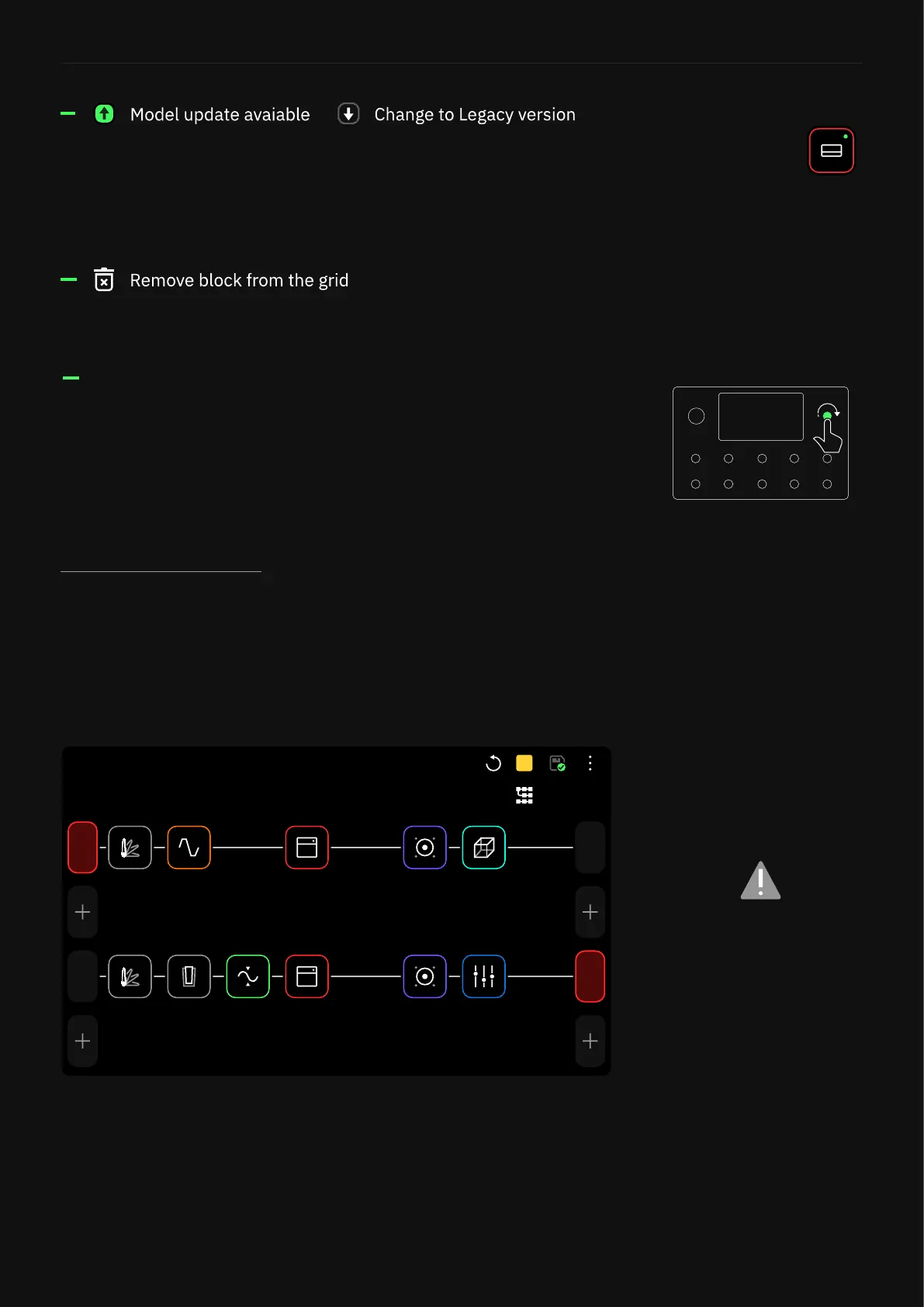
In order to keep your signal healthy, Input and Output blocks will
turn red if their assigned I/Os are clipping.
Clipping Alert
In this case, IN 1 and SEND 1
are clipping.
When a block menu is open, turn the top-right footswitch clockwise
or counterclockwise to navigate through the virtual devices or
Neural Captures within the same category without opening the
Virtual Devices Library.
Toggles between the legacy or the newest version of the current
device. A green dot will be displayed over the block when a new
version is available.
Removes the device block from The Grid.
Update Available



 To Next Page