8Getting Started
To turn the Quad Cortex on, connect the power cable to the input on
the back and wait for it to power up.
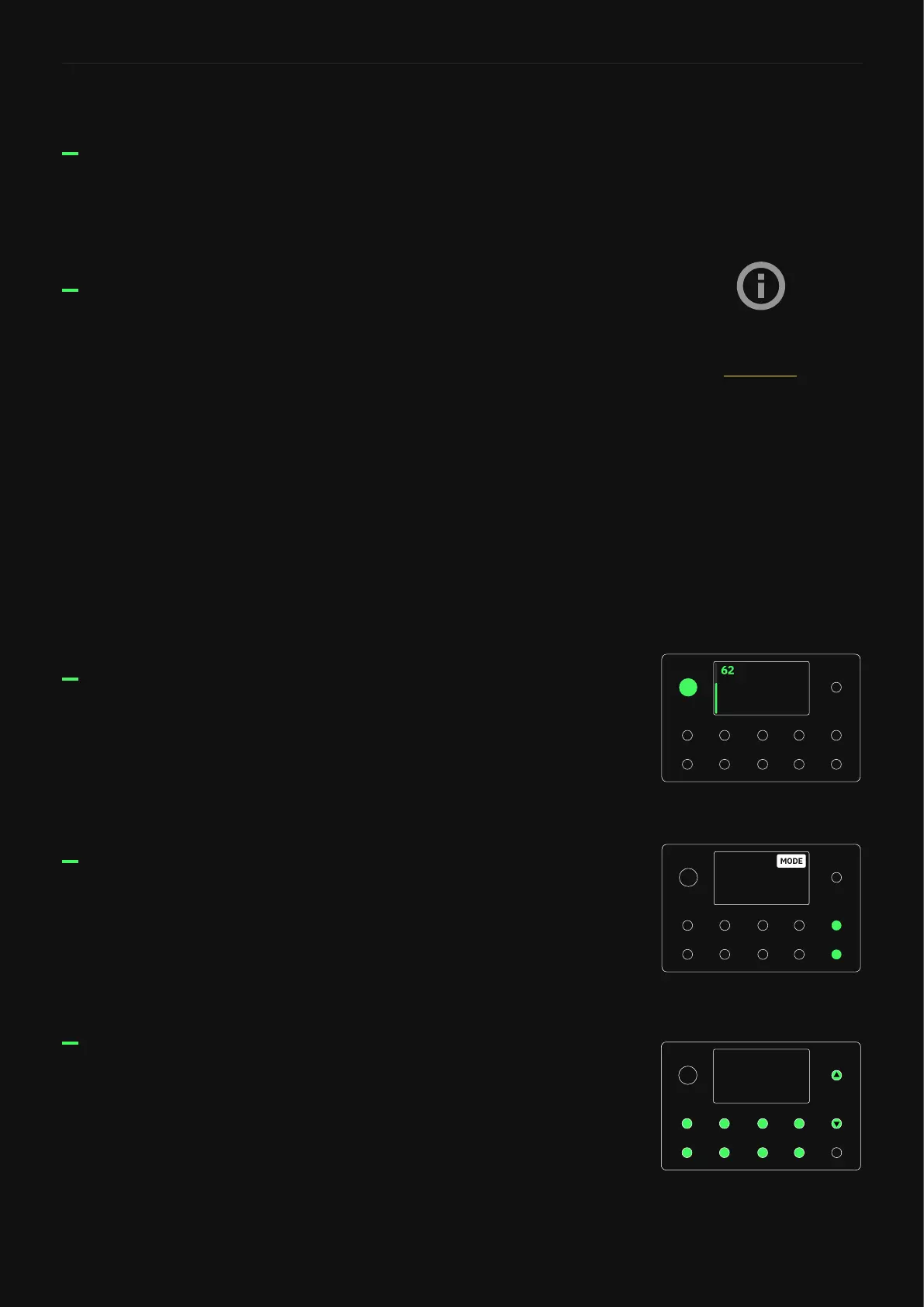
Tap the name of the mode currently active at the top-right of the
display or press the furthest-right footswitches on the bottom two
rows together.
Before connecting your instrument, make sure the master volume
knob is turned down.
Connect your instrument to INPUT 1.
Connect your studio monitors, PA, or FRFR cabinet to either XLR
Outputs 1/2 or TRS Outputs 3/4.
Alternatively, you can connect connect Headphones to the HP
Output�
Quick Start
Turning on your Quad Cortex
Changing Modes
Connecting your gear
While in Preset Mode, press A-H footswitches to switch Presets�
Press Up/Down footswitches to navigate Preset banks�
Turn the knob clockwise to increase the output volume� Turn it
counterclockwise to lower the output volume�
Browsing Presets
Master Volume Knob
If you’re not sure about the
correct input/output levels,
check the I/O Settings section.



 To Next Page