9Getting Started
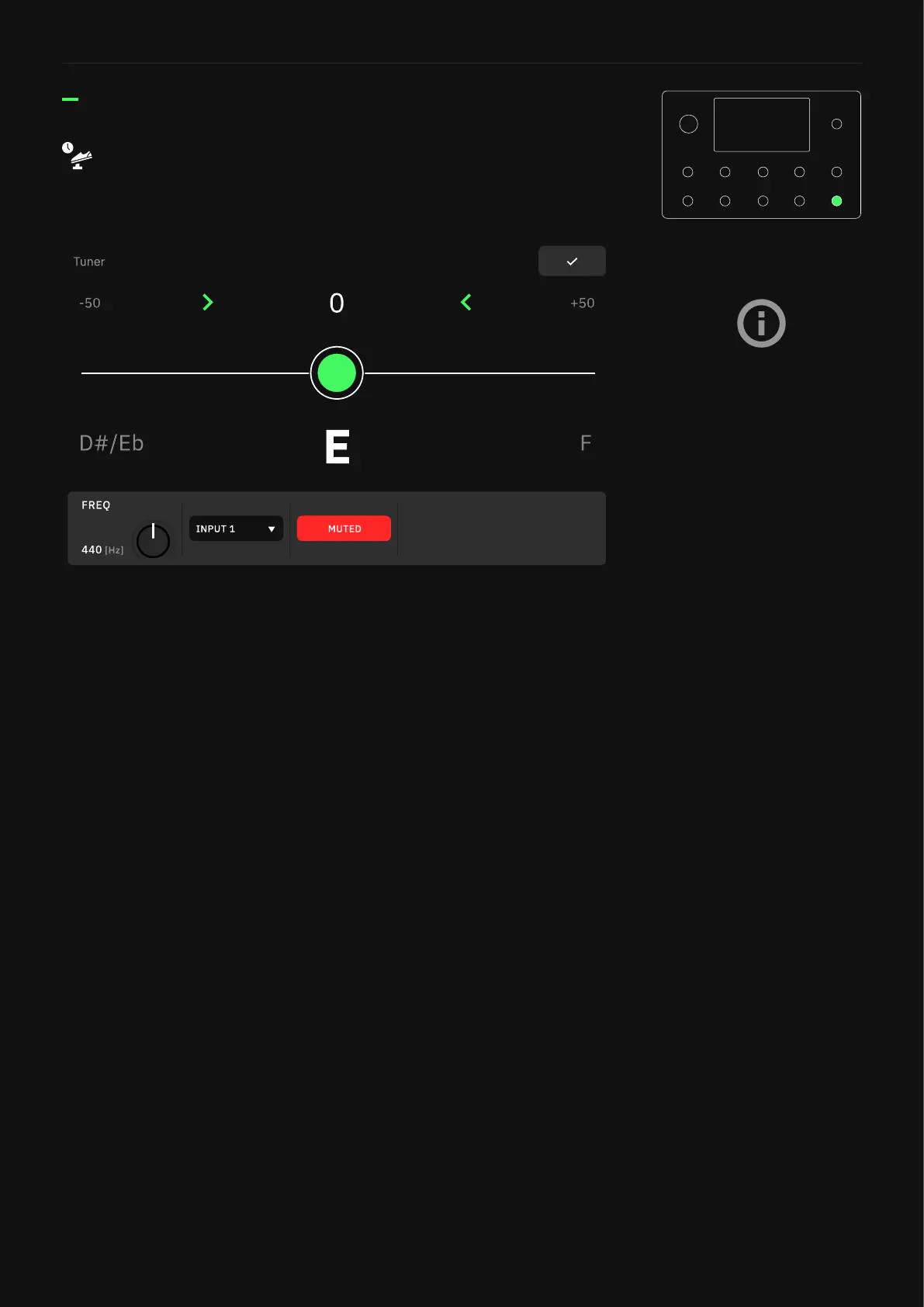
• FREQ Knob: Determines the tuner reference pitch.
• INPUT Combo Box: Tap to choose which input will feed the
Tuner Input.
• MUTE Button: Tap to mute/unmute the input signal when the
Tuner screen is open.
By default, Press and hold the bottom-right footswitch to
activate the Tuner�
Tuner
It is also possible to feed both
Inputs 1/2 simultaneously to
the Tuner.
This allows for USB playback and
the Looper to continue feeding
signal to the outputs while the
tuner is being used.



 To Next Page