10Getting Started
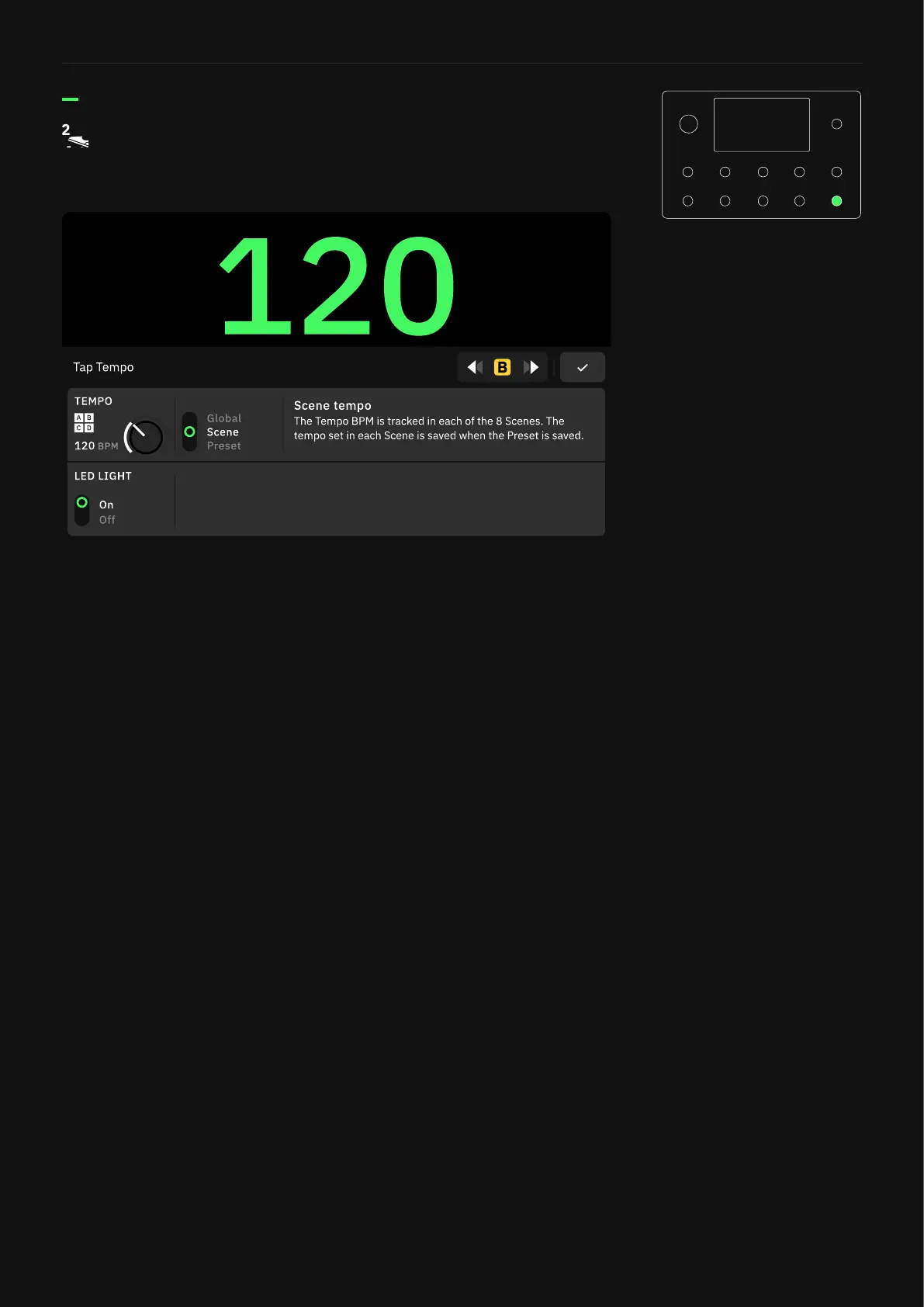
• TEMPO Knob: Sets the Tempo value (BPM).
• TEMPO MODE Switch: Determines whether the TEMPO is the
same for each Preset/Scene, or if it’s saved per Scene, or saved
per Preset.
• LED LIGHT Switch: Tap to activate/deactivate the Tempo LED
light.
By default, double-press the bottom-right footswitch to open
the Tap Tempo menu� Keep pressing to modify the tempo value�
Tempo Screen



 To Next Page