11Getting Started
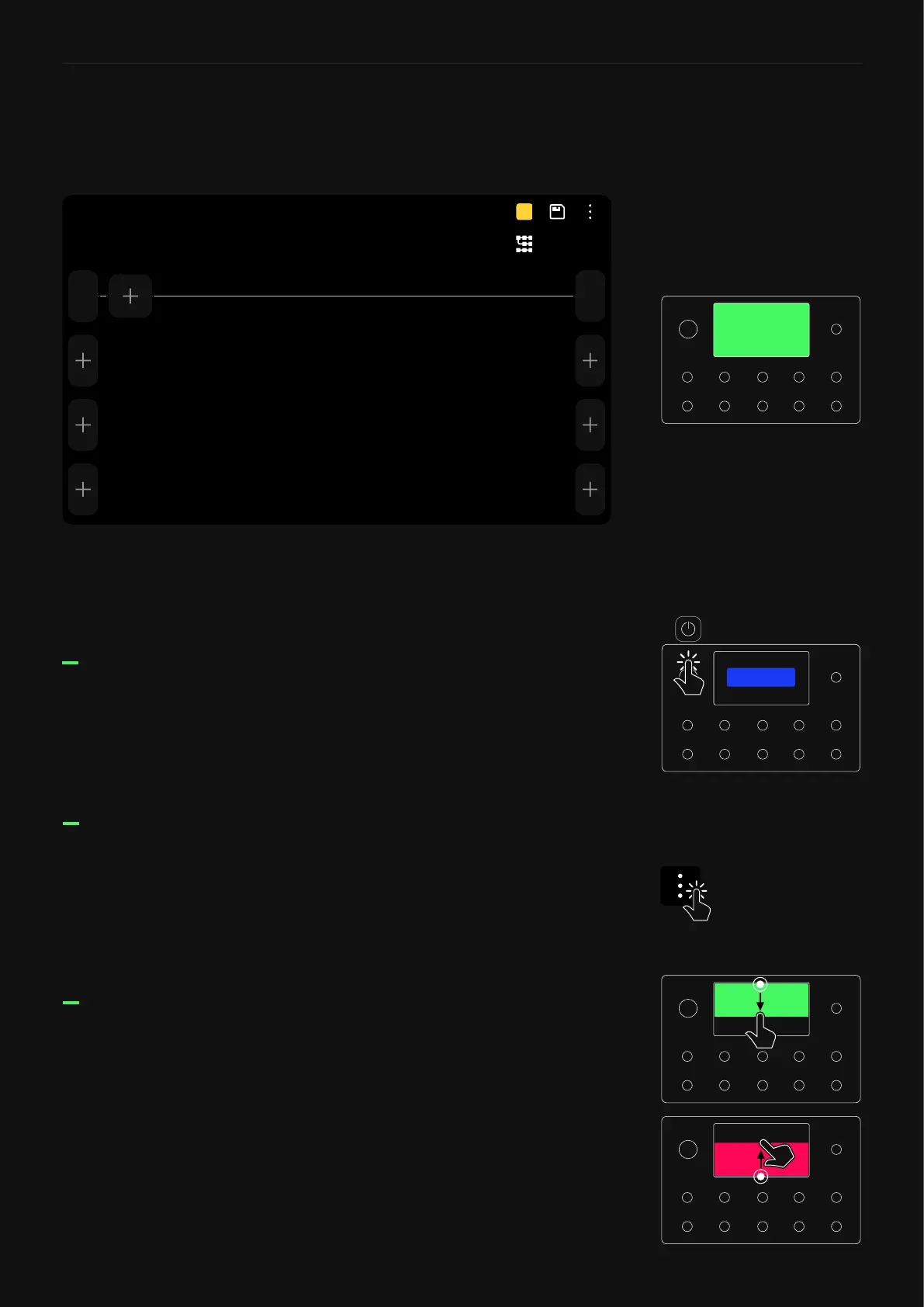
We call the screen where you can add blocks to build a virtual rig
“The Grid”.
The Grid has four rows of eight virtual device block spaces. Almost
all the items on the screen can be controlled by using gestures,
footswitches, or dedicated commands.
Gesture commands
PRESET
A
UnsavedA1
Out
Multi
1
In
To turn Quad Cortex off, press the power button and tap SHUT
DOWN.
Grid’s contextual menu: Tap the upper-right corner of The Grid to
access the Main Menu.
Swipe down from the top of the screen to access the I/O Settings
screen.
Swipe up from the bottom of the screen to access Gig View.
The Grid
Check the Power Functions
section for more information.
SHUT DOWN



 To Next Page