38Presets
Using External IR les
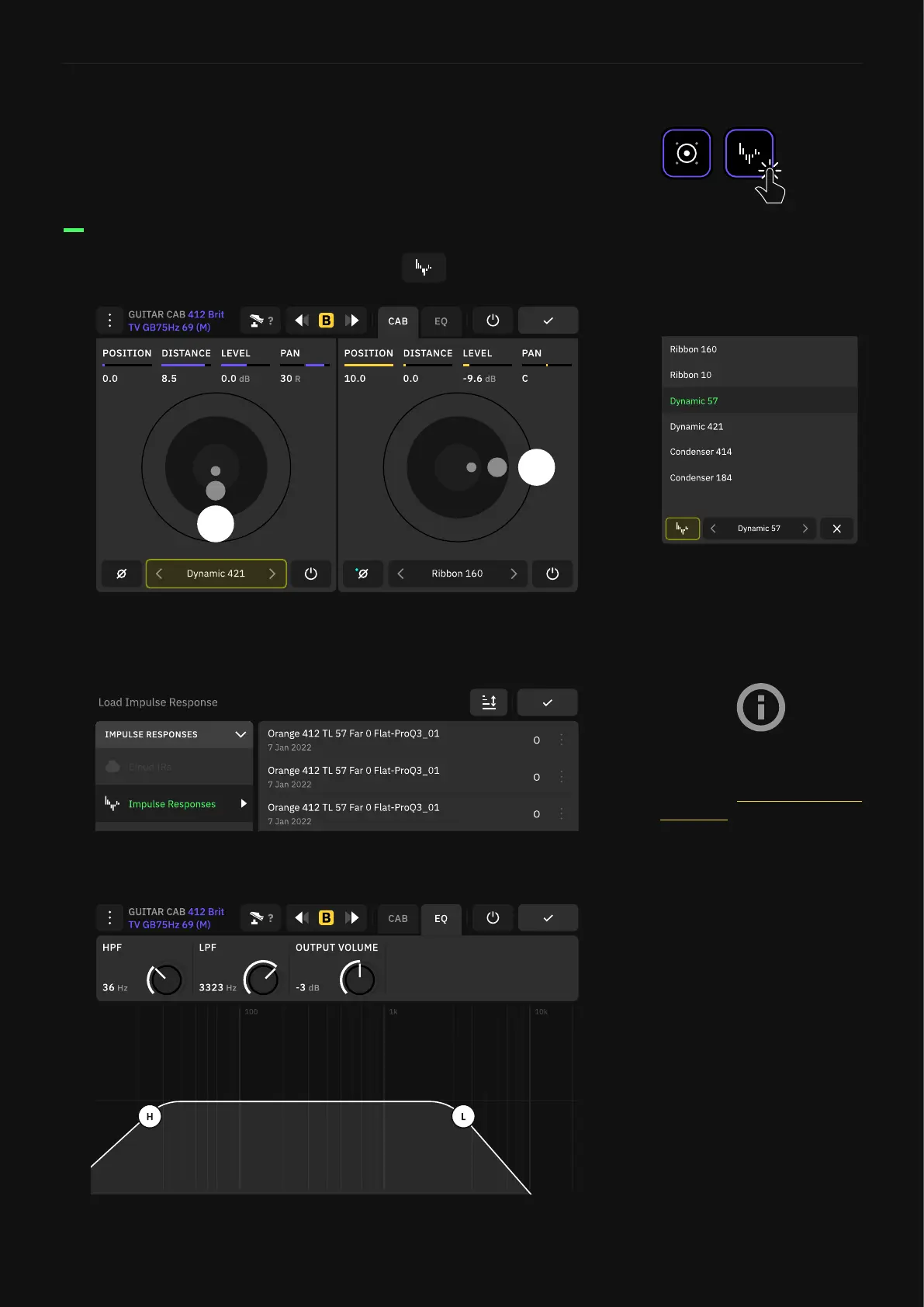
Using your own IR les is also possible on Quad Cortex. They can be
loaded on both IR Loader and Cab blocks.
Tap on the Impulse selector box and tap
Choose an IR le from the Impulse Response Library to load it on
the Speaker slot.
Loading IRs on a Cab block
Tap the EQ tab to access the Low and Hi pass lters.
For more details on how to
import Impulse Responses,
check the Uploading Impulse
Responses section.



 To Next Page