92Cortex Cloud
Friends can share les with each other, even if they areset toprivate.
To become friends with someone, you both have to be followers
ofeach other.
While it is possible to use Quad Cortex offline, downloading the
Cortex Cloud app allows you to discover Presets and Neural Captures
from other users.
Cortex Cloud is available on the App Store® and Google Play®.
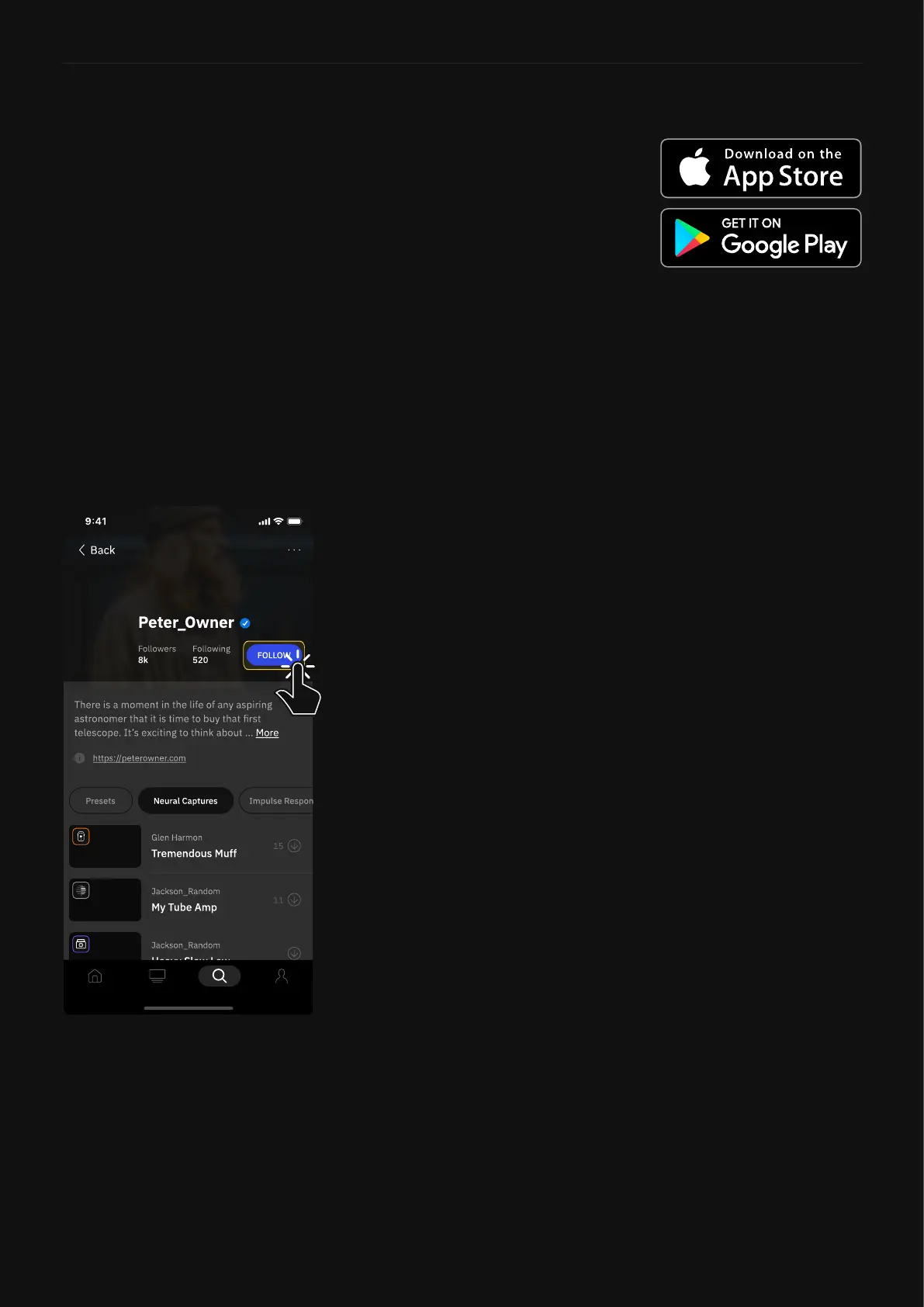
1. Use the Discover page’s search
function to search for a user.
2. Tap FOLLOW next to the user
you wish to follow. The status
will change to FOLLOWING.
3. When they follow you back,
you will be friends, and will
see each other on your Friends
lists.
4. You can share your items with
a friend via Quad Cortex or
Cortex Cloud, even if your items
areprivate.
5. Shared items will be available
for download on your Quad
Cortex (Dowloads).
Adding Friends
Cortex Cloud App



 To Next Page