229
t
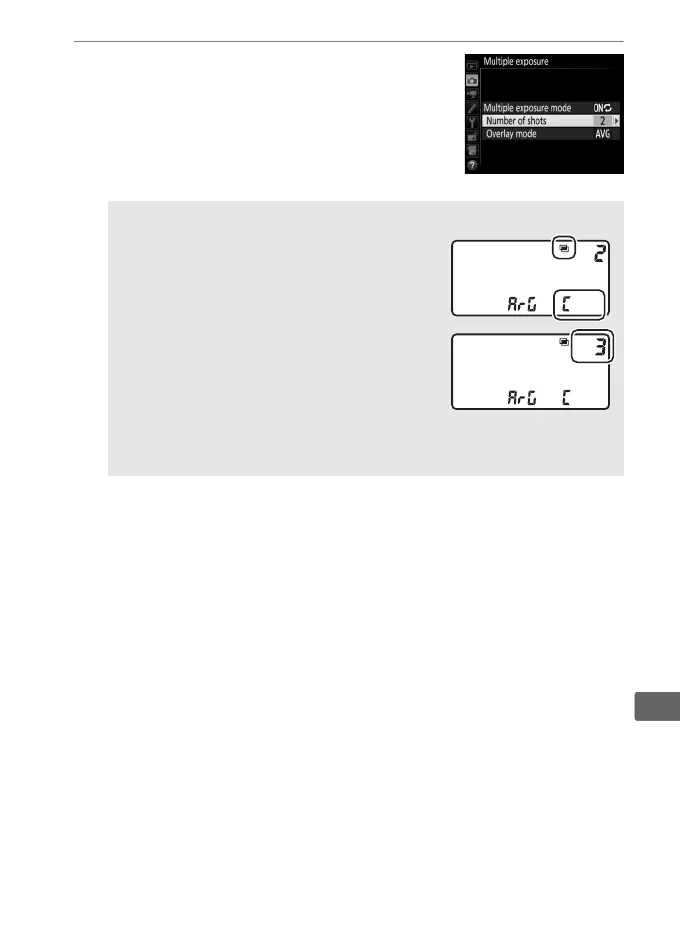
3 Choose the number of shots.
Highlight Number of shots and press 2.
Press 1 or 3 to choose the number of
exposures that will be combined to form
a single photograph and press J.
A The BKT Button
If Multiple exposure is selected for
Custom Setting f1 (Custom control
assignment) > BKT button + y (0 344,
351), you can select the multiple exposure
mode by pressing the BKT button and
rotating the main command dial and the
number of shots by pressing the BKT button
and rotating the sub-command dial.
The
mode and number of shots are shown in
the top control panel: the icons representing the mode are a for
Off, B for On (single photo), and b for On (series).



 To Next Page