40
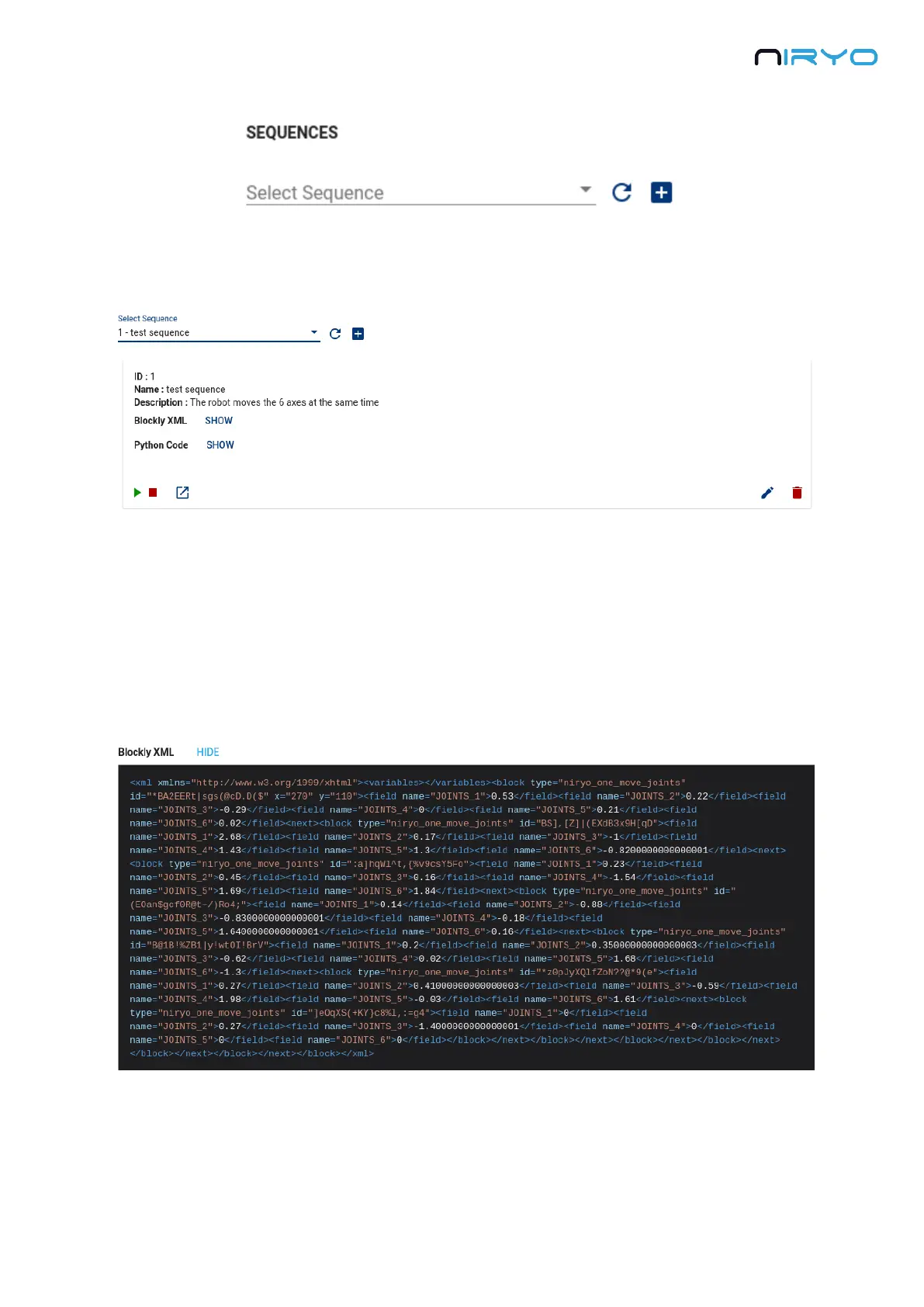
You can pick a previously saved sequence from the select box. Click on a sequence to see all
the properties and actions available for this sequence.
A sequence has several properties:
A unique ID
A name
A description: when you edit a sequence, you can give a description to tell what the
sequence is doing. This will help you and other people know what the sequence is
about.
Blockly XML : the XML representation of the sequence (this is what Niryo Blocks is using
to show the blocks on the workspace)
Python Code: The generated Python code from the XML. This is the code that is actually
executed on the Raspberry Pi 3B inside the robot.



 To Next Page