Configuring the IP Phone 1140E
77
Your Bluetooth wireless technology headset is no longer paired with your
phone, and the wired headset can be used. To use the wireless headset
again, you must perform the pairing and activation procedure.
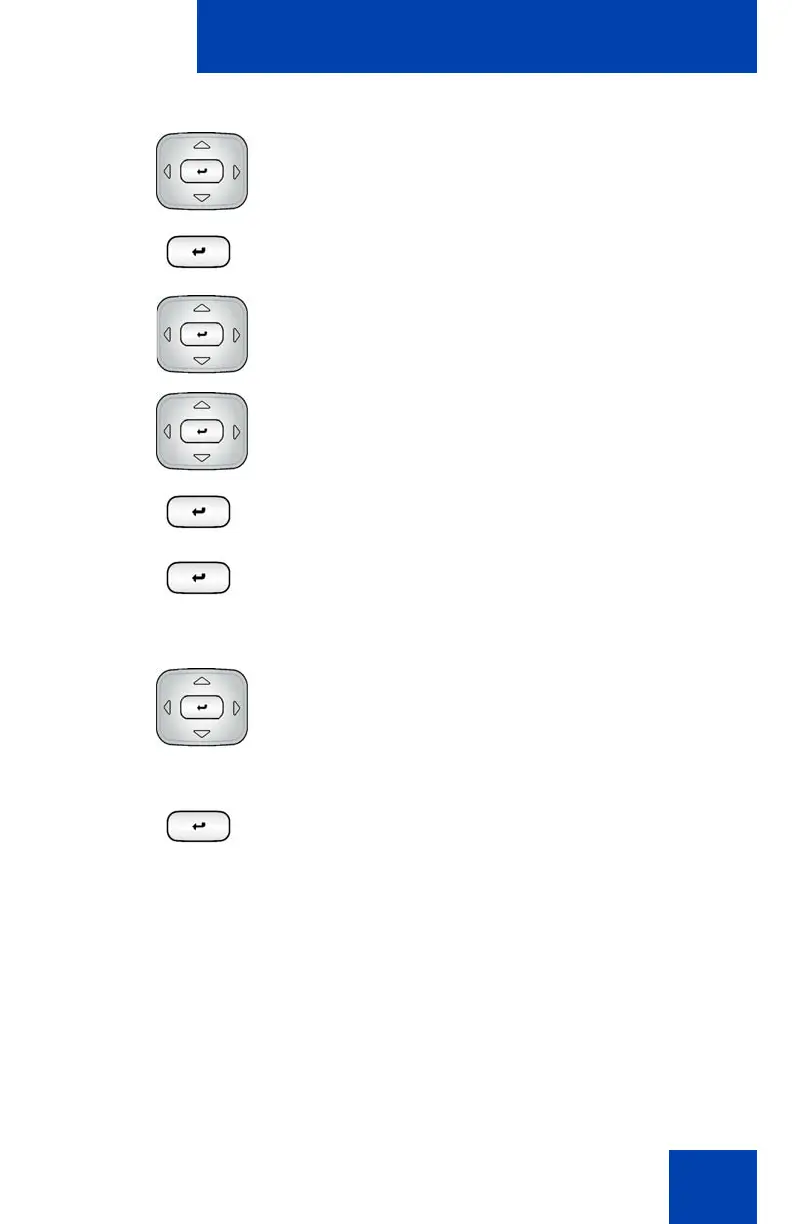
3. Choose one of the following:
• If the name of your headset appears in
the Paired: box, proceed to step 5.
• If more than one device is paired, and
your headset is not already displayed in
the Paired: box, do the following:
a. Press the Right navigation key one
or more times to highlight the
Paired: box. Press the Select/Set
key to open edit mode.
b. Press the Up/Down navigation key
to open the list. Press the Up/Down
navigation key to scroll in the list and
highlight your headset.
c. Press the Select/Set key to select
the headset and close the box.
Press the Select/Set key to exit edit
mode.
4. Press the Right navigation key one or
more times to highlight the UnPair button
(next to the UnPair Device item).
5. Press the Select/Set key.
Your Bluetooth wireless technology
headset is unpaired and removed from
the Paired: item list.

















 To Next Page