Chapter 6 - Creating Waypoints
951/952 Operator’s Manual Rev. B Page 91
the
key again to re-start the entire transfer process (this means
that all waypoints and routes, not just the ones already in the receiving
unit and the ones left to be transferred, are re-transferred).
1. Select the unit you’d like to use as the master. Remember:
You can use either of the two units because both units are
capable of importing or exporting waypoints and routes.
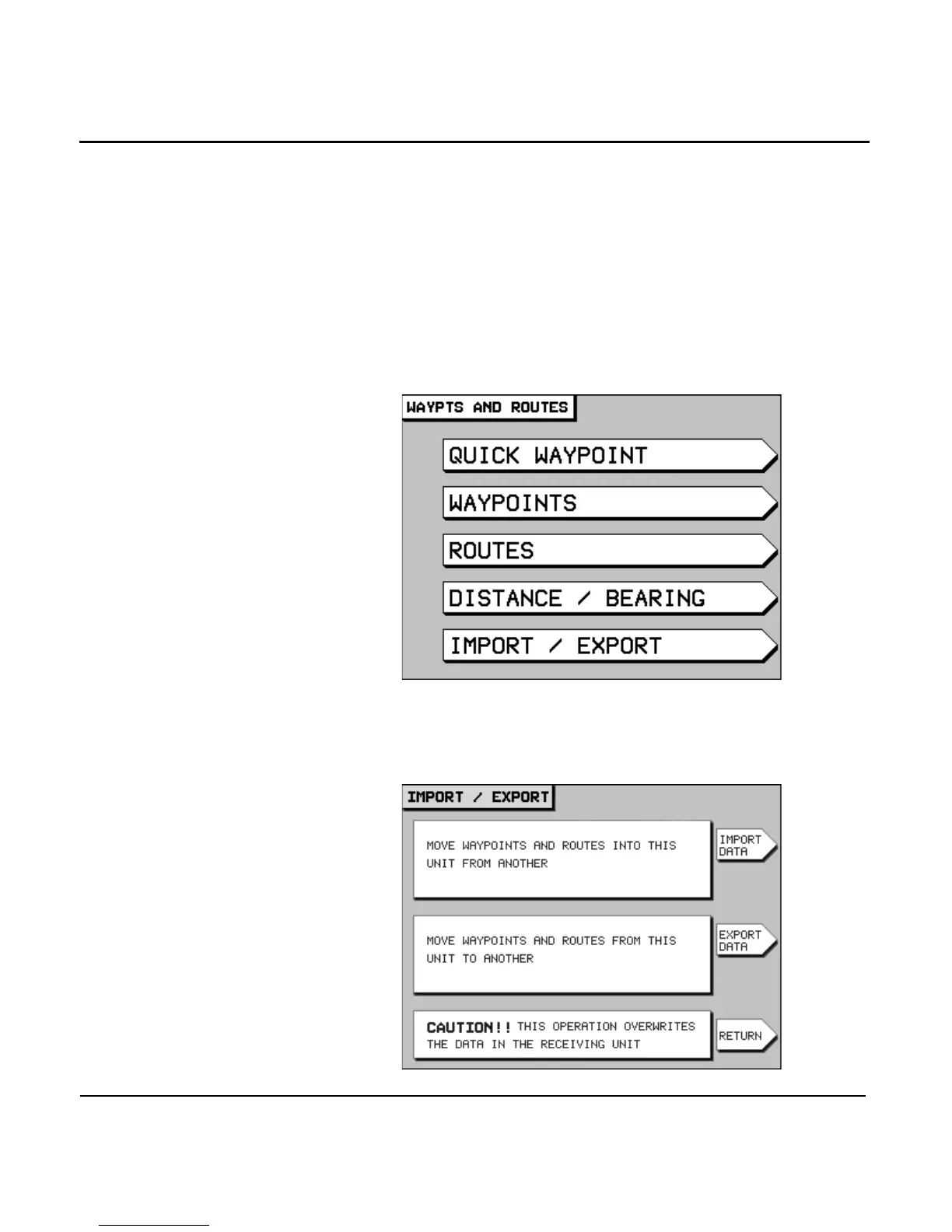
2. At the master unit, press the key to
display the WAYPTS AND ROUTES screen.
3. Press the menu key to display the
IMPORT/EXPORT screen.



 To Next Page