Page 94 951/952 Operator’s Manual Rev. B
Chapter 6 - Creating Waypoints
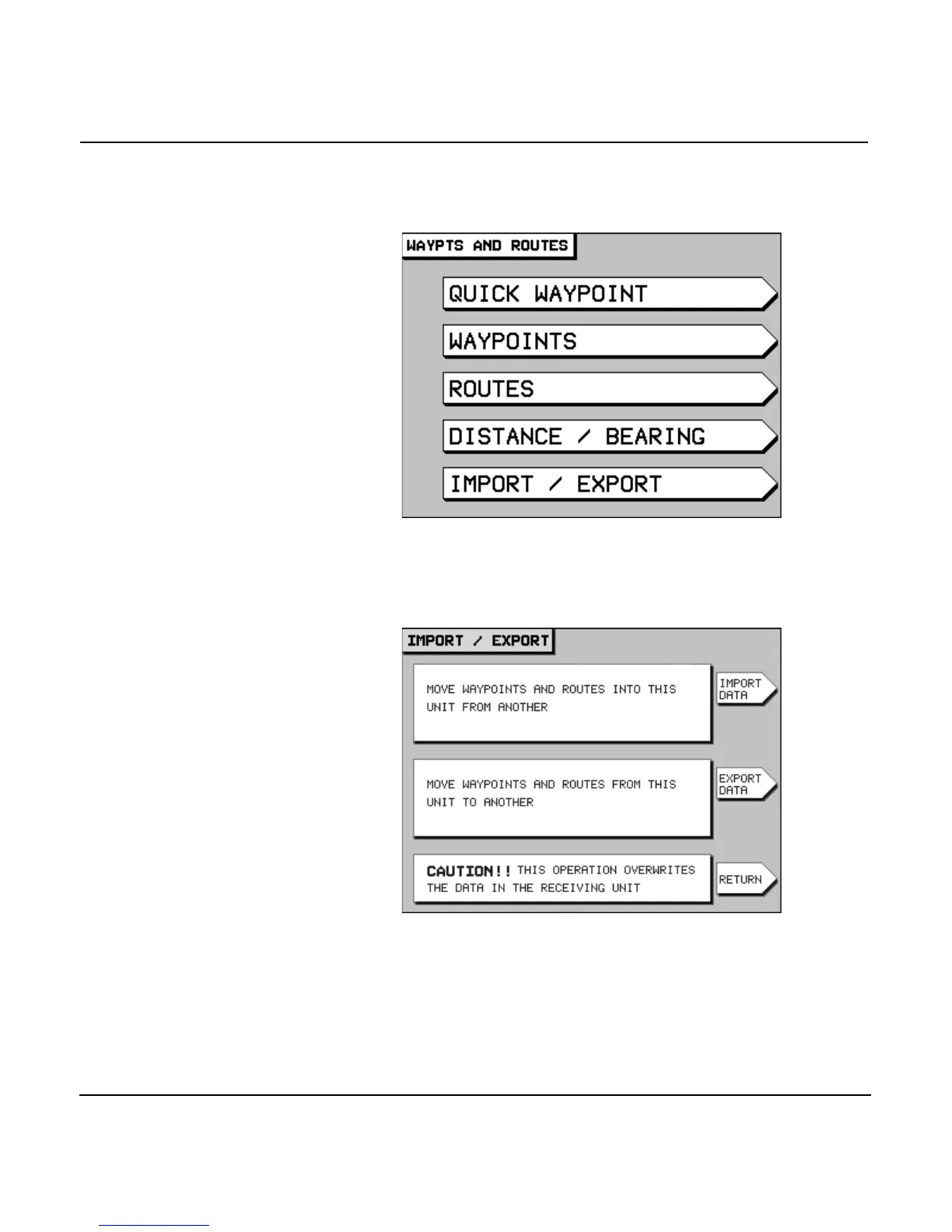
2. At the “master” unit, press the key to
display the WAYPTS AND ROUTES screen.
3. Press the menu key to display the
IMPORT/EXPORT screen.
4. Press the menu key to display the
EXPORT DATA screen. The status bar in the center of the
screen displays the message READY TO TRANSFER to
show that the transfer is ready to start.



 To Next Page